Tablets are often seen as the next best thing to a laptop, and with how much they’ve improved in recent years, that label doesn’t feel exaggerated anymore. Apple’s iPads are still the default choice for productivity and creative users, while Samsung’s Galaxy Tabs continue to be the more visible option on the Android side.
But while some brands are only now starting to take tablets more seriously, Xiaomi has quietly built a consistent lineup of its own. The Xiaomi Pad 8 is the latest model in that portfolio, and it brings some notable performance upgrades while sticking to a familiar formula.
Design: The Pad 8 Gets Thinner and Lighter, But Stays Premium
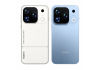
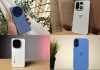
Xiaomi is sticking closely to the design language of its predecessor here, but there are still a few meaningful refinements. The latest Pad 8 measures just 5.8mm thick and weighs around 490 grams, making it marginally thinner and lighter than the model before it. It still carries that premium feel with an aluminium frame and back.
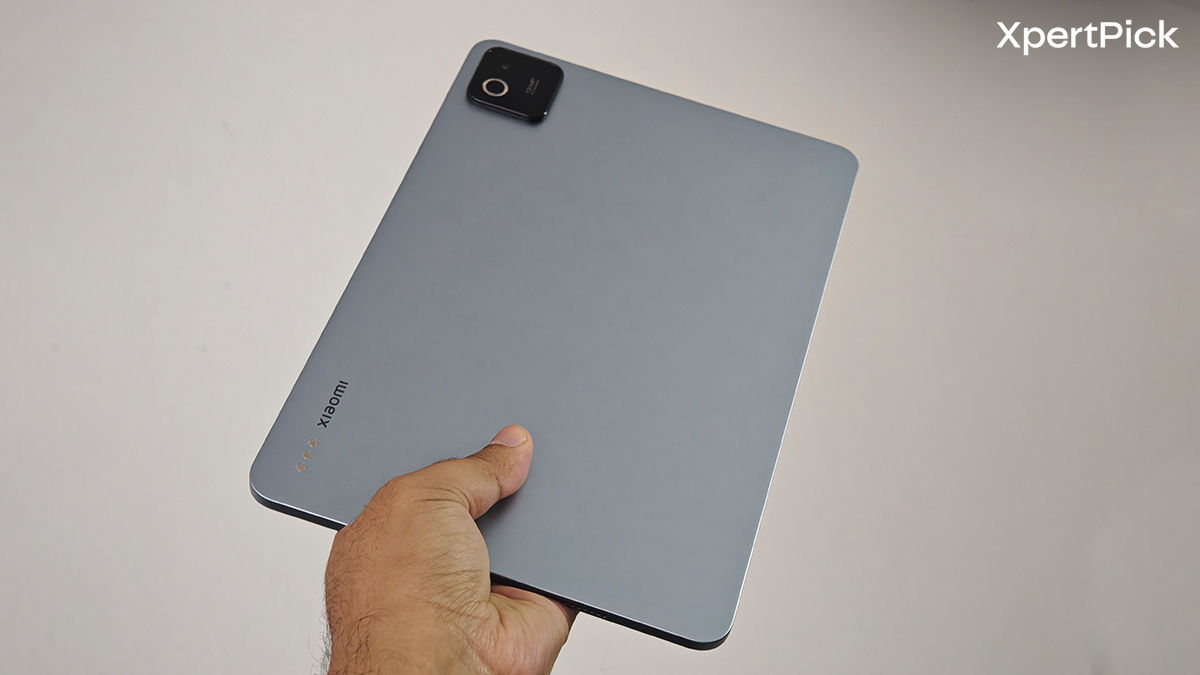
That weight also helps. It feels light enough to be portable, but not so light that it starts feeling hollow or cheap. It still has that reassuring heft you expect from a proper premium tablet, while remaining much easier to carry around than even a thin-and-light laptop.
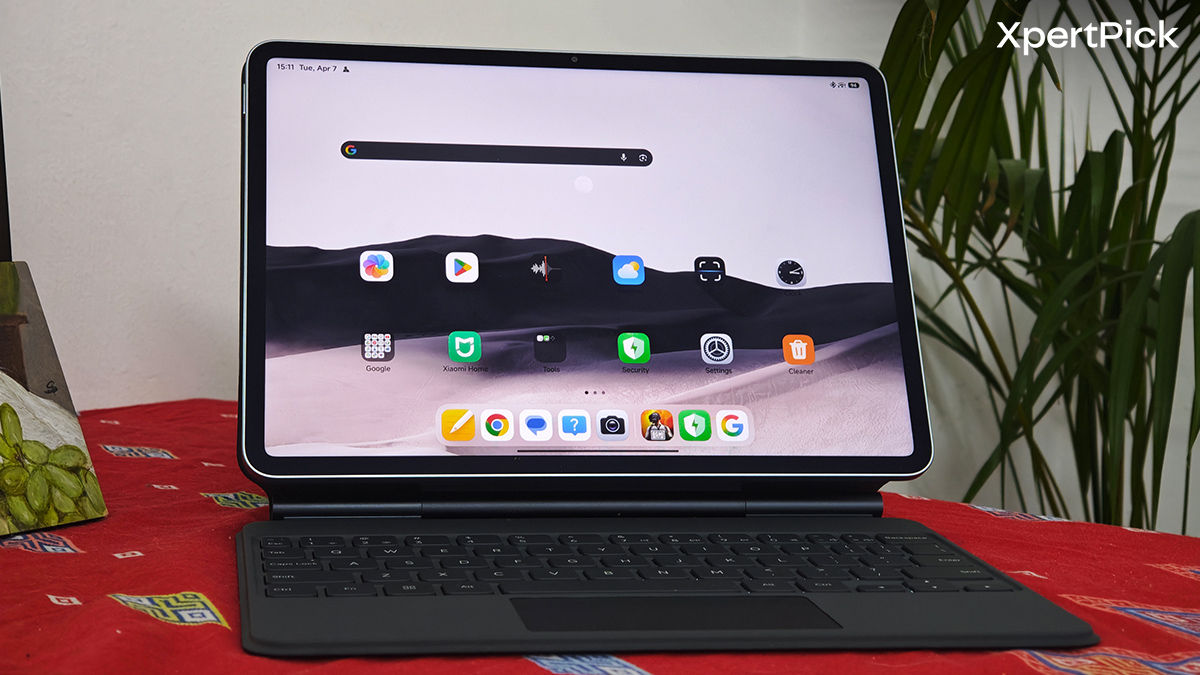
A big part of the Pad 8’s appeal comes from the accessories. Xiaomi’s Focus Keyboard case, while sold separately, genuinely improves the usability of the device. This isn’t one of those half-baked keyboard folios that only look good in product shots. It actually feels thought-out, with strong build quality, easy magnetic attachment, multi-angle adjustment, backlit keys, a glass touchpad with haptics, and gesture support. It’s very much Xiaomi’s answer to the iPad keyboard setup, and surprisingly, it doesn’t feel far behind in everyday use.
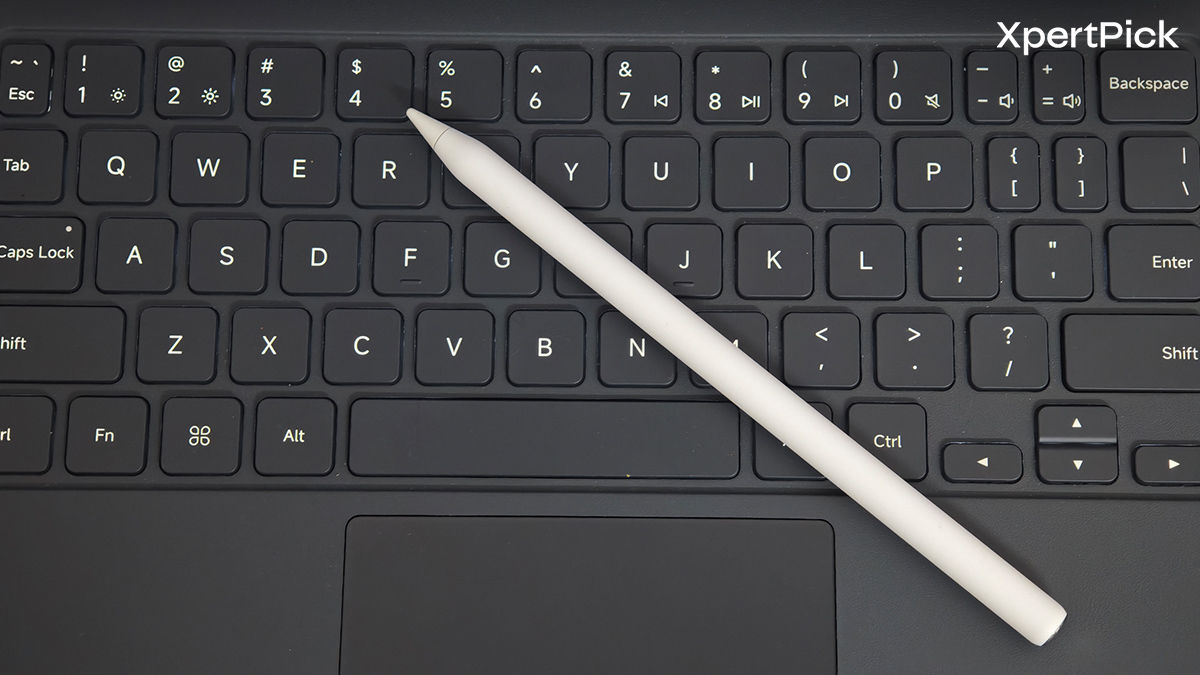
There’s also the Focus Pen Pro that helps complete the package. It’s precise, responsive, and low-latency, with haptic feedback and support for gestures like pinch, tap, and sliding inputs for more refined controls. More importantly, it magnetically snaps onto the top of the tablet securely, which saves you from having to deal with a weird sleeve or the hassle of wires for charging, since the stylus also gets wirelessly charged when attached to the tablet.
So taken as a whole, the Xiaomi Pad 8 feels sturdy, polished, and properly premium. The accessories aren’t cheap, but they do a lot to make the tablet feel more like a serious work and creative device rather than just a bigger screen for Netflix.
Display: Great Screen with Solid Anti-Reflection & Eye-Protection Features
Even though it’s not OLED, the 11.2-inch LCD panel here is very easy to like. The 800 nits peak brightness may not sound especially wild on paper, but Xiaomi has paired the screen with a Nano Texture display option that does a great job of reducing glare and reflections. So even when using it near bright lights or outdoors, the panel remains easier to look at than the raw brightness number might suggest.
You’re also getting a 3.2K resolution (3200 x 2136), which makes the Pad 8 excellent for high-resolution media and general reading. Pair that with Dolby Vision and HDR10, and movies and videos look vibrant and pleasing. This is definitely one of those cases where a high-quality LCD makes a very convincing argument for itself.
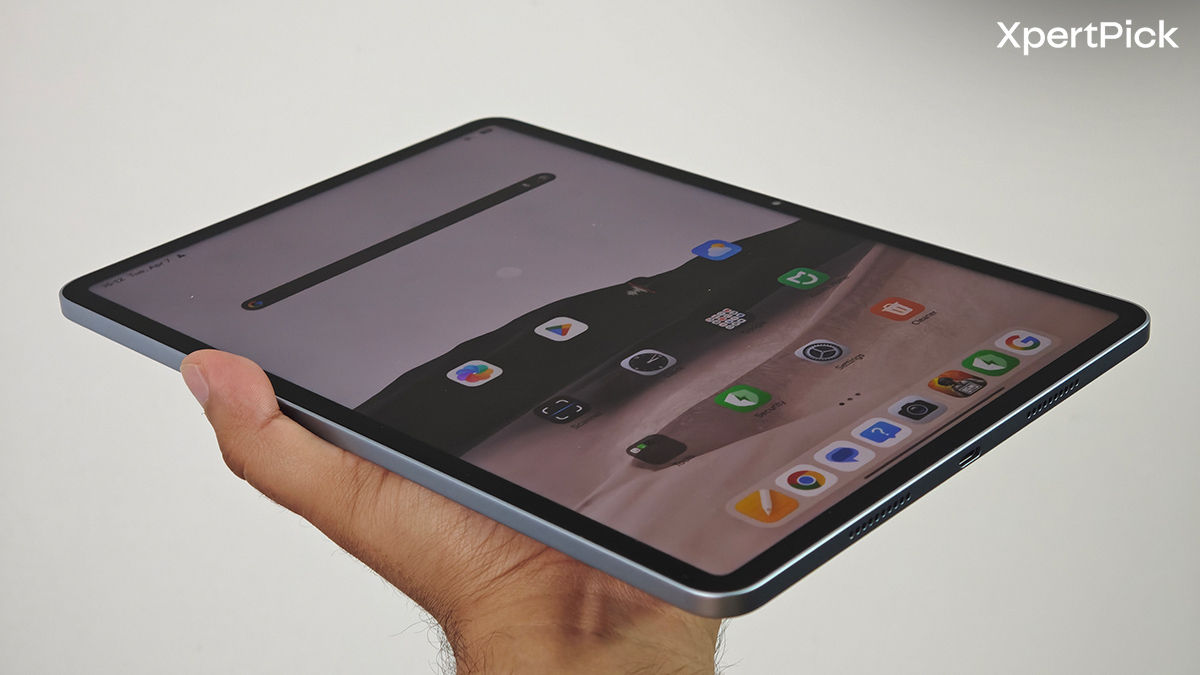
That said, I still missed an OLED panel occasionally. Better contrast and true blacks would’ve elevated the media experience even further. The 3:2 aspect ratio is also a bit of a mixed blessing. It works well for multitasking, browsing, and productivity, but it introduces fairly chunky black bars when you’re watching content shot in 16:9 or 21:9.
Still, it’s a very easy screen to enjoy. The 144Hz refresh rate keeps things feeling smooth and responsive, even though in reality it mostly stays around 120Hz and only touches 144Hz in certain system apps. You also get flicker-free usage and TÜV low blue light certifications, which make long sessions a bit easier on the eyes.
The quad speakers deserve some credit, too. They’re loud, clear, and powerful enough that I never really felt the need to grab a separate Bluetooth speaker for casual use. That matters on a tablet more than it does on a phone, and Xiaomi gets it right here.
Performance: Reliable for a Mid-Range Tablet
With tablets, you usually get a larger battery and a more capable speaker setup, but there’s almost always some corner cut somewhere. On more affordable tablets, that compromise is often performance. Thankfully, Xiaomi doesn’t let the Pad 8 fall into that trap.
Synthetic Benchmarks:
- AnTuTu – 2,293,133
- AnTuTu (CPU) – 633,633
- AnTuTu (GPU) – 762,607
- Geekbench: 2,101 (single) / 6,680 (multi)
The Xiaomi Pad 8 gets a pretty meaningful performance bump over its predecessor, moving from the Snapdragon 7+ Gen 3 to the Snapdragon 8s Gen 4. For a tablet in this category, that’s a welcome upgrade. Since multitasking is one of the major reasons to buy a tablet in the first place, it’s nice to see that the Pad 8 never really feels bogged down. Paired with 12GB of RAM, it has enough breathing room for browser tabs, split-screen workflows, gaming, and creative apps without obvious lag.
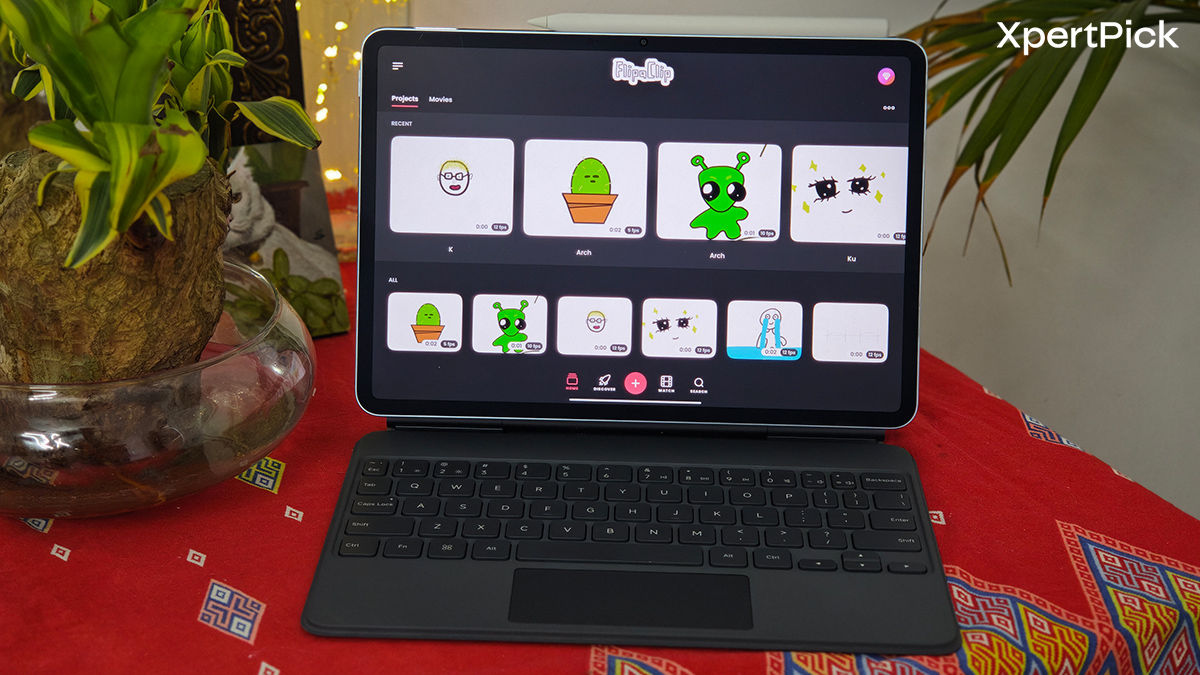
And yes, this extends to gaming too. BGMI comfortably runs at triple-digit frame rates, and even Genshin Impact can hold a stable 60fps on higher settings. The larger footprint of the tablet also helps here. There’s more space internally for cooling, and Xiaomi clearly makes use of that. Thermal management is very good, and the Pad 8 doesn’t get worryingly hot even under load.
That also translates to better sustained performance. In longer sessions and stress tests, the chip holds up very well without dropping off a cliff, which is exactly what you want on a tablet that might be expected to do more than just casual streaming.
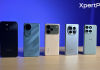
In comparison, the OnePlus Pad 2 and Oppo Pad 5 both push harder in the performance segment with more powerful true flagship-grade chips. So those tablets in the same price bracket seem more appealing. But the Xiaomi Pad 8 doesn’t feel next to them.
Battery Life: Endurance that Doesn’t Let You Down
For most of my review period, I ended up treating the Xiaomi Pad 8 more like a laptop than a tablet. A lot of browser-based work, some Spotify in the background, occasional YouTube, a bit of gaming, and a few creative tasks in between. That made the 9,200mAh battery especially easy to appreciate.
This is a tablet that can comfortably deliver all-day use, and with more moderate workloads, it can even stretch to a day and a half. The endurance here feels dependable rather than merely decent, which is exactly what you want from a tablet you might actually carry around to work or college instead of a laptop. During my usage, I was getting around 10 hours of screen-on time, depending on what I was doing.
Charging is also respectable. The Pad 8 supports 67W wired charging, which takes roughly an hour and a half for a full top-up. There’s also 22.5W reverse charging, which is one of those features that sounds gimmicky until you actually use it to top up a phone or accessory in a pinch.
Camera: The Average Photography Experience on Tablet
The camera system is easily one of the least exciting parts of the Xiaomi Pad 8, but that also feels pretty normal for a mid-range tablet.
Camera Hardware:
- 13MP 1/3.06” OmniVision OV13B rear camera (f/2.2, PDAF)
- 8MP 1/4” OmniVision OV08D selfie camera (f/2.3)
These are small sensors, and the output reflects that. The rear camera is mainly here for scanning documents, while the front camera is mostly for video calls. That’s probably how most people will use them anyway, and in that context, they do the job.

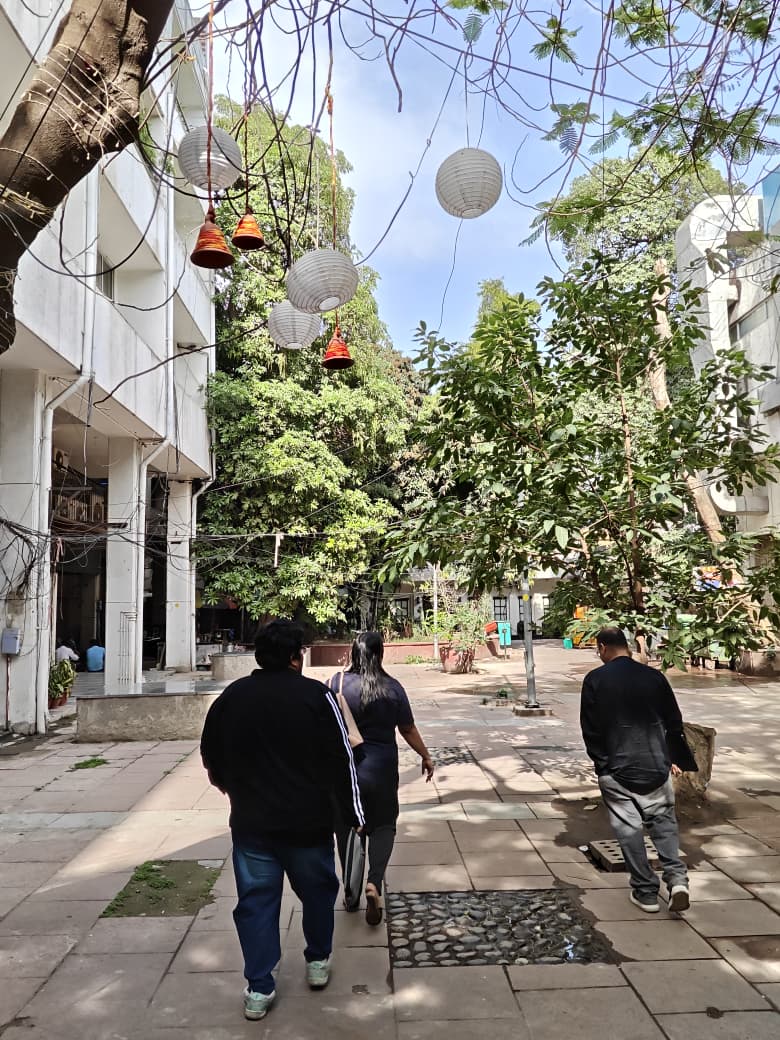
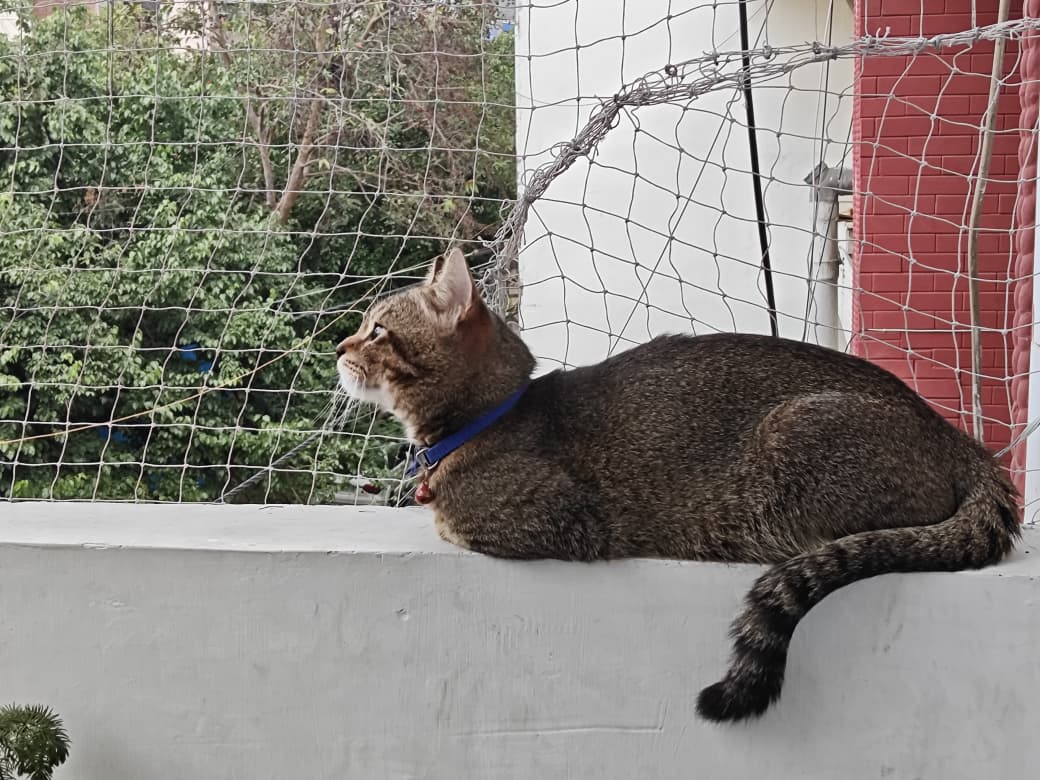
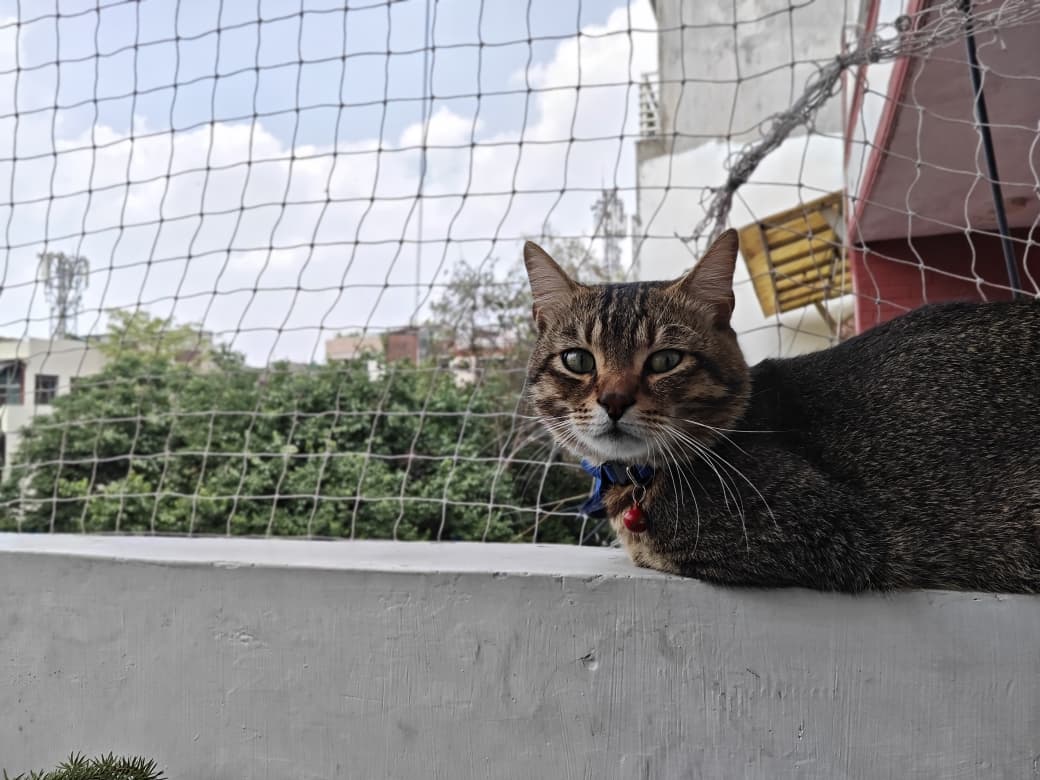
Once you actually start treating them like regular cameras, though, the limitations become obvious. Even in daylight, images often have that slightly oily, over-smoothed look, and finer detail is missing. Exposure control is also just average. It’s usable, but never more than that.
The front-facing camera doesn’t improve things much. It’s enough for meetings and casual calls, but not something you’d want to rely on for much else. You do at least get 4K30fps recording on the rear, while the front is capped at 1080p30fps. In other words, the Pad 8 is good enough for practical camera use, but it absolutely isn’t a tablet you buy for photography.
Software: HyperOS 3 is a Pleasant Surprise in Tablet Form
If you’ve used a Xiaomi phone recently, you’ll already have some idea of what HyperOS feels like. But on the tablet, the experience is both familiar and a little more interesting. HyperOS 3 on the Pad 8 is clearly designed with multitasking in mind.
There’s a stronger focus on workflows, floating windows, split-screen arrangements, and a general PC-like structure to how the interface behaves. Features like 5:5 and 1:9 split views, WPS Office PC integration, hover support, and a more desktop-like browser all help it feel like Xiaomi actually wants you to replace a laptop with this. And surprisingly, a lot of it works.
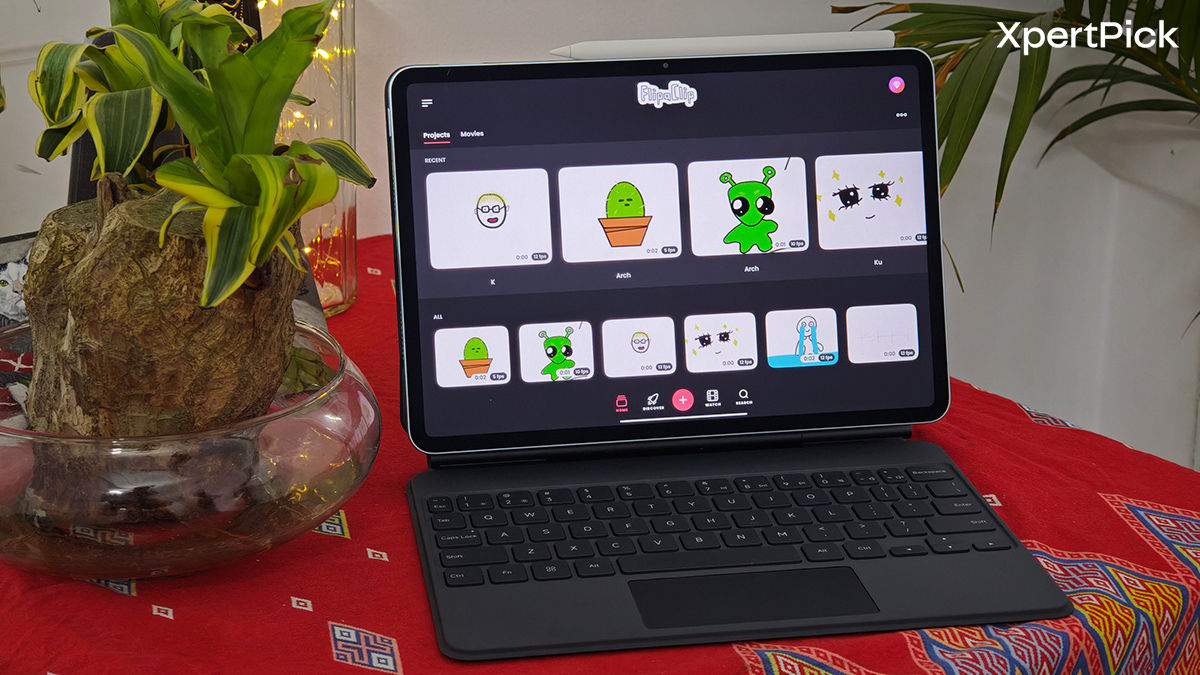
Workstation mode adds a dock at the bottom and turns the UI into something that looks much closer to a hybrid of Android tablet software and a lightweight desktop. Yes, the visual language does borrow from iPadOS and macOS, but the implementation is good enough that I didn’t really mind. In fact, it feels cleaner than Xiaomi’s phone software in some ways. There’s still bloatware, but less of it, and some of it is actually useful.
The Focus Pen Pro and Focus Keyboard make a big difference here too. With gesture support and good responsiveness, they help the whole software experience feel more deliberate and less like a stretched-out phone UI.
Of course, AI is everywhere in 2026, and Xiaomi doesn’t hold back. Tools like AI Writing, AI Live Subtitles, and the broader HyperAI ecosystem are all present here, and they fit into the larger “productivity tablet” pitch fairly naturally. Xiaomi is also promising 4 years of major OS updates and 6 years of security patches, which is a solid commitment for a tablet in this category.
Verdict
The Xiaomi Pad 8 gets a lot of the important things right. It feels premium, performs well, lasts long enough to actually be useful as a laptop alternative, and comes with accessories that do more than just inflate the spec sheet. The display is another big win here. Even without AMOLED, it remains one of the strongest parts of the tablet, especially once you factor in the anti-reflective finish and eye-comfort features. If your idea of a good tablet is something that can handle work, gaming, media, and a bit of creative use without constantly reminding you that it’s a compromise, the Pad 8 is a solid pick as your next tablet.
That said, it isn’t the only good Android tablet in this space. The OnePlus Pad 2 and Oppo Pad 5 are both excellent alternatives, especially if you want stronger raw performance and similarly impressive displays. In other words, the Pad 8 may not win every category outright, but as a complete package, it’s one of the easiest Android tablets to recommend right now.
Pros
- Premium and lightweight metal build
- Excellent LCD panel with anti-reflection finish
- Strong everyday and gaming performance
- Great speaker setup
- Useful keyboard and stylus accessories
- Reliable battery life
Cons
- Cameras are just average
- LCD still can’t match OLED blacks
- Black bars are noticeable on widescreen content
- Accessories add to the cost