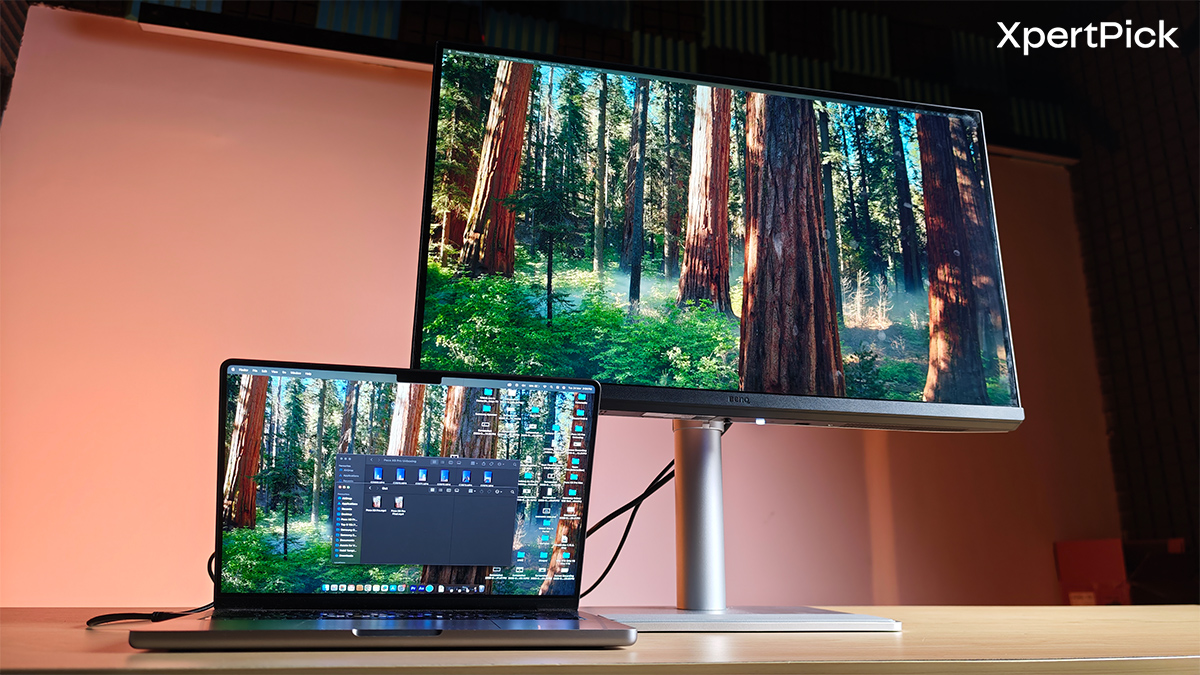
Priced at Rs 46,998, the BenQ MA270UP enters a competitive monitor segment where buyers often expect high refresh rates or premium panel technologies. Instead, it targets Mac users seeking a more streamlined desk setup, offering a 27-inch 4K IPS panel, USB-C with 90W Power Delivery, hub functionality, and software features that work smoothly with macOS. The aim is to reduce reliance on external docks while ensuring colour consistency between a MacBook and the external display.
At this price point, it competes with options like the Dell Alienware AW2723DF and the OLED-based Samsung Odyssey QD-OLED G5, which focus on high refresh rates and advanced panel technologies. While these gaming-oriented displays prioritise speed and contrast, their extensive colour coverage also makes them suitable for certain creative tasks, making the segment increasingly competitive even for productivity-oriented monitors.
However, specifications alone do not always reflect real-world usability. I spent time using the MA270UP within a Mac-centric workflow to assess how effectively its integration-focused design performs in practical scenarios.
Build, Design, and Ergonomics: Sturdy Construction, Smart Integration
The BenQ MA270UP features a simple, functional design that easily integrates into most workspaces. It has slim bezels on three sides, with a slightly thicker chin bearing a subtle BenQ logo. Although the chassis is made of polycarbonate, the monitor still feels reasonably durable for everyday use, with no noticeable flex or instability.
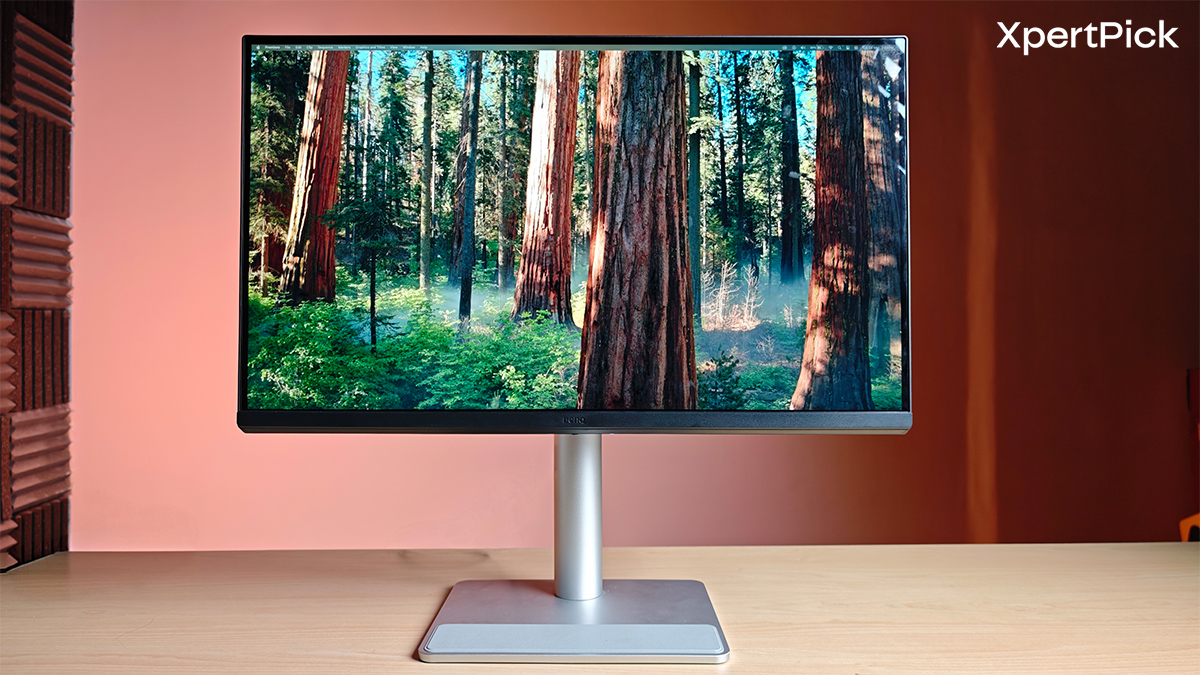
That solid build extends to the stand, which emphasises practical ergonomics. The monitor offers up to 115mm of height adjustment, making it easier to position the screen at a comfortable eye level for prolonged use.
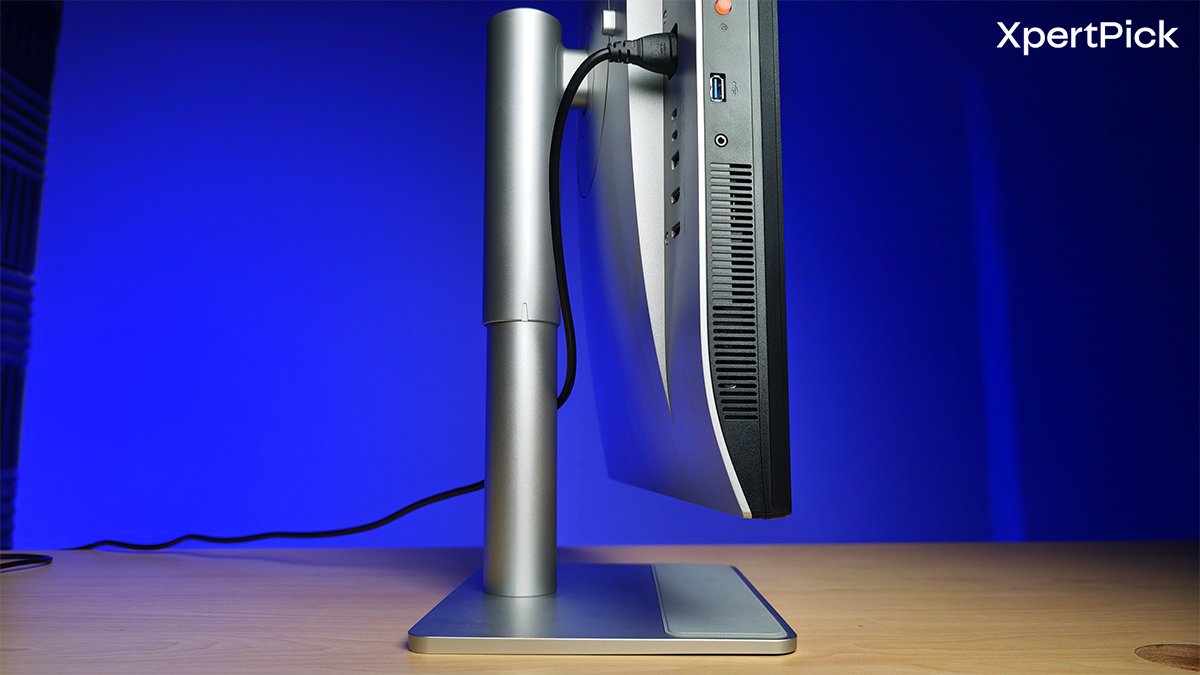
It also supports a tilt range of 5° to 20° and 15° swivel on either side, allowing minor adjustments based on seating position or lighting conditions. Additionally, the display can pivot 90° into portrait mode, which can be useful for reading long documents, working with code, or browsing web pages with less frequent scrolling.
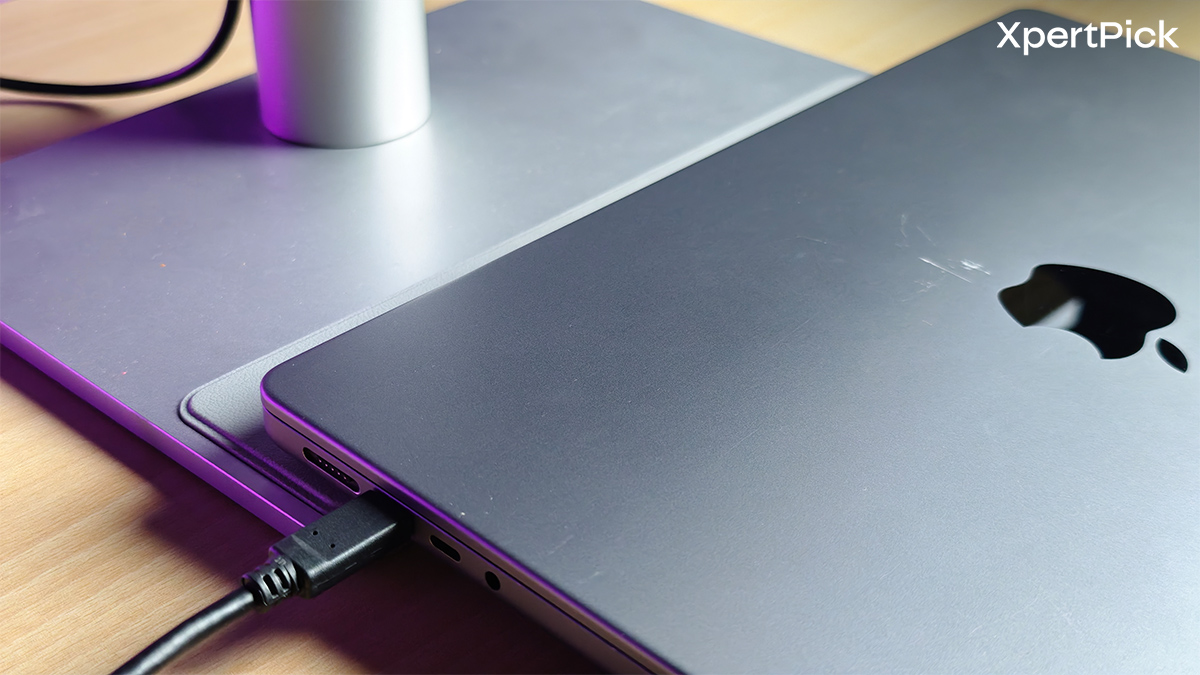
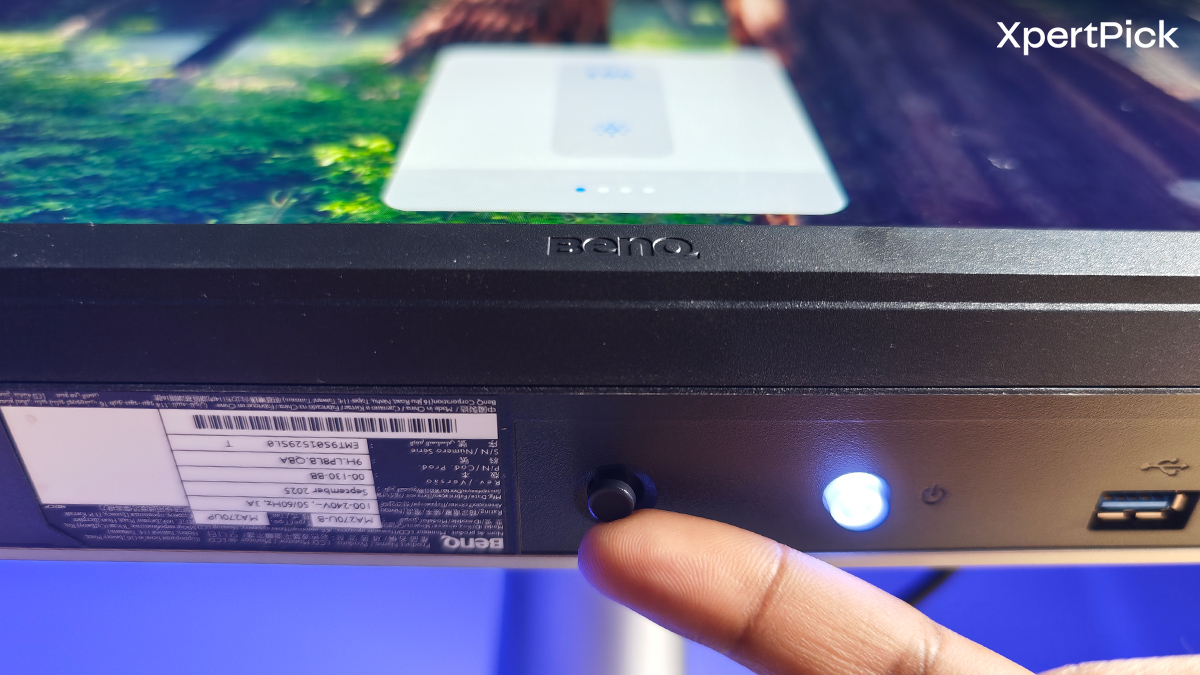
BenQ has also added a few small touches that can prove useful in daily setups. A soft pad on the upper part of the base provides a resting place for a MacBook at an angle, potentially helping to keep the desk more organised. The physical controls are straightforward, with a power button and OSD joystick located beneath the screen for quick access to brightness, volume, and input settings.
Connectivity: Built Around a Single-Cable Workflow
The port selection is ideal for desk setups that use both laptops and desktop computers. Most connectors are located at the back, helping to keep cables neatly routed in one direction and reducing visual clutter on the desk.
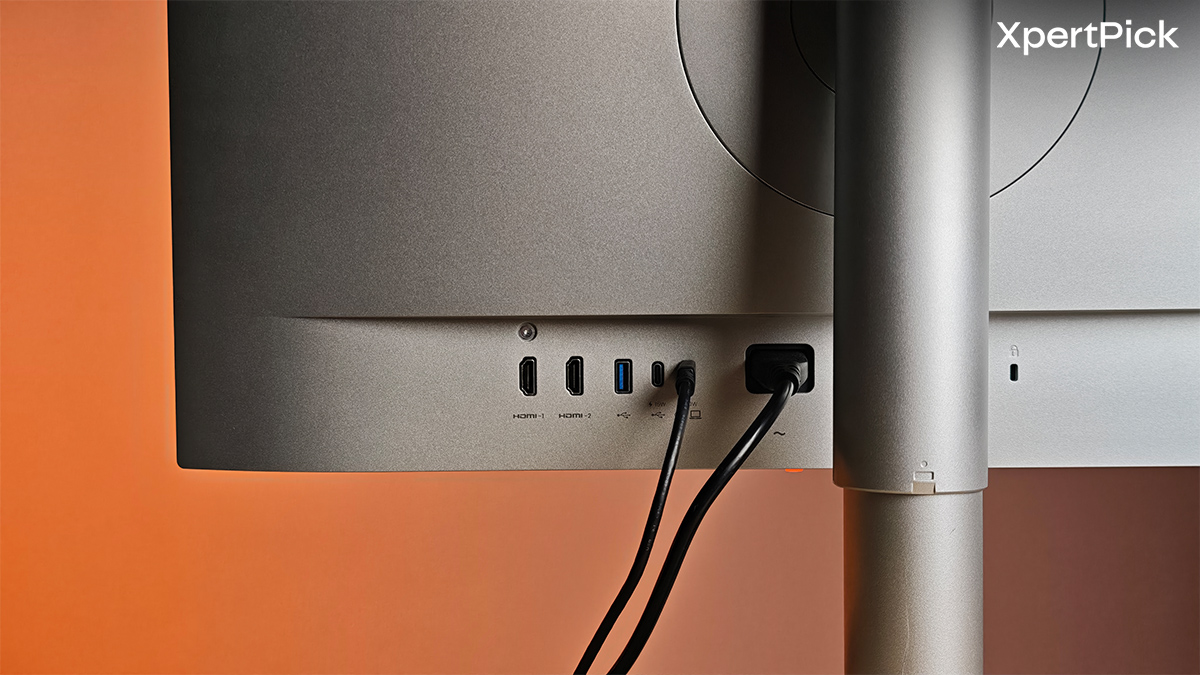
The main USB-C port supports DisplayPort Alt Mode, data transfer, and up to 90W Power Delivery. This allows a compatible laptop to manage display output, charging, and USB hub functions through a single cable, making everyday use simpler and less reliant on multiple adapters.
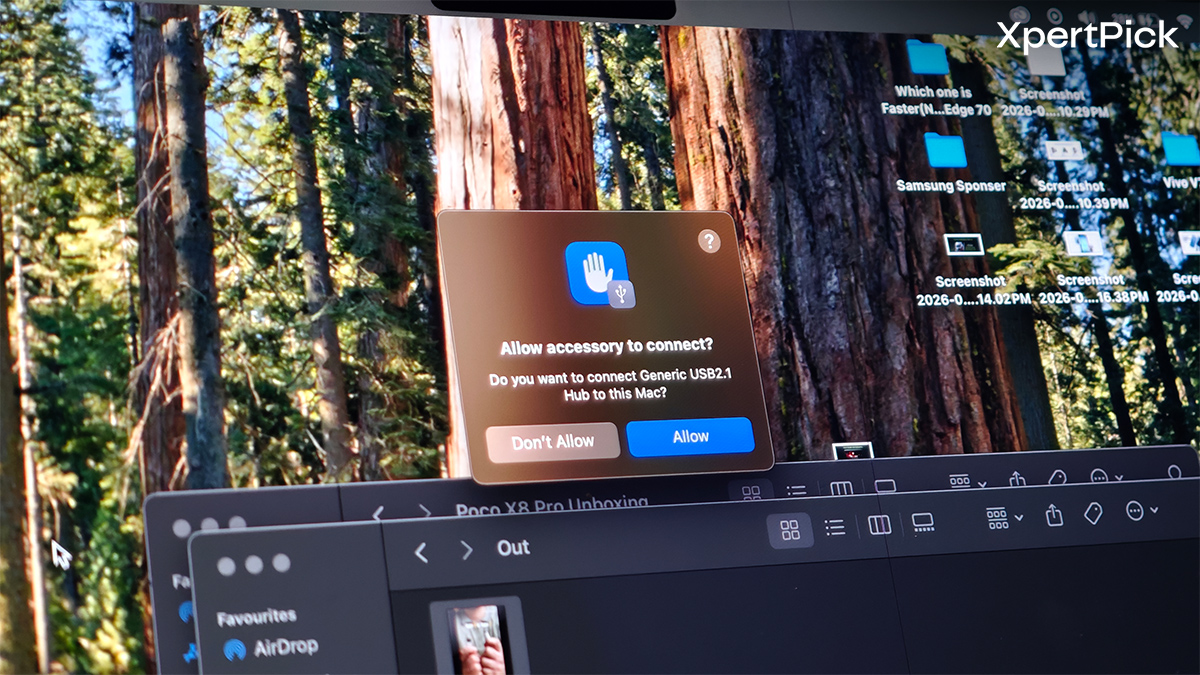
Once connected, the monitor also acts as a basic hub for peripherals. It features two USB Type-A 3.2 Gen 1 ports and an additional USB-C 3.2 Gen 1 port, making it easy to keep accessories like keyboards, wireless receivers, and external drives constantly plugged in. This helps minimise cable management, especially in laptop-focused setups.
Additionally, two HDMI 2.0 ports are available for secondary devices such as another computer or a gaming console. Having dedicated inputs makes it easier to connect multiple devices simultaneously without frequently swapping cables.
The Panel: Crisp Details and Effortless Apple Ecosystem Syncing
The 27-inch 4K IPS panel delivers sharpness suitable for everyday productivity, keeping text clear during prolonged writing or coding sessions without making interface elements feel too small. It covers 99% of the sRGB colour space and 95% of the DCI-P3 colour space, with a specified contrast ratio of 1200:1.
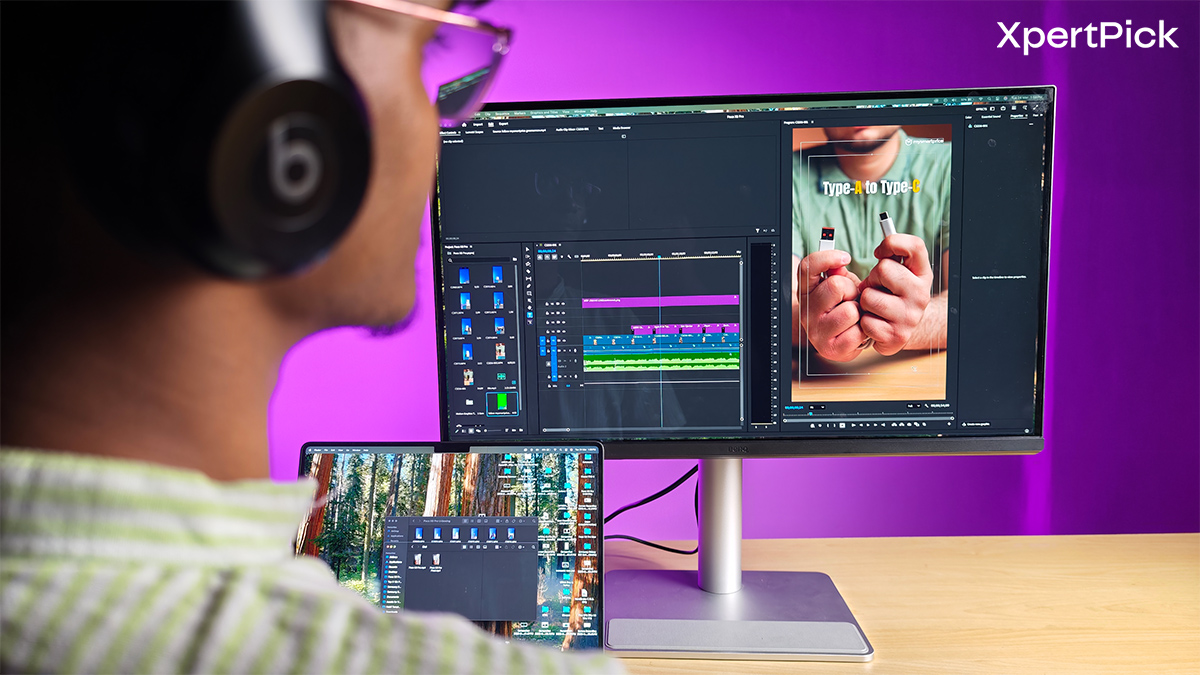
In real-world use, the IPS panel maintains consistent colours at slight angles, and its contrast level helps darker scenes appear reasonably deep. Paired with a peak brightness of 450 nits, the screen remains comfortable to view in well-lit indoor environments, and HDR support provides a subtle boost in perceived depth when viewing compatible content.
One of the monitor’s most distinctive features is its integration with macOS. When connected to a MacBook, it closely reflects the laptop’s colour output, promoting visual consistency across both displays.
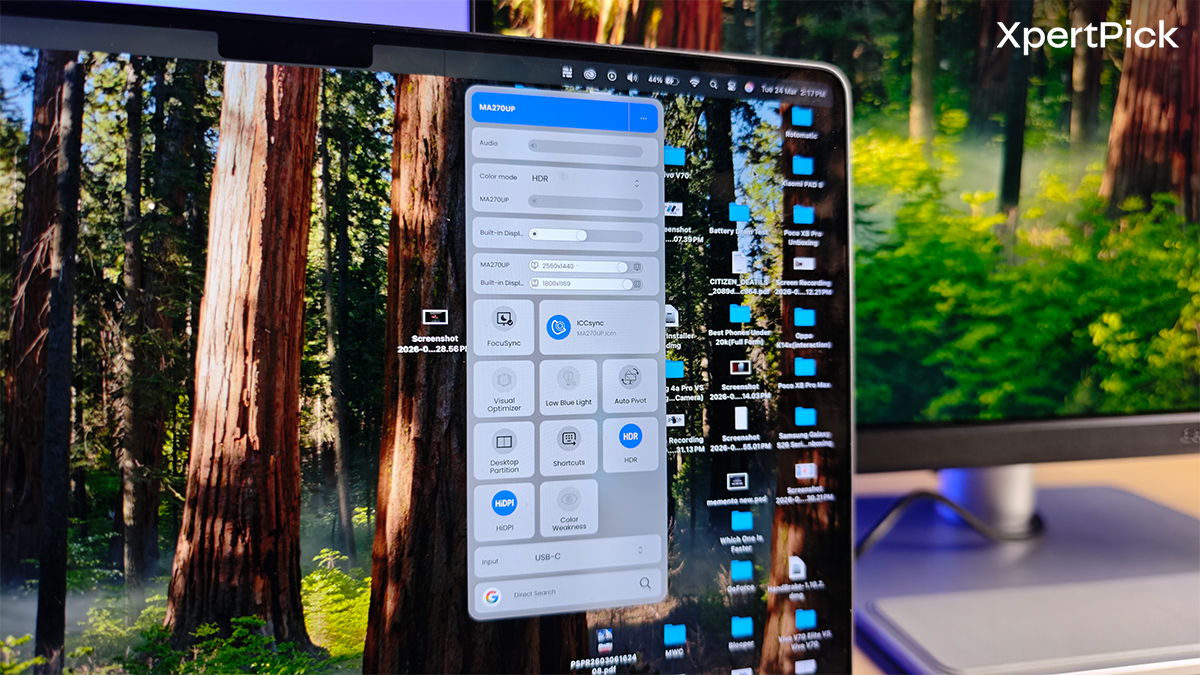
The Display Pilot 2 app also makes adjustments easier, enabling control of brightness, volume, and colour temperature directly from the desktop. It can also sync with Apple’s Focus modes, helping to minimise interruptions during work.
With a standard 60Hz refresh rate, the panel is clearly designed for productivity rather than competitive gaming. However, the 4K resolution should still work well with visually rich titles where detail matters more than speed. Story-driven games such as the Spider-Man series or Star Wars Jedi: Fallen Order should still appear sharp and immersive, even without the higher refresh rates typically found on gaming monitors.
Audio: Clear Output for Work, Not Built for Depth
The built-in dual 3W speakers get reasonably loud and are sufficient for everyday tasks like video calls, podcasts, and casual video viewing. Dialogue remains clear, and most mid-range sounds come through without noticeable distortion. However, the speakers have very limited bass, which makes music and cinematic soundtracks feel somewhat thin. While the audio setup is adequate for general use, external speakers or a good pair of headphones would still be preferable for more detailed listening or for games that rely heavily on atmospheric sound design.
The Verdict: A Purpose-Built Extension for Mac Workflows
The BenQ MA270UP is a thoughtfully designed choice for productivity-oriented setups, especially for MacBook users. Its 27-inch 4K IPS panel produces sharp text and accurate, consistent colours, making it ideal for writing, coding, and light creative work. Tight macOS integration ensures the monitor accurately reflects a MacBook’s colour output, reducing the need for frequent calibration or manual adjustments.
The USB-C port with 90W Power Delivery streamlines connectivity, enabling a single cable to handle display, charging, and peripherals, while the adjustable stand allows for comfortable viewing during lengthy sessions. However, the monitor’s 60Hz refresh rate and modest built-in speakers limit its suitability for gaming or immersive media. Nevertheless, for users prioritising productivity, workflow integration, and a tidy desk setup, the BenQ MA270UP offers a reliable, practical experience.
Pros:
- Sharp 4K display with consistent colours for text and light content work
- Seamless macOS integration reduces calibration needs
- USB-C with 90W Power Delivery simplifies connectivity and cable management
- Adjustable stand supports comfortable long-term use
Cons:
- 60Hz refresh rate limits suitability for fast-paced gaming
- Built-in speakers lack bass and depth for immersive media