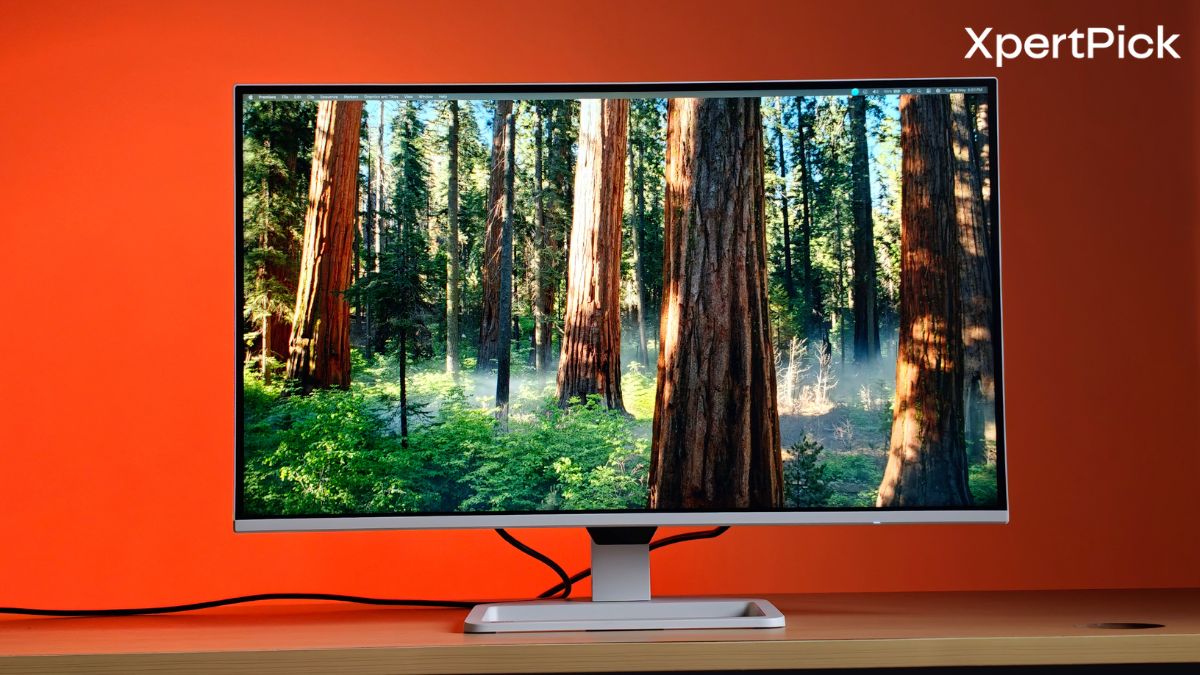
The BenQ EW270Q sits in a very busy price segment, but it has a few useful things going for it. BenQ is selling the monitor for both entertainment and everyday gaming, but it can also work well for people who want one screen for work, gaming and watching content.
At ₹17,990 in India, its main appeal is simple: it can reduce desk clutter by acting as one display for multiple needs. On paper, it sounds like the perfect deal: a 27-inch 1440p QHD display, 90% Display P3 colour gamut, multiple port options and much more. So, how does this monitor perform as a complete package for someone looking for one screen for both gaming and work? Here’s my answer.
The Panel: A Sharp Upgrade with Vibrant Colours
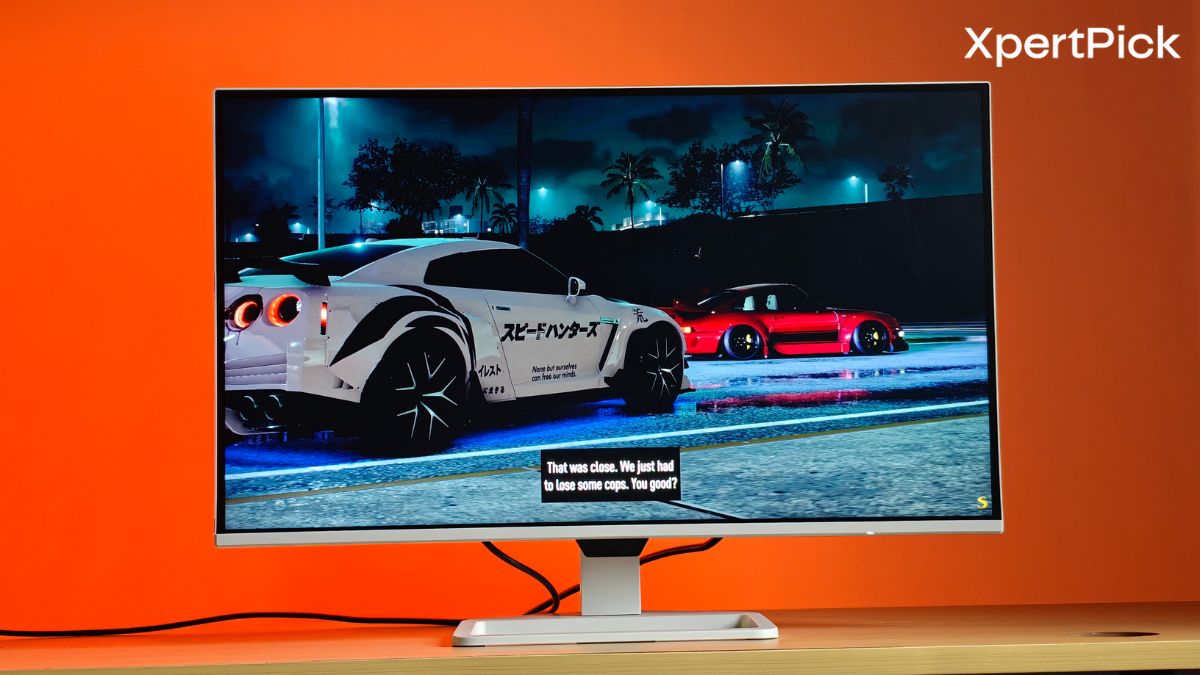
BenQ is positioning the EW270Q as a monitor for everyday use, but its gaming features are a big bonus. Most office or hybrid monitors usually come with lower refresh rates, but this one offers a much faster 200Hz refresh rate and a 1ms GtG response time.
It also supports AMD FreeSync Premium. In simple terms, this helps the monitor match the frame output of your graphics card, so games look smoother and you see less screen tearing or stuttering during fast action scenes.
BenQ has also added a few gaming-focused picture tools. Light Tuner helps brighten dark areas and control very bright parts of the image, so you do not lose important details in shadows or highlights. The useful part is that it does this without adding input lag. Color Vibrance lets you adjust the strength of colours, which can make games look clearer and more lively without making the image feel messy.
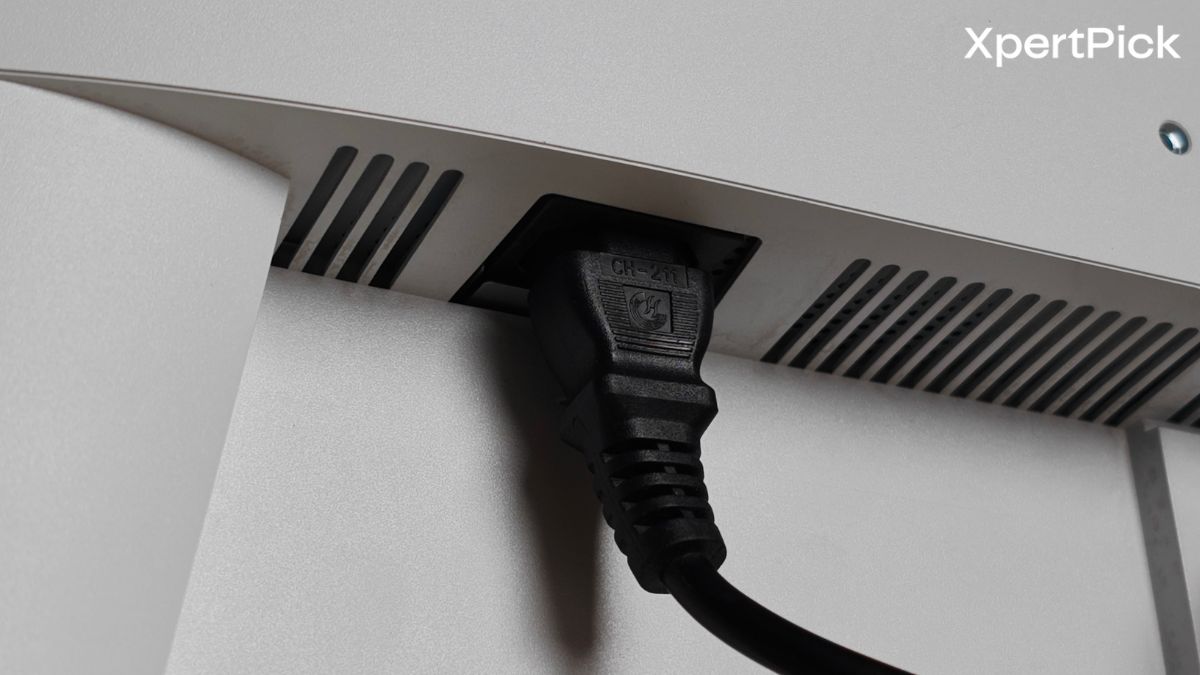
Connectivity: A Clean, Single-Cable Setup
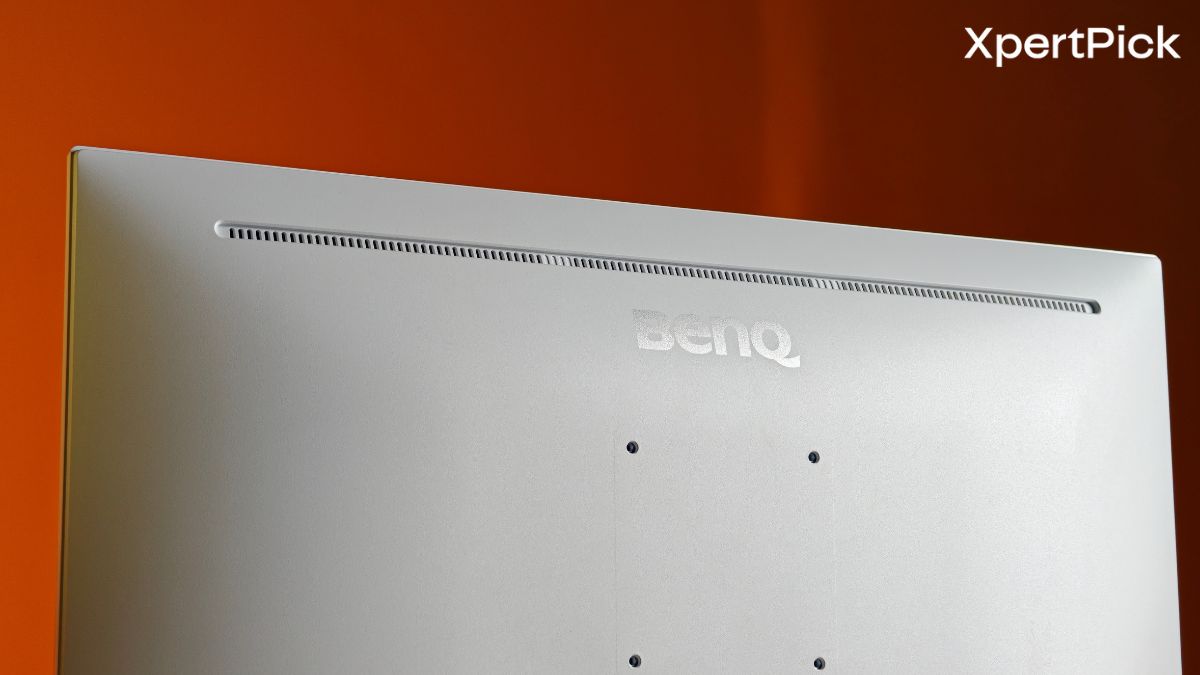
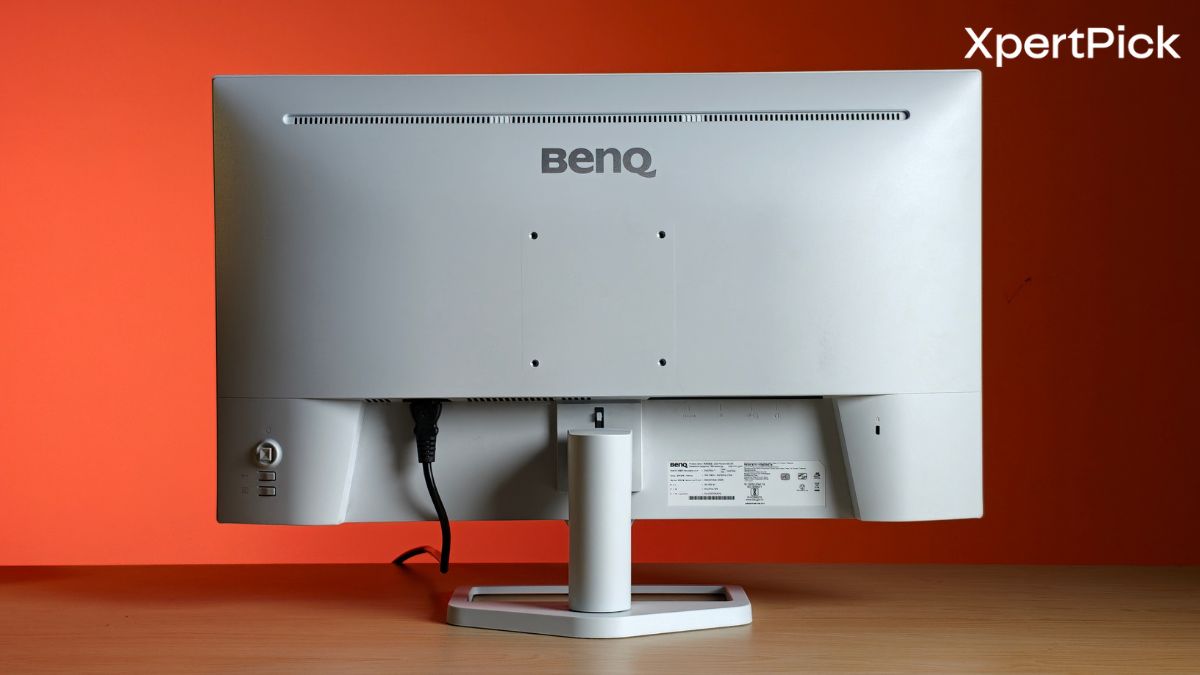
BenQ has kept the EW270Q design simple and clean. Instead of using a dark, aggressive gaming look, the monitor comes with an “Elegant White Body Design.” The white body and slim bezels help it fit easily into modern work desks, home offices, or clean console setups.
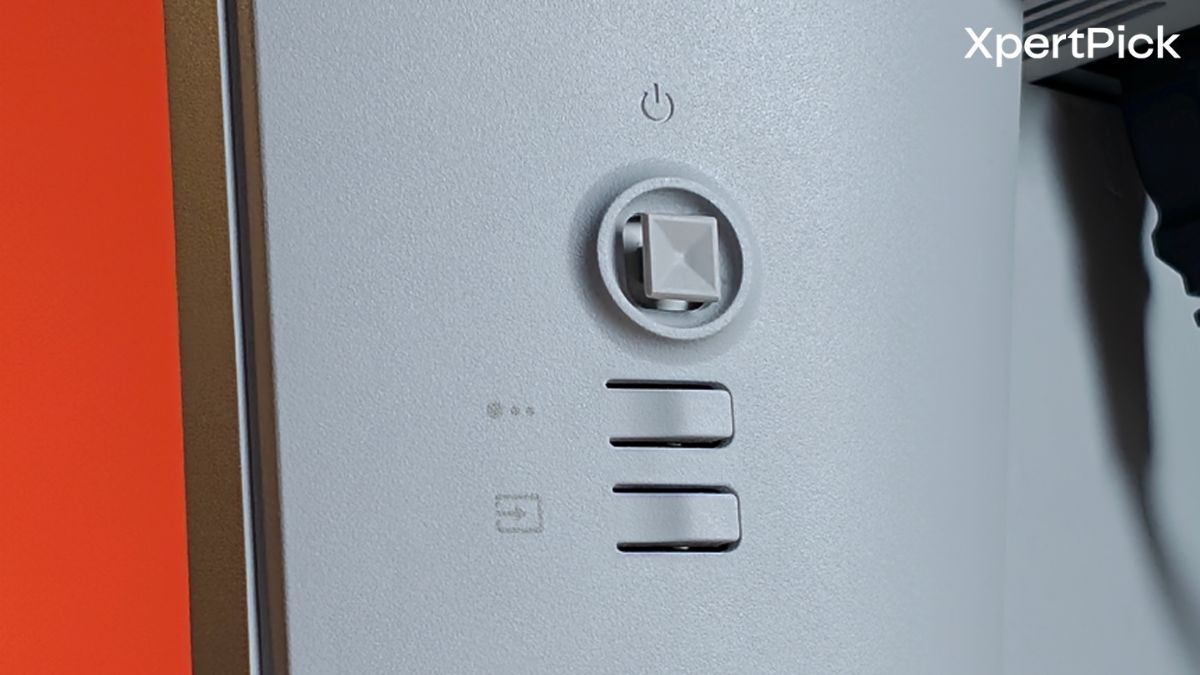
It is also easier to control than many traditional monitors. Instead of using awkward physical buttons at the back, you can use BenQ’s Display Pilot 2 software on your computer. This lets you adjust brightness, volume, window layout, and picture settings directly from the screen using simple controls.
For longer use, the monitor also includes BenQ’s Eye-Care technology, certified by TÜV Rheinland. It uses low blue light and flicker-free viewing to reduce eye strain during long hours of reading, editing, gaming, or general work.
Compromises: Calculated Trade-offs
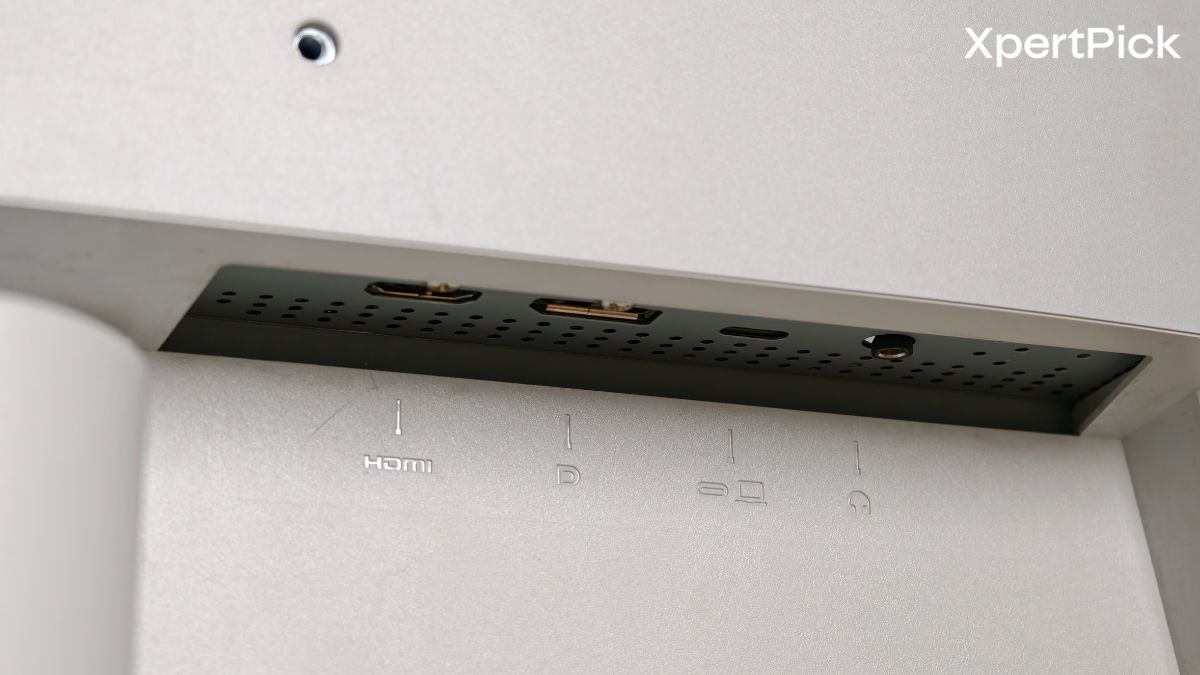
The BenQ EW270Q is a practical and flexible monitor. It is made for users who want a clean USB-C desk setup for work during the day, but also want a fast gaming experience at night. With one USB-C cable, it can connect to a laptop, charge it, and keep the desk cleaner. At the same time, the 200Hz refresh rate makes it much faster than regular 60Hz or 144Hz monitors.
At ₹17,990 in India, the EW270Q offers a strong mix of features for the price. You get a 200Hz refresh rate, 10-bit colour support, a 65W USB-C port, and built-in 5W speakers. This makes it a better overall package than many similarly priced monitors from brands like Acer, LG, and Samsung. For anyone who wants a clean-looking monitor for both work and gaming without spending too much, the BenQ EW270Q makes a lot of sense.