The Lenovo IdeaPad line-up has long been a staple for those seeking reliable, no-nonsense laptops. With the IdeaPad Slim 3 Gen 11, however, the brand is raising the bar considerably. Powered by Intel’s new Core Ultra 7 355 and Core Ultra 5 Series 3 processors, this machine aims to bring a compelling mix of features to an increasingly competitive market.
This generation’s move to Intel’s new Panther Lake Series 3 architecture also represents a significant leap forward. As we shall see, it builds upon Intel’s recent efficiency gains, delivering capable integrated graphics, strong battery life, and a dedicated NPU for on-device AI workloads.
So, how does the new Lenovo IdeaPad Slim 3 Gen 11 stack up with these substantial internal upgrades? Here’s my initial take.
Lenovo IdeaPad Slim 3 Gen 11 Specifications
| Feature | Specification |
|---|---|
| Processor | Intel Core Ultra 5 322 6-Core CPU |
| Graphics | Integrated Intel Arc Graphics with AI acceleration |
| Display | 15-inch IPS LCD with 1920 X 1200 Pixel Resolution and 60Hz Refresh Rate |
| Memory | 16GB DDR5 |
| Storage | 512GB PCIe Gen4 SSD (dual 2242 SSD configuration) |
| Battery | 60Wh capacity with Rapid Charge Boost |
| Connectivity | Wi-Fi 7 / Wi-Fi 6 and Bluetooth 5.3 |
| Ports | USB Type-A, USB Type-C (DP & PD), HDMI 1.4, SD card reader, 3.5mm jack |
| Camera | Up to 5MP RGB / FHD IR camera with physical privacy shutter |
| Build | Premium aluminium chassis; MIL-STD-810H certified |
Design and Build: Sleek, Sturdy and Made in India

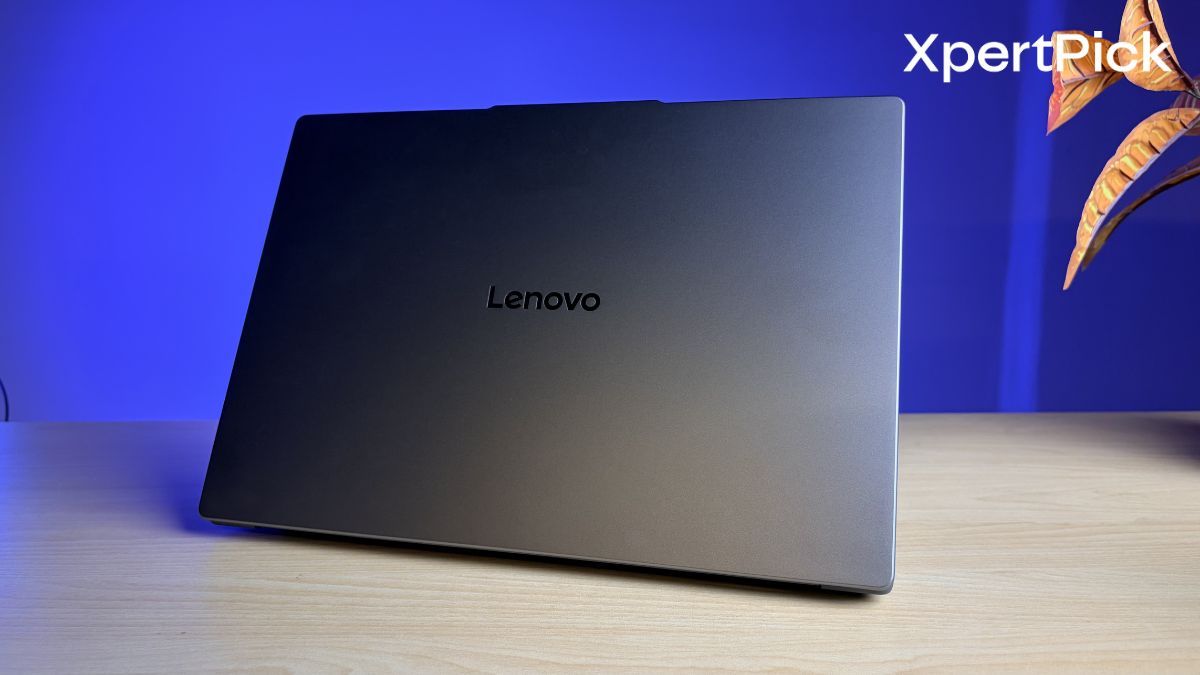
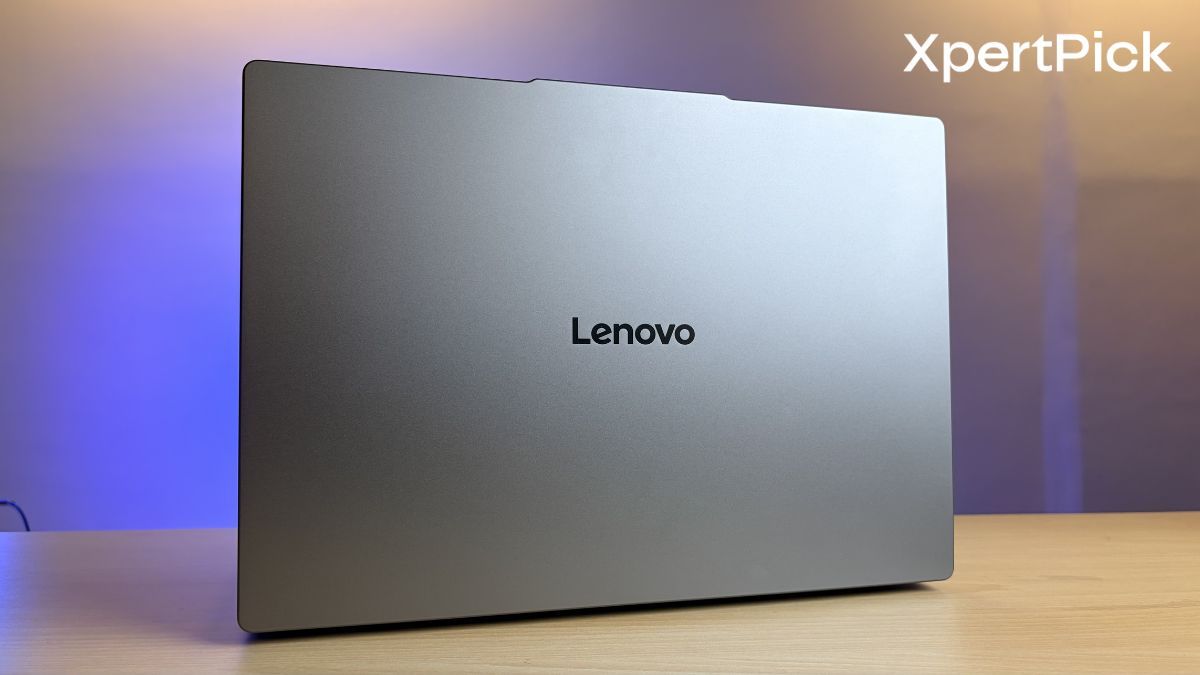
The first thing that stands out is the refined aesthetic. Despite being the plastic variant, the IdeaPad Slim 3 Gen 11 feels surprisingly well put together and remains easy to carry around. Measuring 17.9mm thick, it maintains a slim profile without feeling fragile. Finished in Lenovo’s Luna Grey colourway, it looks more premium overall.
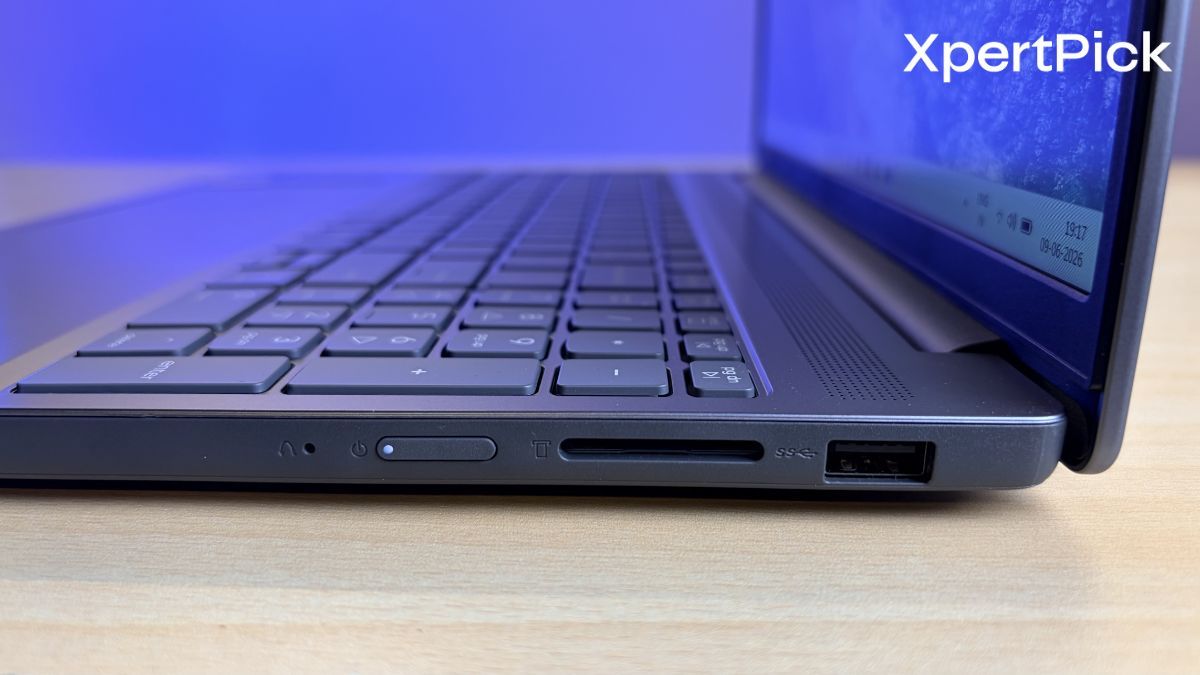
What makes this launch particularly noteworthy for the local market is that it is manufactured under Lenovo’s Make in India initiative. Importantly, this slim profile has not come at the expense of durability. The laptop carries MIL-STD-810H certification, indicating it has been tested to withstand the rigours of daily use.
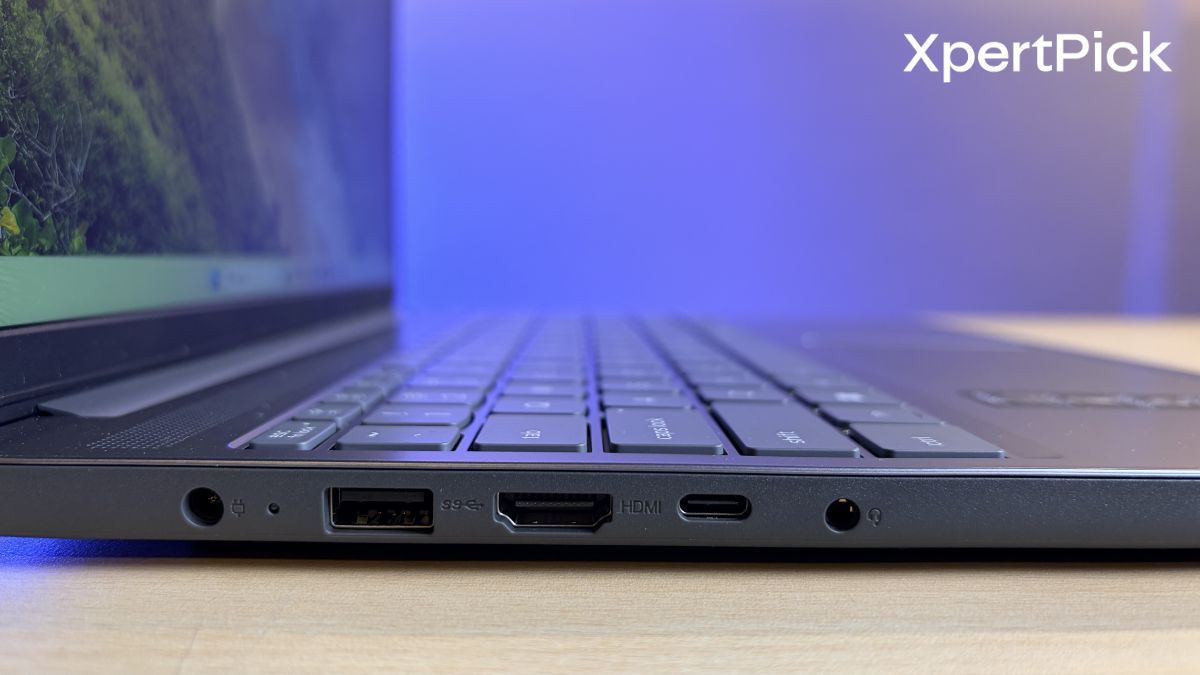
The port selection is equally practical. The inclusion of a full-function USB Type-C port supporting DisplayPort and Power Delivery, alongside USB Type-A ports and a dedicated SD card reader, should appeal to creators and professionals alike. My one reservation is the use of HDMI 1.4, which may limit higher-refresh-rate 4K output on external displays.
Keyboard and Touchpad: Comfortable Typing with Slight Flex
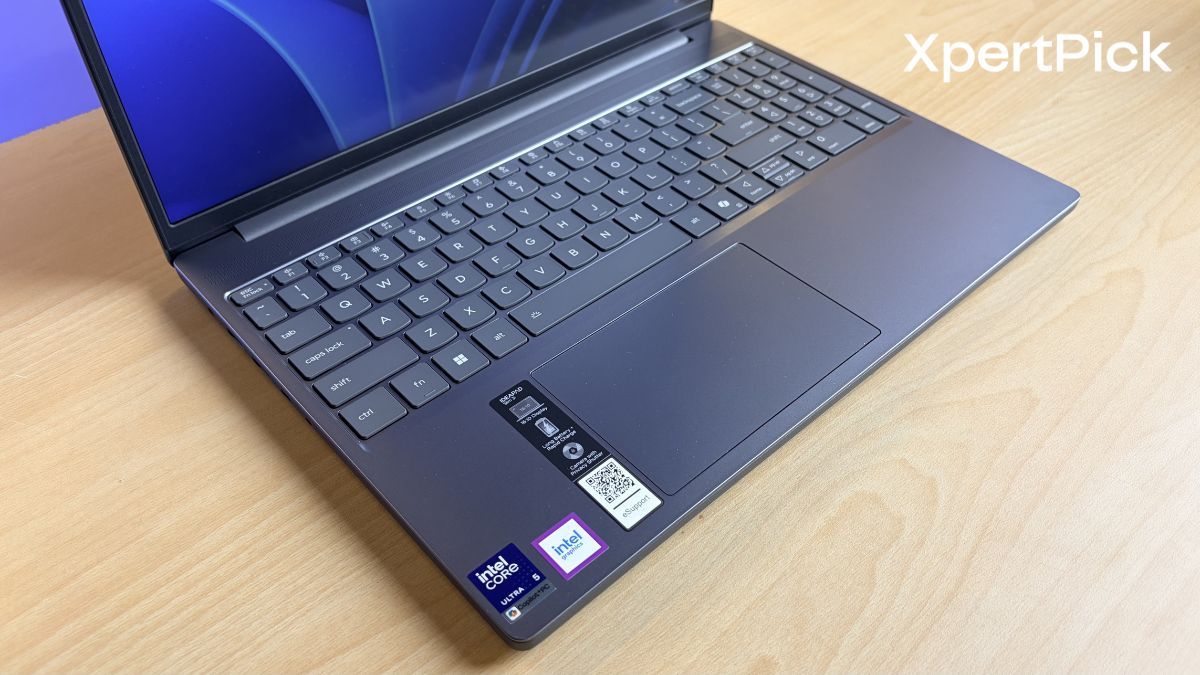
Lenovo keyboards have earned a strong reputation over the years, and this implementation appears to be almost the same. The keys offer 1.3mm of travel, delivering a comfortable and responsive typing experience. An optional backlight is also available. The keyboard also features a dedicated numpad, which could be a deal-breaker for some users, mainly because it slightly shifts your typing position.
Beneath the keyboard sits a reasonably large 120mm x 75mm touchpad. Although it is larger than the previous generation, it is objectively a little small compared to other laptops in this price range.
Display: Good Brightness, Average Colour Reproduction
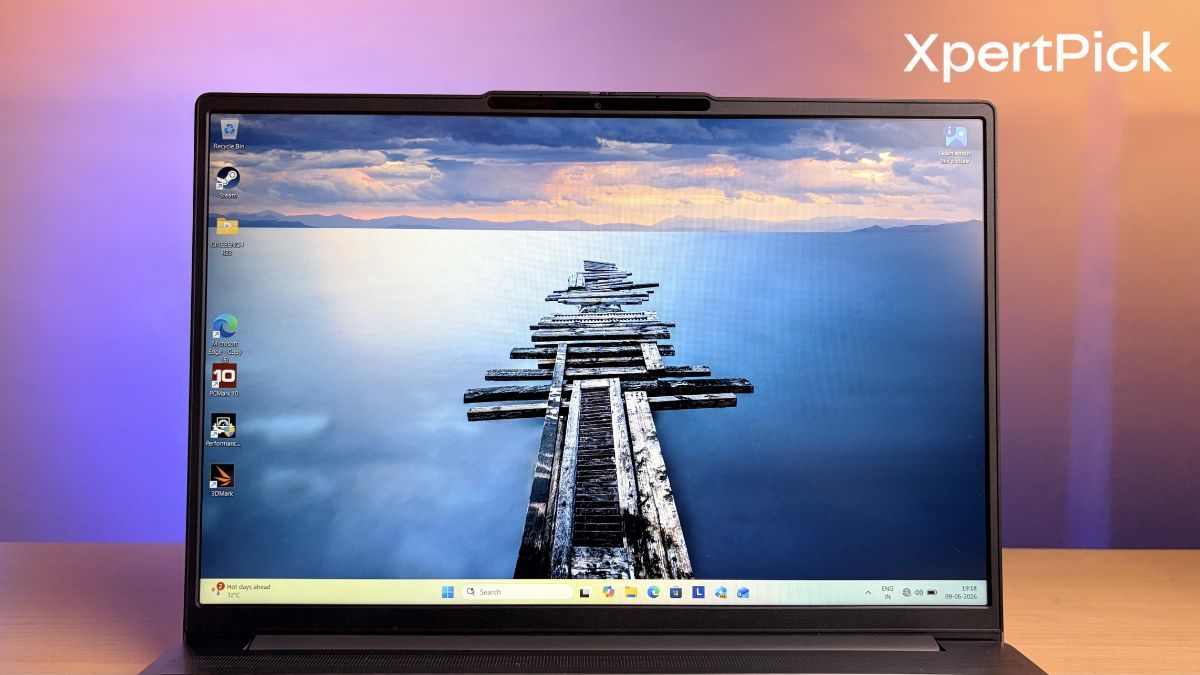
The laptop comes with a 15-inch IPS LCD display featuring a 16:10 aspect ratio. It supports a variable refresh rate between 40Hz and 60Hz. The panel also offers 8-bit colour depth and is limited to a maximum refresh rate of 60Hz.
On its own, the display is decent. It delivers good brightness levels, and the anti-glare coating works particularly well in brightly lit environments. One of my initial complaints, however, is that the panel does not offer especially good viewing angles. The colours also lean towards a cooler tone.
Audio and Camera: Better Equipped for Hybrid Working
With hybrid working and online learning now commonplace, Lenovo has equipped the laptop with user-facing Dolby Audio speakers. My initial impression is that they provide clear and balanced sound, but I feel the overall volume and bass response are lacking. One positive is that the laptop features upward-firing speakers, which means you can place it on virtually any surface without worrying about the sound becoming muffled.
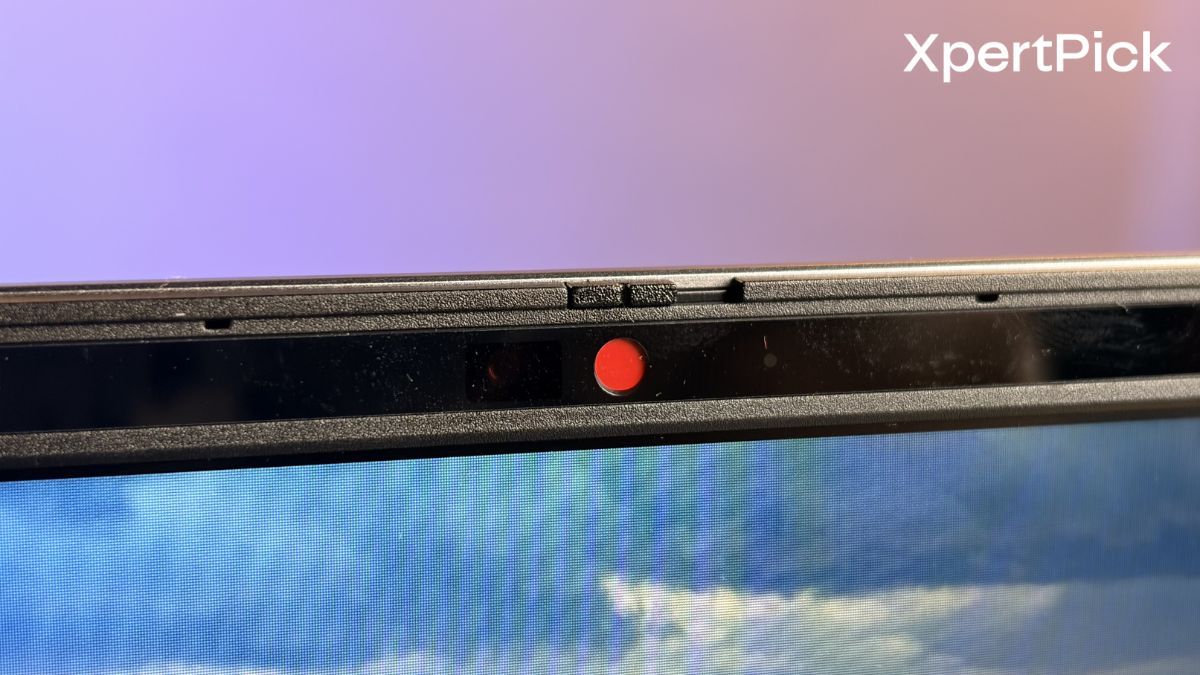
The webcam specification is equally impressive, with configurations offering up to a 5MP RGB camera or an FHD IR camera. Facial recognition support enables secure logins, while the physical privacy shutter provides added reassurance when the camera is not in use. Smart Noise Cancellation for the dual-microphone array should also help keep calls clear by reducing background noise.
Performance: Good Single Core, Decent Multi-Core
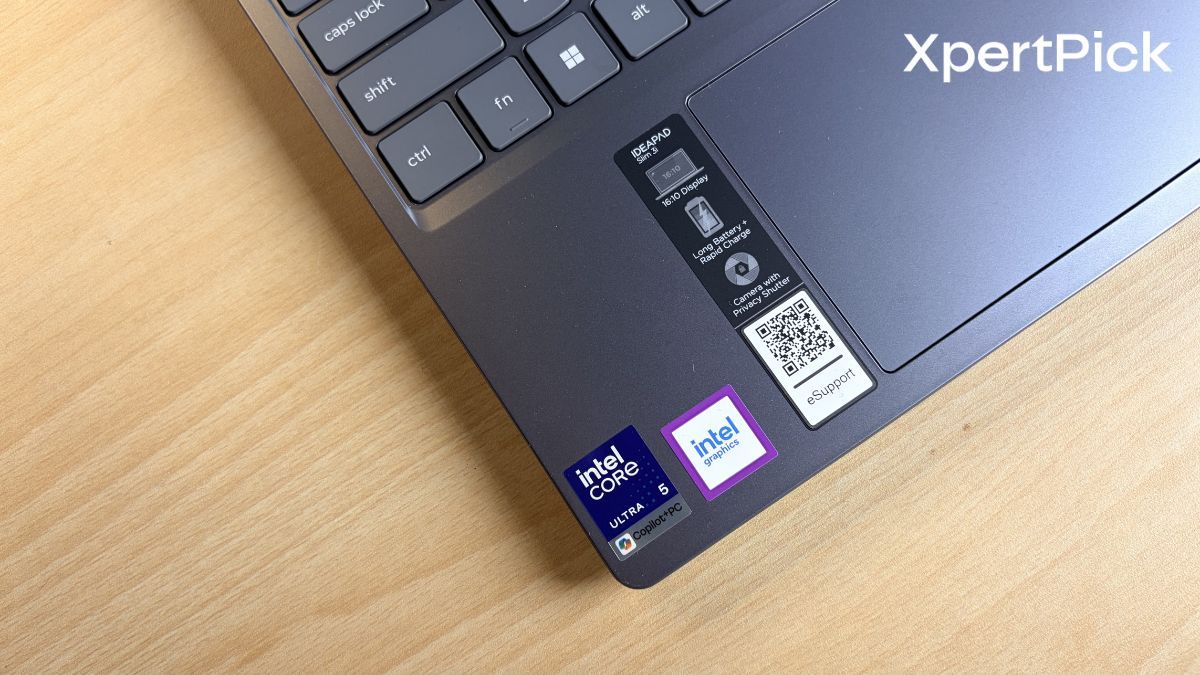
At its core, my review unit of the IdeaPad Slim 3 Gen 11 is powered by Intel’s Core Ultra 5 225H processor, paired with 16GB of RAM and a 512GB PCIe Gen4 SSD.
The 16GB memory configuration feels adequate for productivity-focused users, while the 512GB SSD offers fast boot times and responsive application loading. Lenovo has also designed the motherboard to support dual 2242 SSDs, providing useful upgrade flexibility for users who may require additional storage in the future.
Moreover, the laptop uses a standard DDR5-5600 SO-DIMM memory module, which can be easily upgraded if you require additional memory.
| Processor | Single-Core Score | Multi-Core Score |
|---|---|---|
| Lenovo IdeaPad Slim 3 Gen 11 (Core Ultra 5 225H) | 1,800 | 7,752 |
| AMD Ryzen AI 5 430 | 1,800 | 7,750 |
In my testing, the laptop demonstrated excellent performance across synthetic benchmarks. In Cinebench R23, it scored 1,800 points in the single-core test and 7,752 points in the multi-core test, putting it neck and neck with processors such as the AMD Ryzen AI 5 430, which posts similar scores of around 1,800 and 7,750, respectively.
| Processor | Multi-Core Score |
|---|---|
| Lenovo IdeaPad Slim 3 Gen 11 (Core Ultra 5 225H) | 7,524 |
| Intel Core Ultra 5 125H | 7,500 |
| AMD Ryzen 7 7730U | 7,543 |
Meanwhile, in Geekbench 6, the system achieved a single-core score of 2,425 and a multi-core score of 7,524. These results highlight strong efficiency and performance for its class, placing it alongside processors such as the Intel Core Ultra 5 125H and AMD Ryzen 7 7730U, both of which typically deliver multi-core scores in the same range.
Meaning, while the CPU is heavily skewed towards favouring single-core performance, its multi-core performance is noticeably lower.
One of the strengths of the processor is its efficiency. Under heavy workloads, the Intel Core Ultra 5 225H consumes around 26W of power. Meanwhile, at idle, power consumption drops to as little as 1W, which is particularly impressive and bodes well for battery life.
| Scenario | Power Consumption |
|---|---|
| Idle | 1W |
| Heavy Workload | 26W |
Lastly, as a certified Copilot+ PC, the laptop supports a range of on-device AI features. Tasks such as live translation, intelligent caption generation, and enhanced local search functionality are handled by the dedicated neural processing unit, reducing strain on the CPU and GPU.
Battery Life: Promising Endurance with Fast Charging
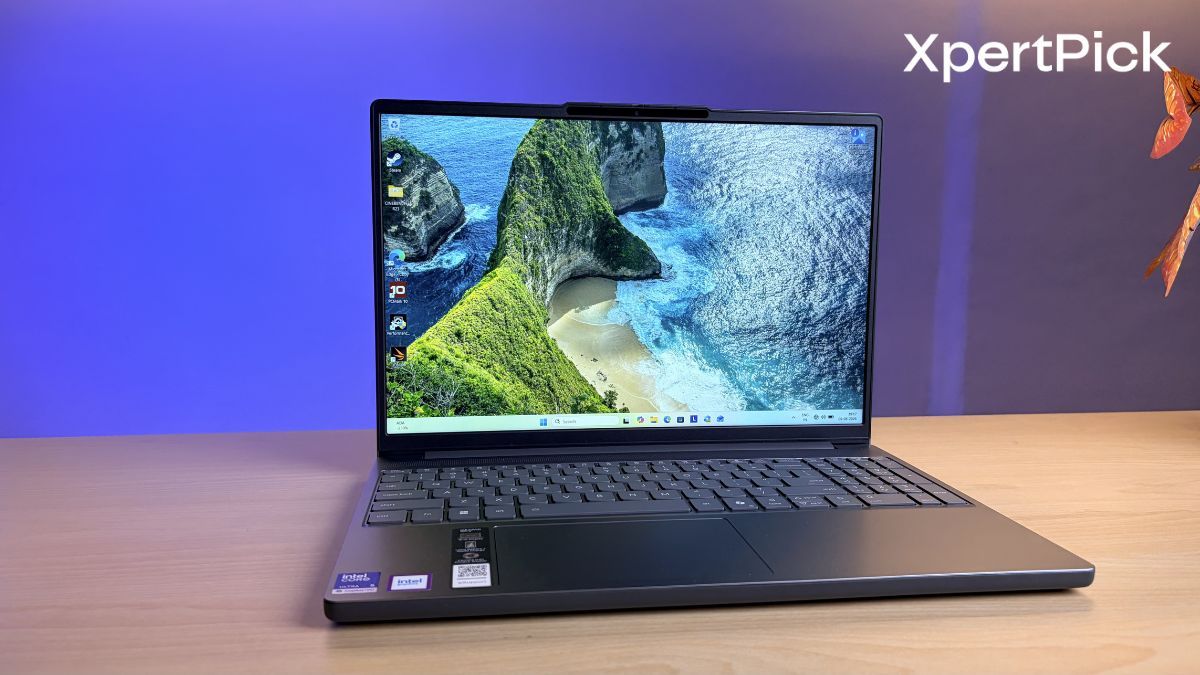
Efficiency remains a key focus of the Gen 11. Equipped with up to a 60Wh battery, the IdeaPad Slim 3 Gen 11 is designed to comfortably handle a day of work, study or general use.
When the battery does run low, Rapid Charge Boost claims to provide up to two hours of usage from just a 15-minute charge. In our testing so far, the laptop has delivered around 7 to 8 hours of screen-on time, although a more comprehensive battery life assessment will be included in the full review.
Verdict: Plenty to Like, More to Prove
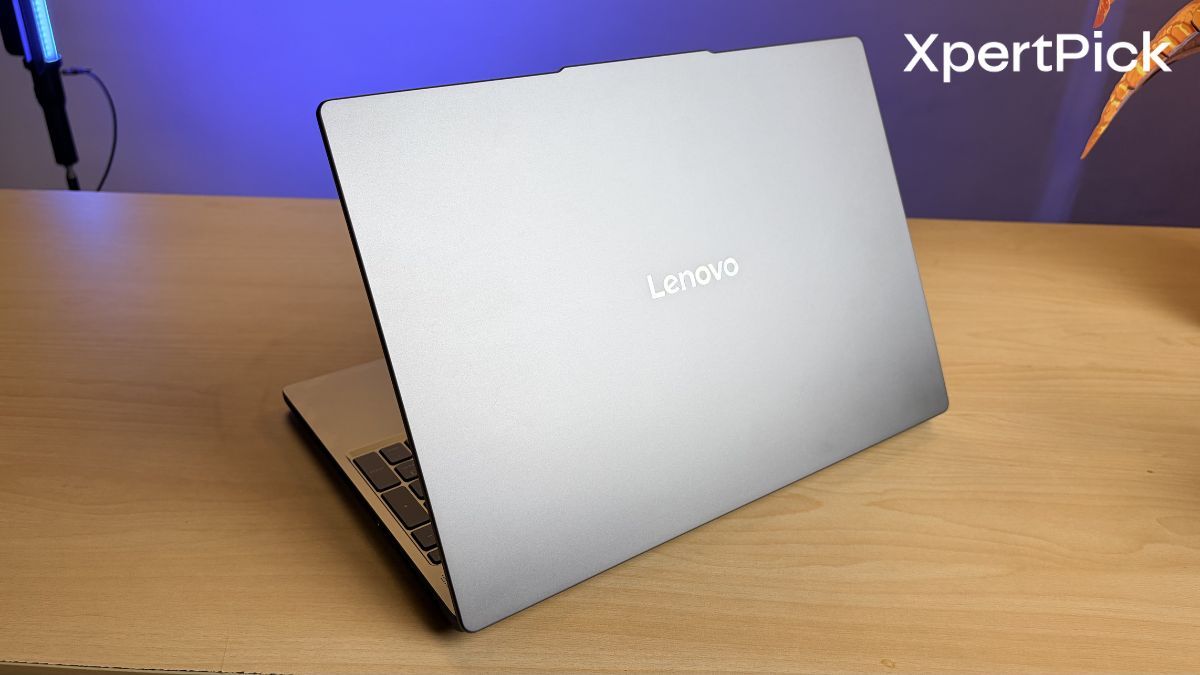
The Lenovo IdeaPad Slim 3 Gen 11 appears to get many things right. It brings premium features such as an OLED display, Copilot+ AI capabilities, and a durable build into a more accessible segment of the market.
Priced at ₹1,09,990, it enters a highly competitive category. This segment is already crowded with laptops such as the Apple MacBook Air, Asus ZenBook, and even older variants of the Lenovo Yoga Slim 7.
So, how does the new Lenovo IdeaPad Slim 3 stack up against the competition? We’ll have to wait and see when we put it through its paces in our full review.