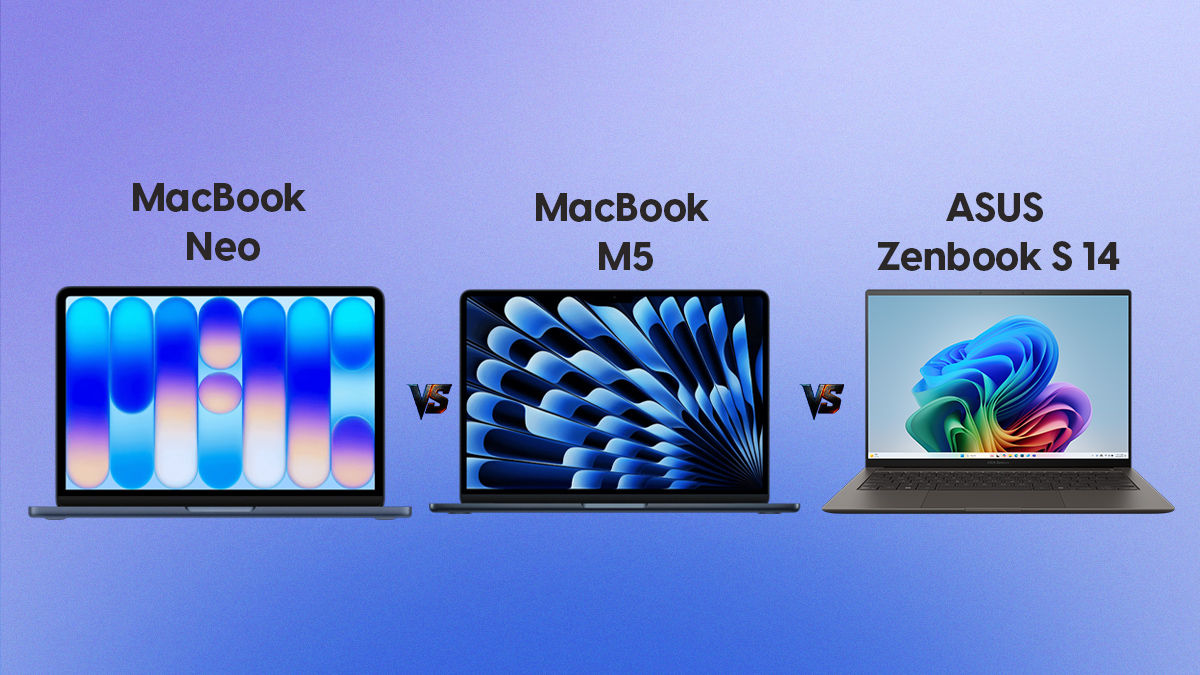
If you’re buying a laptop in India in 2026, Apple now has two very different answers depending on your budget. The MacBook Air M5 at Rs 1,09,900 is the premium pick. The MacBook Neo at Rs 69,900 (or around Rs 60,000 with a student discount) is something new entirely: Apple’s first serious attempt at an affordable Mac. Then there’s the entire Windows ecosystem sitting between and above both.
This guide answers every question that matters before you decide.
Is the MacBook Air M5 worth buying in India in 2026?
Yes, more so than any previous MacBook generation. The MacBook Air M5 starts at around Rs 1,09,900 in India and comes with 16GB of memory and 512GB of storage as standard. At that price and configuration, it outperforms every comparable Windows thin-and-light laptop by 40 to 48% on everyday tasks, lasts up to 18 hours on a charge, and runs completely silently with no cooling fan. For most buyers, including students, professionals, and everyday users, it is the best value laptop available in this price range in India today.
How does the MacBook Air M5 compare to Windows laptops at the same price?
We compared the base MacBook Air M5 against the four best-selling Windows thin-and-lights in the Rs 1 to 1.2 Lakh range in India: the ASUS Zenbook S 14, Samsung Galaxy Book5 Pro, Lenovo Yoga 7i Aura Edition, and HP OmniBook 7 Aero. All weigh under 1.3 kg and are priced similarly.
| Laptop | Processor | GB6 Single-Core | GB6 Multi-Core | Single-Core Gap | Multi-Core Gap | Battery | Fan |
| MacBook Air M5 | Apple M5 (10-core) | 4,141 | 16,997 | Baseline | Baseline | 15 to 18 hrs | Silent |
| ASUS Zenbook S 14 | Intel Core Ultra 5 226V | 2,226 | 8,780 | ~46% slower | ~48% slower | 8 to 10 hrs | Audible |
| Samsung Galaxy Book5 Pro | Intel Core Ultra 5 226V | 2,226 | 8,780 | ~46% slower | ~48% slower | 8 to 10 hrs | Audible |
| Lenovo Yoga 7i Aura | Intel Core Ultra 5 226V | 2,226 | 8,780 | ~46% slower | ~48% slower | 8 to 10 hrs | Audible |
| HP OmniBook 7 Aero | AMD Ryzen AI 7 350 | 2,476 | 11,329 | ~40% slower | ~33% slower | 9 to 11 hrs | Audible |
CPU scores sourced directly from Geekbench Browser (browser.geekbench.com): processor aggregate pages for Intel Core Ultra 5 226V and AMD Ryzen AI 7 350; individual verified result for MacBook Air M5 (Mac17,3, March 11 2026). All figures are Geekbench 6.
The MacBook Air M5 wins on speed, battery life, and noise in every head-to-head comparison, and by a larger margin than is typically reported. The real-world performance gap between the M5 and the Intel Core Ultra 5 226V is 46% in single-core and 48% in multi-core, significantly wider than the “30 to 35%” commonly cited in other reviews.
Is MacBook Air M5 faster than Windows laptops at this price?
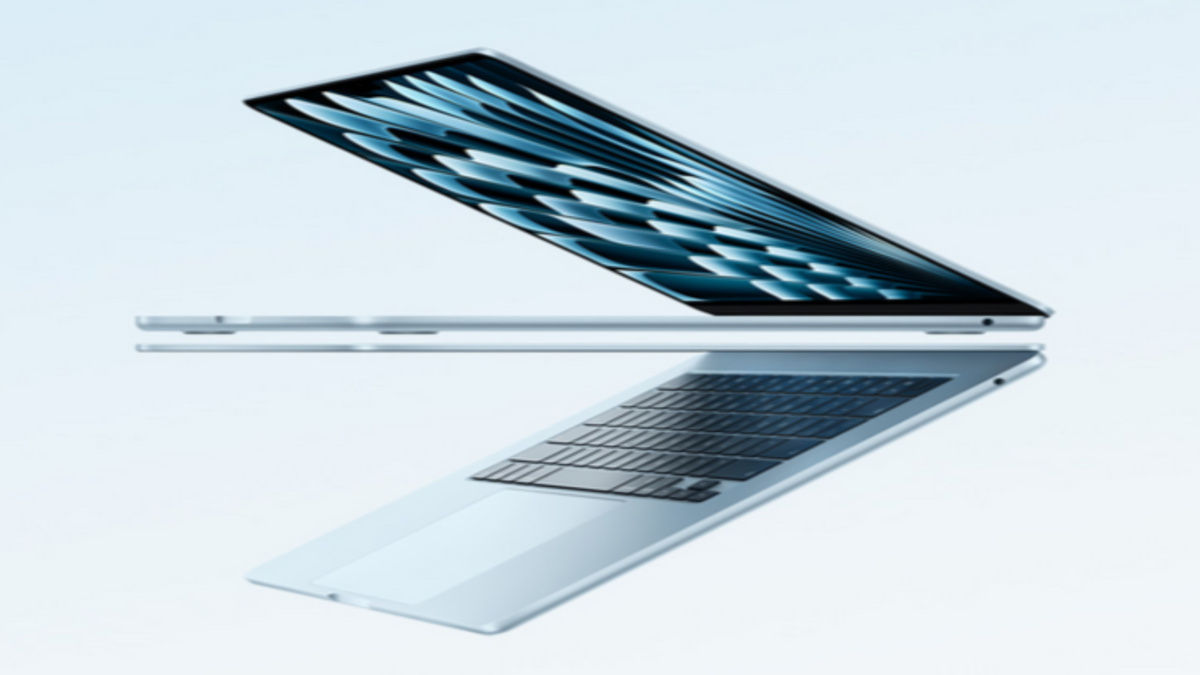
Yes, by a significant margin. The Apple M5 chip scores 4,141 in Geekbench 6 single-core and 16,997 in multi-core, taken from a verified result in the Geekbench Browser database (Mac17,3, March 2026). The Intel Core Ultra 5 226V scores 2,226 single-core and 8,780 multi-core, and the AMD Ryzen AI 7 350 scores 2,476 single-core and 11,329 multi-core, both sourced from Geekbench Browser’s official processor aggregate pages.
That puts the M5 Air 46% faster in single-core and 48% faster in multi-core versus Intel Core Ultra 5 226V laptops, and 40% faster in single-core versus the AMD Ryzen AI 7 350. The AMD chip is more competitive in heavy multi-threaded tasks, trailing by 33% in multi-core. Across the board, the gap is wider than the “30 to 35%” commonly cited in other reviews.
Crucially, this gap widens further when Windows laptops are used on battery power. Intel and AMD laptops automatically reduce performance by 15 to 25% when unplugged to preserve battery life. The MacBook Air M5 delivers full performance whether plugged in or not.
How does the MacBook Air M5 GPU compare to Windows laptops?
The M5 Air’s GPU leads significantly, though cross-platform comparisons require a methodology note. Apple’s GPU is benchmarked via the Metal API on macOS, while Windows GPUs use OpenCL or Vulkan. These APIs produce scores on different scales, so direct number-to-number comparison is imprecise. The performance order is however consistent across real-world creative workloads.
| Laptop | GPU | GPU Score (API) | AI NPU |
| MacBook Air M5 | Apple M5 10-core GPU | ~57,326 (Metal) | Deeply integrated via Neural Engine |
| HP OmniBook 7 Aero | AMD Radeon 860M | ~32,000 (OpenCL, est.) | 50 TOPS |
| ASUS / Samsung / Lenovo | Intel Arc Graphics 130V | ~25,608 (OpenCL) | 40 TOPS |
M5 Metal score from Geekbench Browser (May 2026). Intel Arc 130V OpenCL score from Notebookcheck aggregate (avg 25,608, range 23,879 to 27,095). AMD Radeon 860M OpenCL estimate based on available results; confirmed average scores are still accumulating in the Geekbench Browser database as of May 2026.
The practical outcome: the M5 Air handles 4K video timeline scrubbing smoothly under sustained load. Intel Core Ultra 5 laptops at this price bracket struggle with the same task. AMD’s Radeon 860M closes the gap somewhat, but the M5’s unified memory architecture lets the GPU draw from the same high-bandwidth pool as the CPU, providing a structural advantage that benchmark scores alone do not fully capture.
Does the MacBook Air M5 slow down on battery?
No, the MacBook Air M5 does not appear to lose performance simply because it is running on battery power. That is the important distinction here. The chip can still throttle under sustained heavy workloads because the MacBook Air uses a fanless design, so heat can eventually limit performance. However, that throttling is not specifically triggered by unplugging the laptop.
In practical terms, the MacBook Air M5 can maintain the same performance profile on battery as it does when plugged in, which remains one of its biggest everyday advantages. Many Windows laptops with Intel or AMD processors reduce CPU or GPU performance more aggressively when disconnected from power, especially in demanding workloads. Apple’s approach makes the Air feel more consistent when you are working away from a desk, even if it is still not immune to thermal throttling during long, sustained tasks.
How long does the MacBook Air M5 battery actually last?
In real-world use, the MacBook Air M5 delivers 14 to 18 hours of battery life on mixed tasks, including web browsing, documents, video calls, and light media. This is among the longest battery lives of any laptop at any price. By comparison, Windows thin-and-lights in the same price range typically last 7 to 11 hours under similar conditions.
What is the MacBook Neo, and should I consider it?

The MacBook Neo is Apple’s newest and most affordable laptop, launched in March 2026 at Rs 69,900 in India. It runs on the A18 Pro chip, the same processor inside the iPhone 16 Pro, in a fanless aluminium design with a 13-inch Liquid Retina display. It claims up to 16 hours of battery life and comes in four colours: Silver, Blush, Citrus, and Indigo.
It is not a MacBook Air. It has 8GB of RAM (non-upgradeable) and starts with 256GB of storage. It has two USB-C ports with no MagSafe and no Thunderbolt. But for buyers whose budget tops out below Rs 80,000, or who are buying their first Mac and want to try macOS before committing fully, it is a genuinely strong option, particularly at the student-discounted price of approximately Rs 60,000.
MacBook Neo vs MacBook Air M5: Which one should I buy?
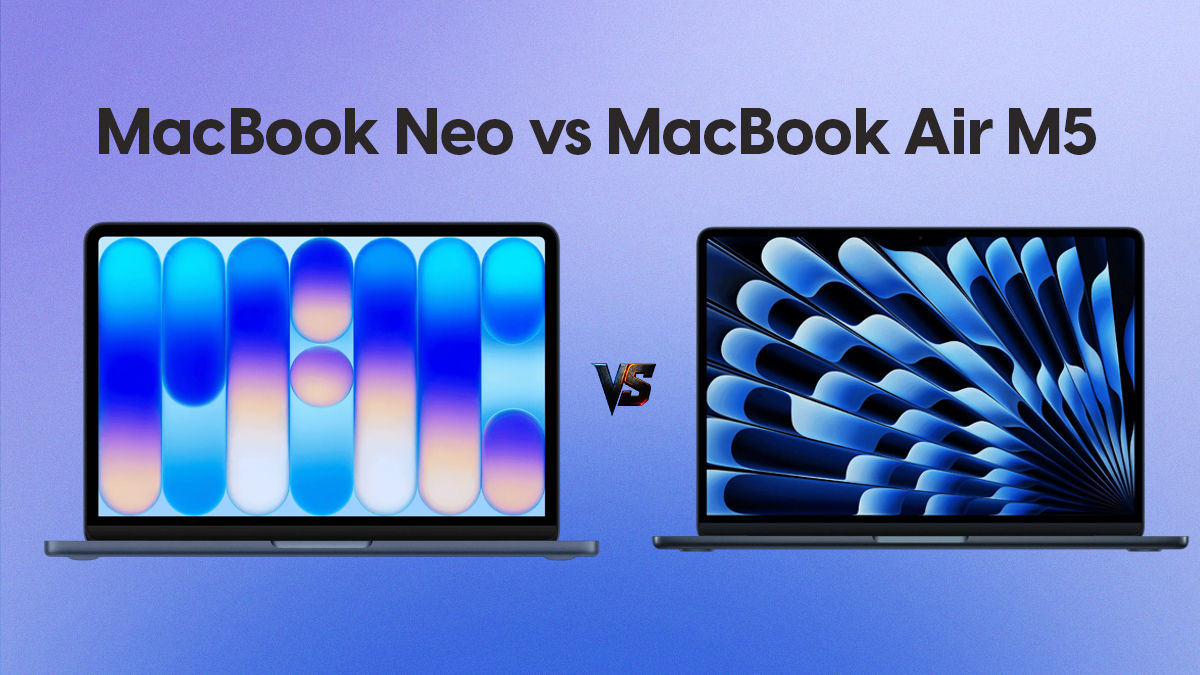
The right answer depends almost entirely on your budget and workload.
| MacBook Neo | MacBook Air M5 | |
| Price (India) | Rs 69,900 base / approx Rs 60,000 with student discount | Rs 1,09,900 base |
| Chip | Apple A18 Pro | Apple M5 |
| RAM | 8GB (not upgradeable) | 16GB (base) |
| Storage | 256GB or 512GB | 512GB (base) |
| Battery | Up to 16 hours | Up to 18 hours |
| Fan | None (fanless) | None (fanless) |
| Ports | 2x USB-C | 2x Thunderbolt 4 plus MagSafe |
| Best for | Students, first-time Mac buyers, light use | Professionals, creators, heavy multitaskers |
Buy the MacBook Neo if: Your budget is under Rs 80,000, you are a student or first-time Mac buyer, and your daily use covers browsing, documents, video calls, and streaming.
Buy the MacBook Air M5 if: You multitask heavily, use creative applications, run demanding software, or plan to keep this laptop for five or more years.
The performance gap between the two is real. The M5 Air is significantly faster, especially under sustained load. But for everyday tasks, the MacBook Neo is surprisingly capable and will not feel slow to most users.
MacBook Neo price in India with student discount: how much does it actually cost?
Approximately Rs 60,000. Apple offers education pricing for students, teachers, and education staff in India through its Apple Education Store. The MacBook Neo’s base price of Rs 69,900 drops by roughly Rs 9,000 to Rs 10,000 under education pricing, bringing the effective cost to around Rs 59,900 to Rs 60,000 for eligible buyers. This makes it one of the most competitive laptops available at that price point, in any category, not just among Macs.
To access this pricing, you can visit Apple’s official website and select the Education store, or visit an Apple Authorized Reseller with valid student ID documentation.
Is the MacBook Neo worth buying for first-time Mac users?
Yes, it is arguably Apple’s best product for first-time Mac buyers in 2026. The MacBook Neo removes the main barrier that kept most Indian buyers away from Apple laptops: price. At Rs 69,900, and closer to Rs 60,000 with a student discount, it enters a segment Apple has never competed in before. The machine is built from recycled aluminium, runs completely silently, lasts a full day on battery, and ships with macOS and no bloatware. There are no 30-day antivirus trials, no pop-ups, no promotional shortcuts cluttering the desktop.
For someone who has only ever used Windows, the MacBook Neo is a low-risk introduction to the Apple ecosystem. If you find macOS suits you, you have a capable everyday laptop. If you later want to move up to a MacBook Air or MacBook Pro, you already know the platform.
The key limitation to accept upfront: 8GB of RAM cannot be upgraded after purchase. For light to moderate use, this is fine. For heavy multitaskers or anyone running multiple demanding apps simultaneously, the MacBook Air M5’s 16GB is the better long-term investment.
Is the MacBook Neo good for students in India?
Yes. At Rs 60,000 with a student discount, it is one of the best student laptops available in India right now. It handles the full range of student workloads: notes, research, presentations, video calls, and light coding. The battery lasts a full day of classes without needing a charger. It runs silently in libraries. macOS is stable and receives free updates.
The 8GB RAM is worth noting. For most undergraduate and postgraduate coursework it is sufficient. Students running virtual machines, heavy data science tools, or professional creative software will be better served by the MacBook Air M5.
For students who can stretch to Rs 1,09,900, or who receive institutional support, the MacBook Air M5 remains the stronger long-term purchase. But for students on a tighter budget, the MacBook Neo at education pricing is a genuinely excellent option that outperforms most Windows laptops at similar prices.
Is MacBook Air M5 good for students in India?
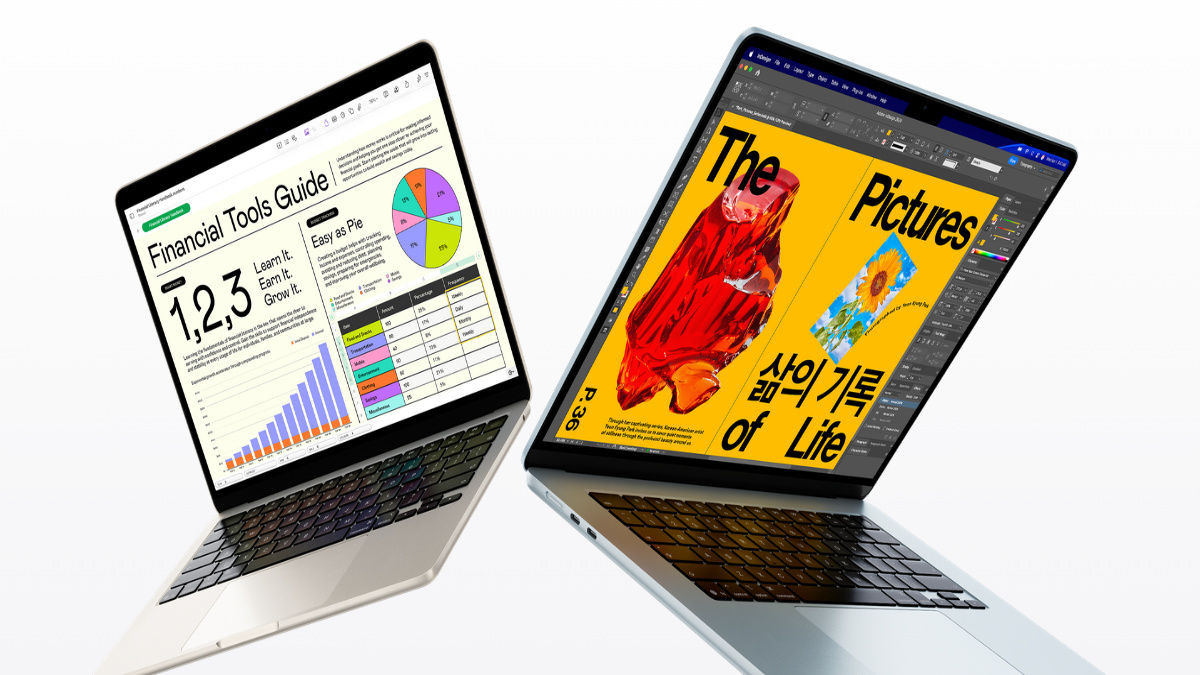
Yes, it is the best MacBook for students who can afford it. The 16GB RAM, 512GB storage, 18-hour battery, and M5’s performance headroom make it a laptop that will last through four or more years of study without slowing down. It handles documents, research, presentations, coding, light video editing, and heavy browser use without compromise.
If Rs 1,09,900 is beyond your budget, the MacBook Neo at approximately Rs 60,000 with a student discount is a credible alternative. The main limitation of the M5 Air for students is software compatibility: if your course or institution requires Windows-only applications, check compatibility before purchasing.
Is MacBook Air M5 good for professionals and office work?
Yes. For professionals doing document editing, spreadsheets, presentations, email, video conferencing, and web research, the MacBook Air M5 is exceptionally well-suited. The performance headroom over Windows alternatives means the laptop will not slow down as your workload grows. The fanless design keeps the laptop silent during calls and meetings. Battery life comfortably covers a full working day without charging.
For professionals using industry-specific Windows-only software such as certain ERP systems, some engineering tools, or legacy enterprise applications, check software compatibility before switching.
Is MacBook Air M5 good for video editing?
Yes, for most video editing needs. The M5’s GPU is powerful enough to handle 4K video timelines smoothly, something competing Windows laptops at this price struggle with under sustained load. Apple’s video editing apps (Final Cut Pro and iMovie) are highly optimised for M5. Adobe Premiere Pro and DaVinci Resolve also run well. For professional-grade, multi-stream 8K editing, a MacBook Pro would be a better fit. But if your budget doesn’t allow for it, then for the majority of content creators, YouTubers, and working professionals, the MacBook Air M5 will still fit the bill. The only thing you’ll notice is the laptop getting slightly warm during intense usage.
MacBook Air M5 vs ASUS Zenbook S 14: Which should I buy?
MacBook Air M5 for most buyers; ASUS Zenbook S 14 if you need Windows or an OLED screen.
Performance: MacBook Air M5 is approximately 46% faster in single-core tasks against the Zenbook S 14’s Intel Core Ultra 5 226V, based on Geekbench Browser aggregate data.
Battery: MacBook Air M5 lasts significantly longer and maintains full performance off the charger. The Zenbook throttles when unplugged.
Display: Zenbook S 14 has a 3K 120Hz OLED screen that looks spectacular for media. The M5 Air’s LCD display is better for long working sessions, with less eye strain and no burn-in risk.
Noise: Zenbook has a fan that activates under load. M5 Air has no fan and is always silent.
Price: Comparable at Rs 1 to 1.1 Lakh for equivalent configurations.
OS: If you rely on Windows software, the Zenbook is the right choice.
MacBook Air M5 vs Samsung Galaxy Book5 Pro: Which is better?
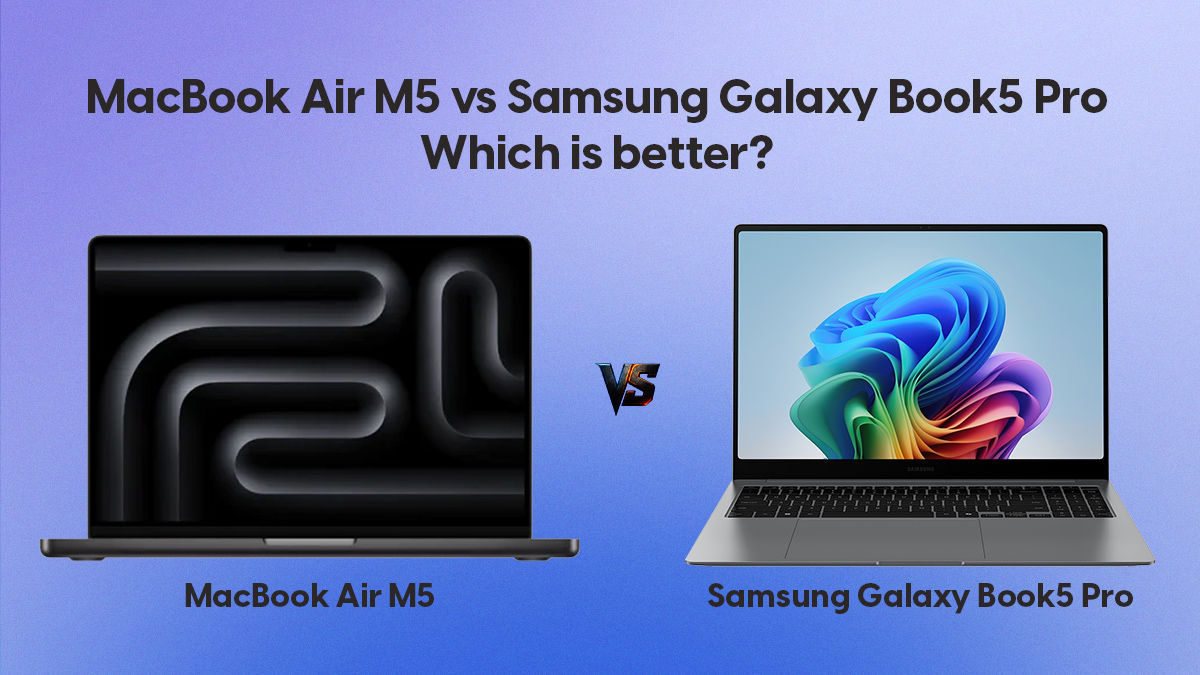
MacBook Air M5 wins on performance, battery, and daily usability. The Galaxy Book5 Pro offers a premium OLED display and tight Samsung ecosystem integration for Android users. However, it uses the same Intel Core Ultra 5 226V processor as the Zenbook S 14, placing it at the same 46% single-core performance deficit versus the M5. Battery life also trails the MacBook Air considerably. For Samsung Android phone users who want tight device integration, the Galaxy Book5 Pro has its appeal. For most others, the M5 Air is the stronger purchase.
Does MacBook Air M5 have a fan? Is it noisy?
The MacBook Air M5 has no fan and makes no noise. It is a completely fanless laptop. Apple’s M5 chip runs cool enough that active cooling is unnecessary. This makes it the only laptop in this price range that is entirely silent under all conditions. Windows competitors including the ASUS Zenbook S 14, Samsung Galaxy Book5 Pro, Lenovo Yoga 7i, and HP OmniBook 7 all use fans that spin audibly during demanding tasks.
Is the MacBook Air M5 display good?
Yes, especially for work. The 13-inch Liquid Retina display on the MacBook Air M5 offers excellent brightness, accurate colour, and outstanding text sharpness. It is not OLED, which means it will not match competing Windows laptops on HDR contrast or peak vividness for movies.
For everyday work, including reading, writing, coding, and spreadsheets, the M5 Air’s display has meaningful practical advantages over OLED competitors: no risk of screen burn-in, no eye fatigue from PWM-based dimming (the M5 uses flicker-free DC dimming), and lower power consumption on bright content, which contributes to better battery life.
Is 16GB RAM enough on MacBook Air M5?
Yes, for most users. The MacBook Air M5 ships with 16GB of unified memory as standard, up from the previous 8GB base configuration that drew justified criticism. Unified memory in Apple Silicon is shared across the CPU and GPU and operates at very high bandwidth, making 16GB on an M5 functionally comparable to 24GB or more on a conventional laptop. For students, professionals, content creators, and general users, 16GB is sufficient. Heavy video editors or developers running multiple virtual machines simultaneously may want to consider upgrading to 24GB.
MacBook Air M5 or MacBook Air M4: Should I wait or buy now?
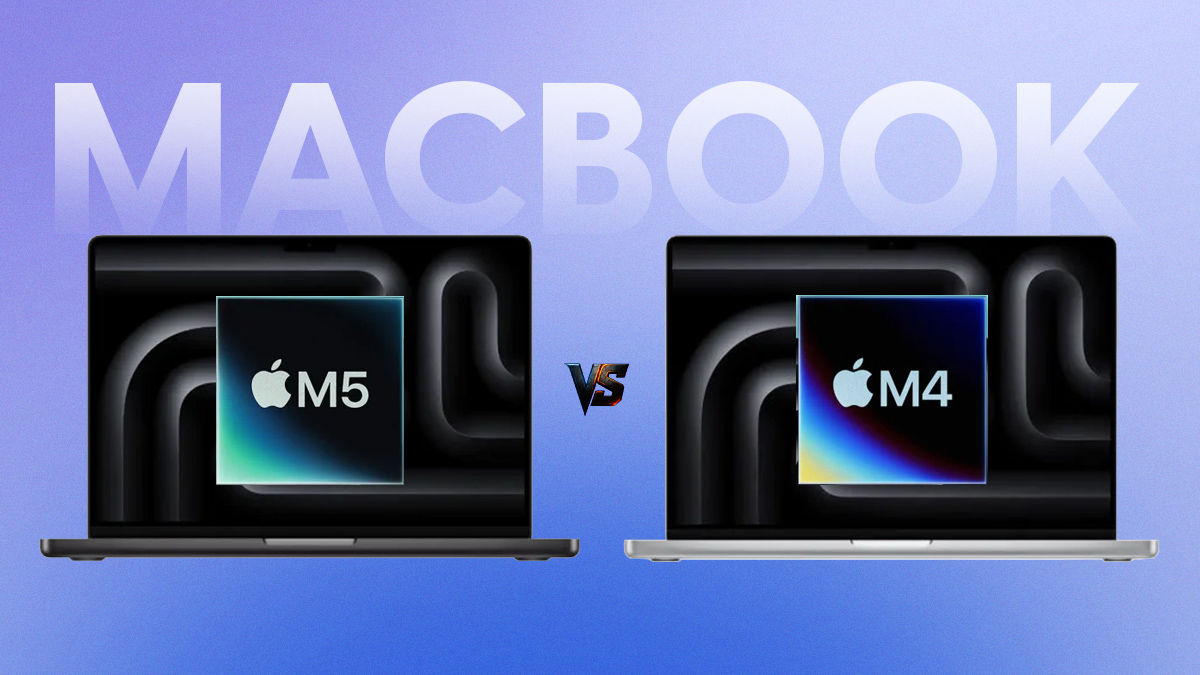
Buy the M5 now. The MacBook Air M5 is the current generation and represents a meaningful upgrade over the M4, particularly in GPU performance, Neural Engine capabilities, and the updated base specification of 16GB RAM. There is no imminent successor expected in the near term. Waiting for the next generation means delaying your purchase by a year or more for marginal gains.
What are the downsides of the MacBook Air M5?
The MacBook Air M5 is not perfect. Here are the honest limitations:
macOS only. If your work depends on Windows-only software, you either need Parallels (a paid virtualisation tool) or a different laptop entirely.
No OLED display. Windows competitors offer more visually striking screens for media consumption.
60Hz refresh rate. The display is not 120Hz, which some users will notice during fast scrolling.
Limited ports. Two Thunderbolt 4 ports and a MagSafe charging port. A hub or dongle is recommended for users needing HDMI, SD card slots, or USB-A.
Gaming. macOS has a limited game library. It is not the right laptop if gaming is a priority.
Should I buy a MacBook or a Windows laptop?
Buy a MacBook Air M5 if: You want the fastest thin-and-light laptop in this price range, need long all-day battery life, prefer silent operation, multitask across demanding apps, and your software works on macOS.
Buy a MacBook Neo if: Your budget is under Rs 80,000 (or approximately Rs 60,000 as a student), you are a first-time Mac buyer, and your daily use is documents, browsing, calls, and streaming. It is also a strong pick if you want to experience macOS before committing to a higher-priced Mac.
Buy a Windows laptop if: Your work requires Windows-only applications, you want an OLED display, you play games, or you strongly prefer the Windows ecosystem.
For the majority of buyers, the choice today is no longer simply Mac or Windows. It is which Mac, and at what budget. The MacBook Neo makes the Apple ecosystem accessible at Rs 60,000 to Rs 70,000 for the first time. The MacBook Air M5 dominates the Rs 1 Lakh-plus thin-and-light market. Windows laptops remain a valid choice for specific use cases, but the burden of justification has decisively shifted onto them.