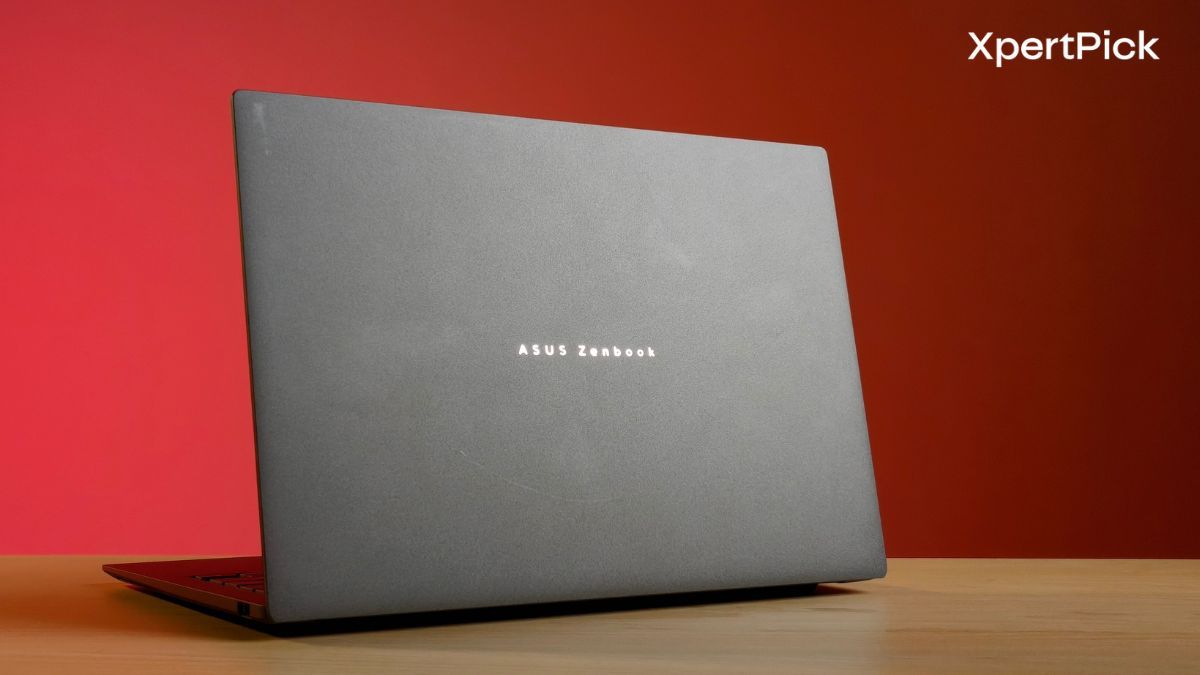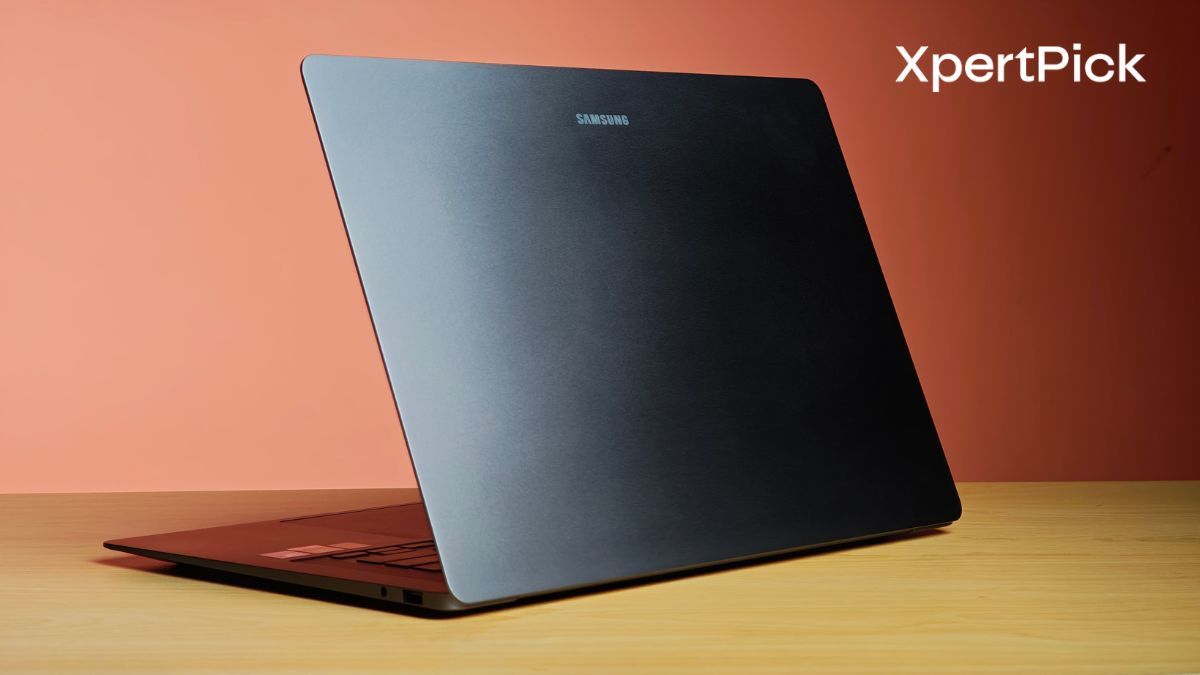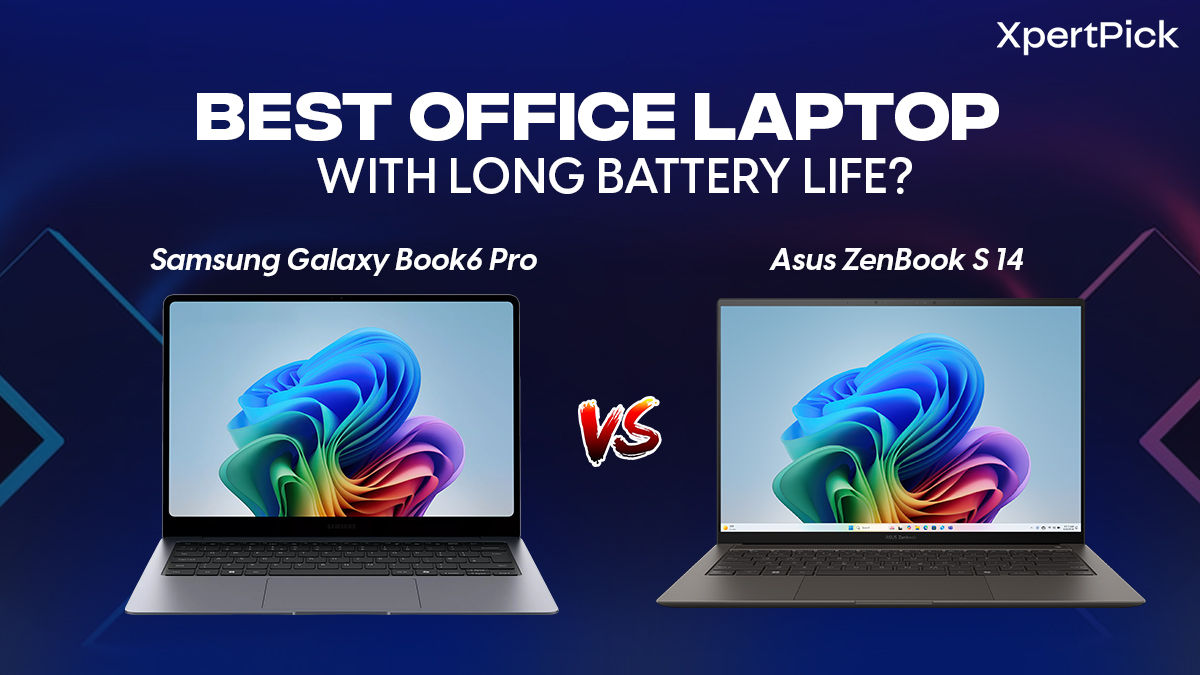
Keyboard, Touchpad And Display: Samsung Galaxy Book6 Pro Wins Overall For Office Work
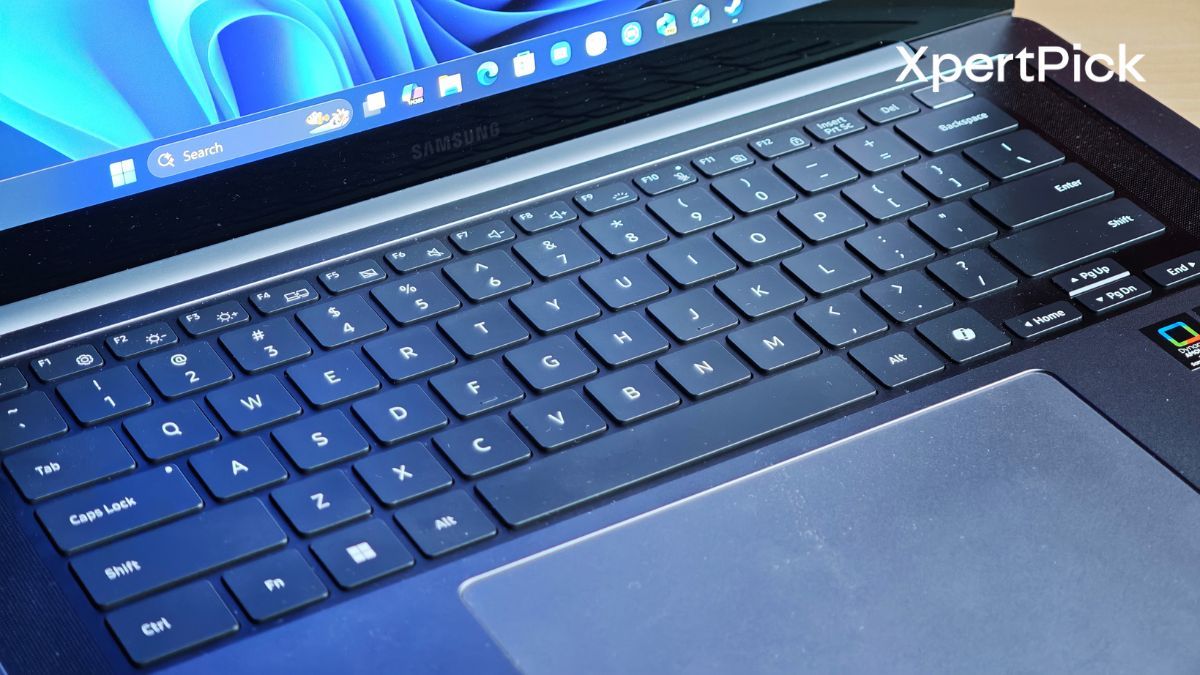
The keyboard, touchpad, and display are the three components you interact with the most during work hours. Naturally, all three need to be well-tuned if a laptop is expected to keep you productive without getting in the way.
Starting with the keyboard, the Samsung Galaxy Book6 Pro offers 1.0mm of key travel, while the Asus Zenbook S 14 goes slightly deeper at 1.1mm. That difference may sound small on paper, but it is noticeable while typing. The Zenbook S 14’s keys feel a little more satisfying to press, with slightly better depth and feedback.
Another advantage for the Asus Zenbook S 14 is its Excimer coating, which helps prevent the keys from developing that shiny, worn-out look over time, something that is common on many regular laptop keyboards.
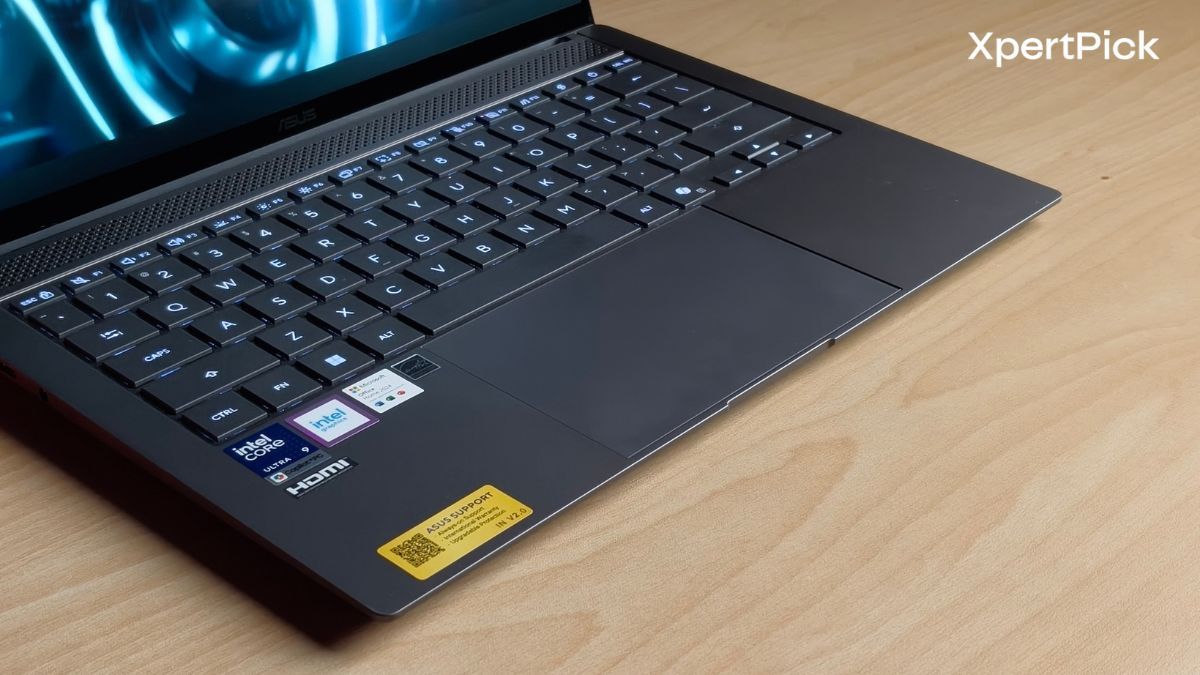
That said, the spring action feels quite similar on both laptops. In simple terms, the way the keys bounce back after each press is largely the same, so neither laptop feels dramatically different in terms of rebound or typing rhythm.
Therefore, in terms of keyboard, the Asus ZenBook S 14 takes the lead.
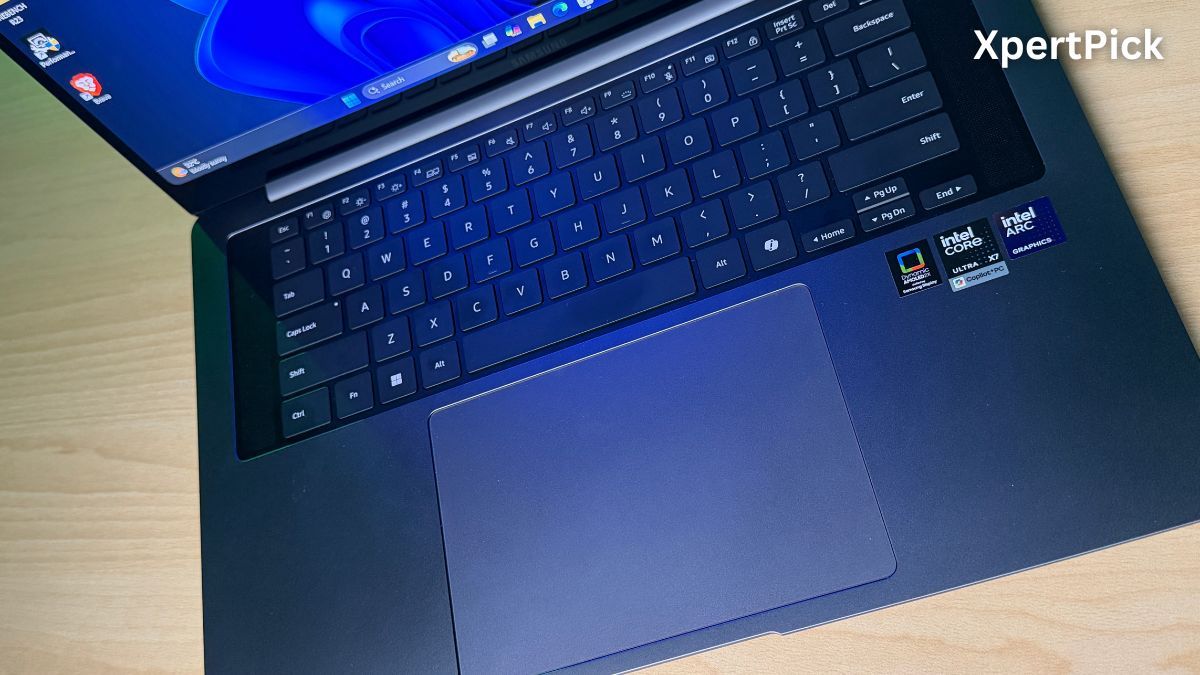
Next up is the touchpad. Here, the Samsung Galaxy Book6 Pro has the upper hand because it uses a haptic touchpad, which gives you an even click response no matter where you press. It also has a motor underneath that simulates the feeling of a physical click.
Because of this, the touchpad remains level and does not sink towards the left or right side after prolonged use, which can happen with some traditional mechanical touchpads.
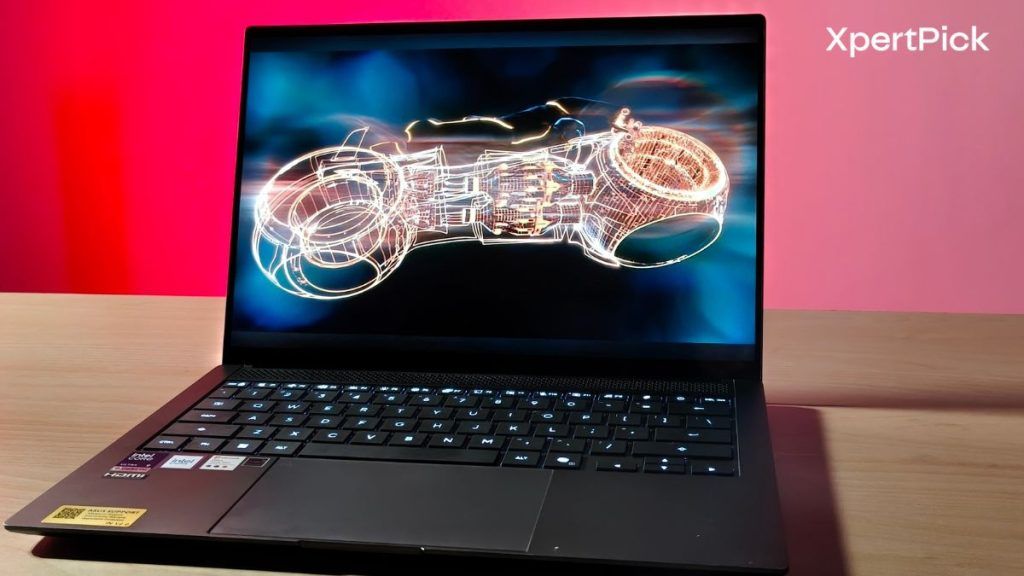
For comparison, the touchpad on the Asus Zenbook S 14 is a regular mechanical one. While it is smooth to use, it does not feel as refined or consistent as the haptic touchpad on the Samsung Galaxy Book6 Pro.
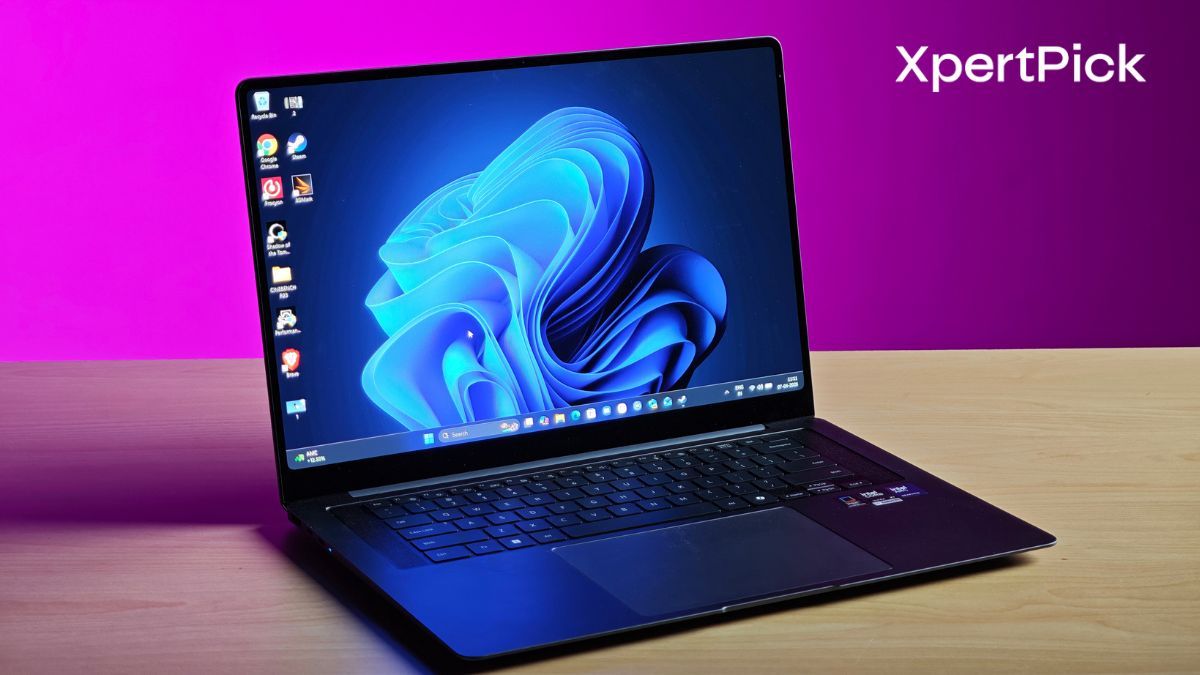
Both the Samsung Galaxy Book6 Pro and the 2026 Asus Zenbook S 14 offer premium OLED displays, but they serve slightly different priorities. Both use a sharp 3K 2880 x 1800 resolution with a 16:10 aspect ratio, so text, spreadsheets, browser windows, and creative work all look crisp and spacious.
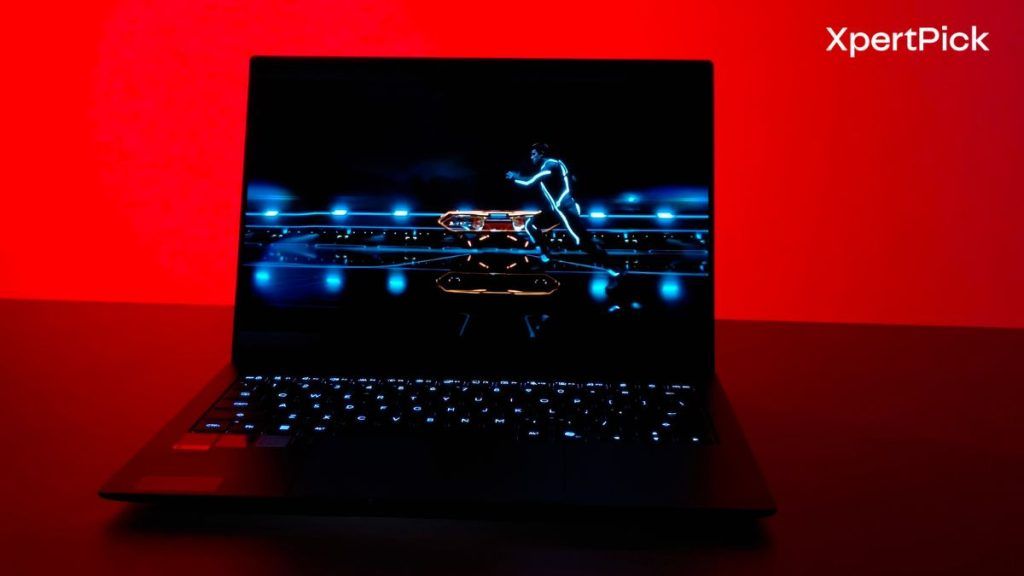
The Zenbook S 14 uses a 14-inch Asus Lumina OLED panel, while the Galaxy Book6 Pro uses Samsung’s Dynamic AMOLED 2X panel in 14-inch and 16-inch sizes. Both deliver deep blacks, rich colours, and excellent contrast.
Asus has a slight edge on paper with 1,100 nits peak HDR brightness versus 1,000 nits on the Samsung, along with 100% DCI-P3 coverage, 1.07 billion colours, Pantone validation, and TÜV Rheinland certification. That makes the Zenbook S 14 the stronger pick if colour certification and HDR spec-sheet numbers matter to your workflow.
Samsung, however, feels more practical for everyday work. The Galaxy Book6 Pro supports a dynamic 30Hz to 120Hz refresh rate, which helps save battery when you are reading, writing, or working on static pages, while still giving you smooth motion when needed.
Its biggest advantage is Corning Gorilla Glass with DXC, which reduces reflections far better than a standard glossy OLED panel. Paired with Samsung’s Vision Booster software, it should be easier to use in bright offices, near windows, or outdoors.
So while the Zenbook S 14 looks excellent and carries stronger creator-focused certifications, the Galaxy Book6 Pro has the more usable work display because it handles glare better and manages refresh rate more intelligently.
Performance And AI Workloads: Samsung Galaxy Book6 Pro Wins Clearly
| Benchmark | Samsung Galaxy Book6 Pro | Asus Zenbook S 14 |
| Processor | Intel Core Ultra 7 358H | Intel Core Ultra 9 386H |
| Geekbench 6 (Single-Core) | 2,890 | 2905 |
| Geekbench 6 (Multi-Core) | 17,108 | 16,659 |