Motorola just announced the Edge 70 Pro as the latest entry in its Edge series of mid-range phones, arriving a couple of weeks after the standard Edge 70. It sits just below the flagship Motorola Signature, and at first glance, the spec sheet does look promising.
But the Rs 40,000 segment is not exactly forgiving. There are plenty of good phones sitting around this price, and most of them are already strong in one or two key areas. So the real question is whether the Edge 70 Pro brings the same kind of value the regular Edge 70 managed for its class, or whether the higher price starts exposing too many compromises. After spending some time with it, here’s what I think.
Design: Great In-Hand Feel Thanks to Its Sleek and Light Build
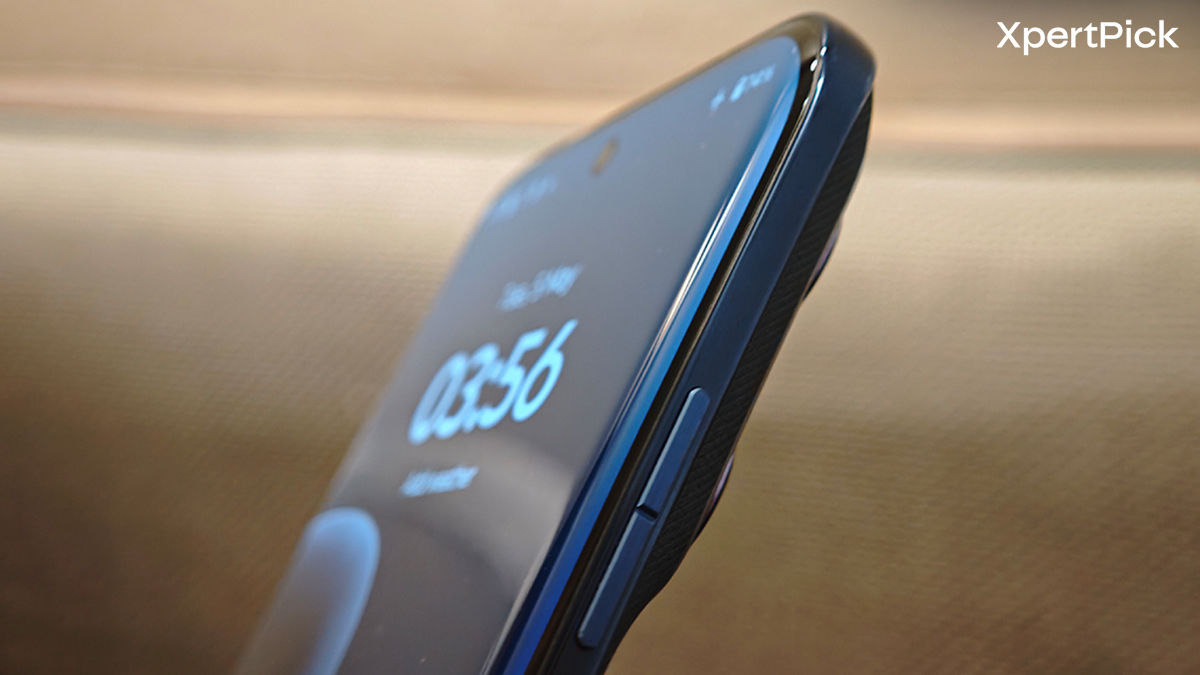
Slimness has become one of the defining ideas behind Motorola’s latest generation of phones. But the Edge 70 Pro finds a more practical middle ground by keeping that flagship-level thinness while fitting in a much larger battery.
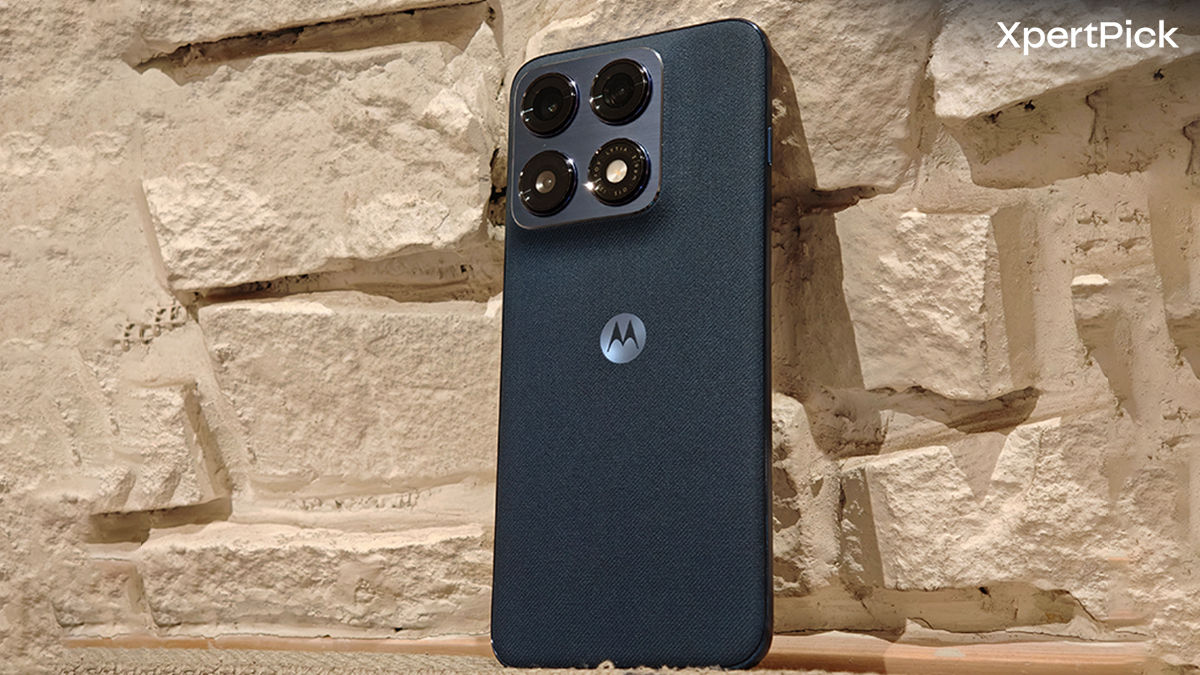
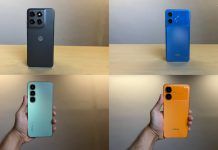
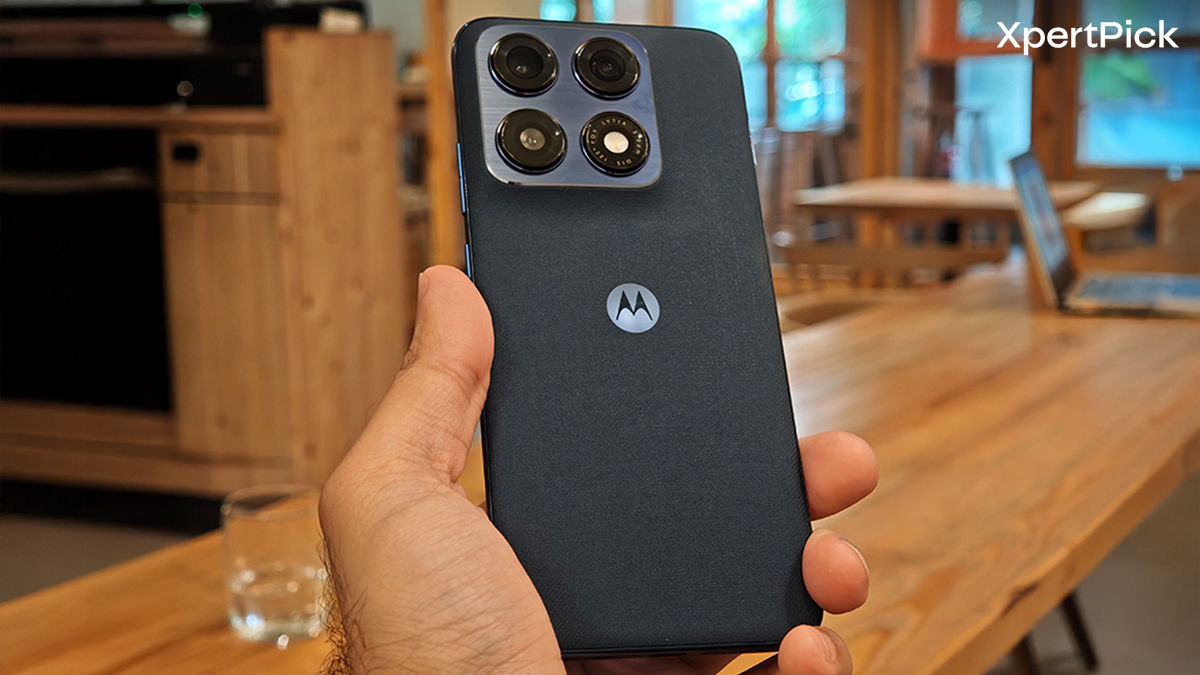
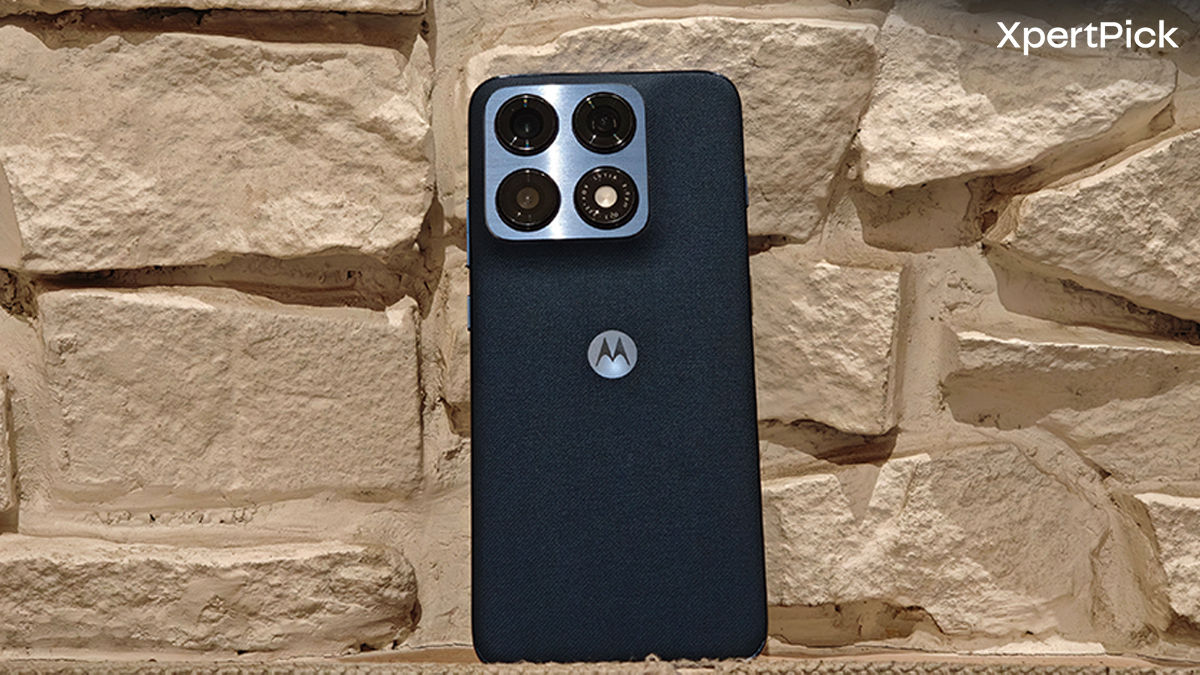
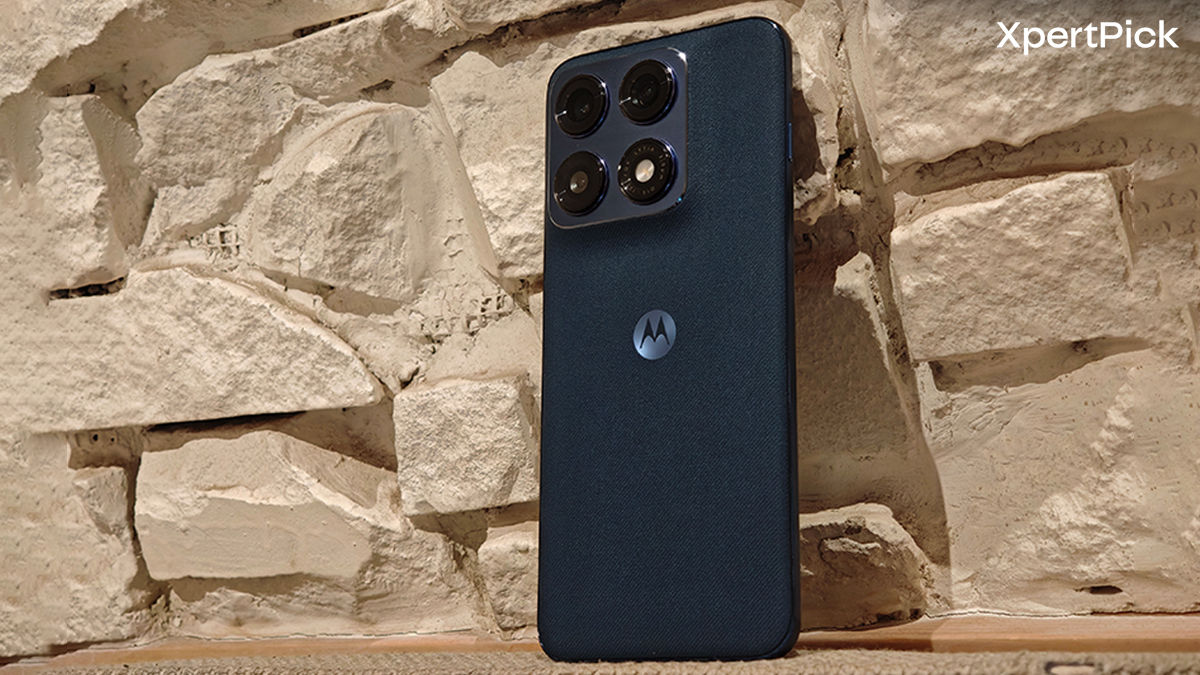
This device has one of the best in-hand feels in this segment. The curved front and back panels make the phone genuinely comfortable to use, and much like the standard Edge 70, I spent most of my time with it without a case. The fabric-like finish on the back helps a lot here, adding grip while also giving the phone some personality. Motorola’s recent work with colours and textures has been consistently good, and the Pantone Titan finish on my review unit looked absolutely gorgeous.
The Edge 70 Pro is also surprisingly light for its size, weighing around 183 grams. That’s lighter than quite a few recent compact phones, which makes it much easier to live with daily than the spec sheet might suggest.
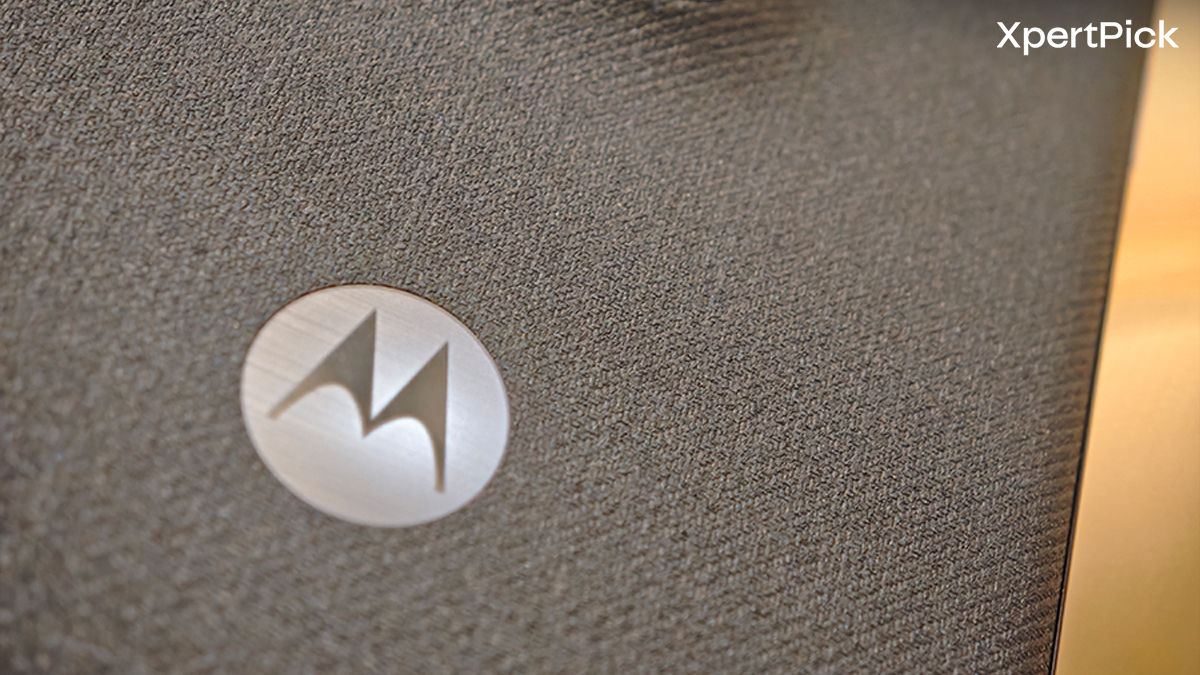
Oddly enough, Motorola has actually downgraded the frame here. The regular Edge 70 had an aluminium frame, while the Pro switched to plastic. That is a little disappointing, even if the overall build quality still feels solid. Thankfully, durability is strong elsewhere. You get MIL-STD-810H certification along with IP68 + IP69 protection, so it is well equipped to deal with the elements.
Compared to the Nothing Phone (4a) Pro, which tries much harder to stand out with its sci-fi styling and Glyph-heavy identity, the Edge 70 Pro feels much more understated. It is still stylish, but in a cleaner, more grown-up way.
Display: High Peak Brightness on a Smooth AMOLED
I still personally prefer flat panels, but curved displays continue to feel premium in a way that’s hard to deny. On the Edge 70 Pro, the screen flows very neatly into the frame, and those curves do make swiping around the edges feel nice in day-to-day use.
The panel itself is a 6.8-inch Extreme AMOLED display with 1.5K resolution and a 144Hz refresh rate. In other words, you’re getting all the essentials for a very good visual experience that offers vibrant colours, deep contrast, sharp text, and true blacks.
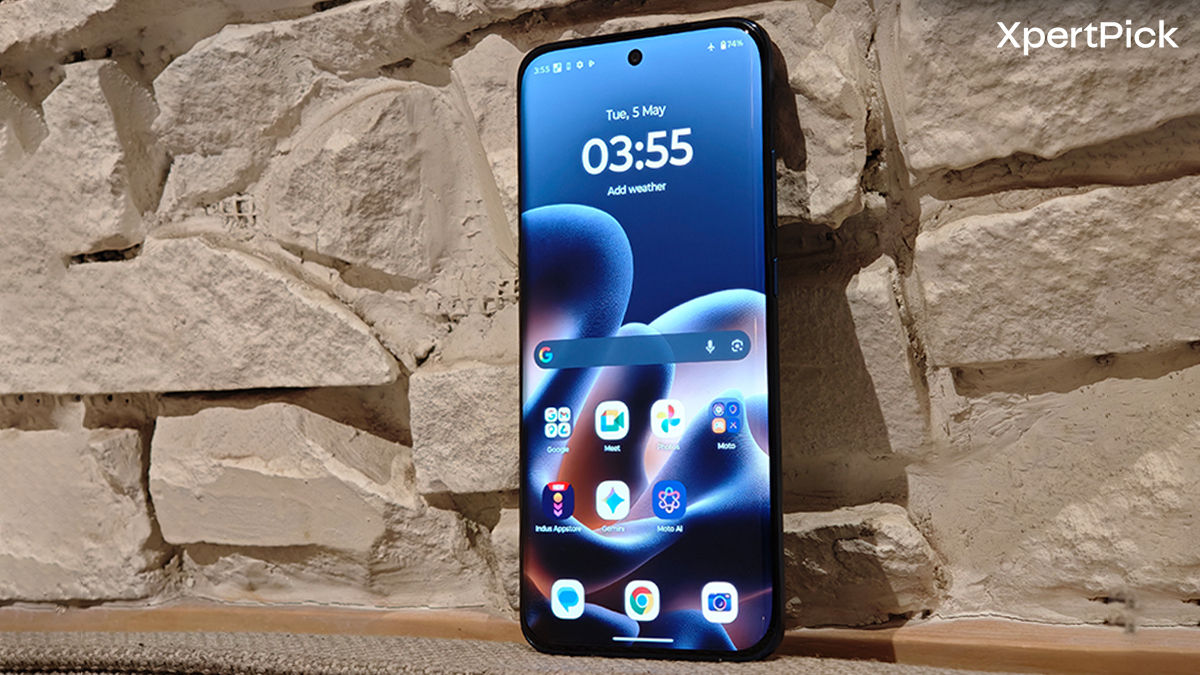
The screen also gets bright enough to stay comfortable under harsh summer sunlight, thanks to a 5200-nit peak brightness. That figure is obviously situational, but the practical result is simple: this is an easy screen to use in basically every lighting condition.
The high refresh rate keeps things feeling fluid, though, as usual, the full 144Hz is only available in select system apps. For everyday use, you are mostly looking at a very smooth 120Hz experience.
If there’s one real annoyance here, it’s the fingerprint scanner. Motorola is still using an optical reader, and it sits fairly low on the screen. So yes, it can still blind you a little in the dark, and it feels a bit awkward to reach.
Performance: Always Keeps Up with Your Work/Play
Once you near the Rs 40,000 mark, you typically start choosing between two different kinds of phones. There are the performance-first options, and then there are the more balanced ones that prioritise cameras, design, or software polish. The OnePlus 15R is a great example of the former, while the Vivo V70 fits much more into the latter. The Motorola Edge 70 Pro sits somewhere in between.
Synthetic benchmarks
- AnTuTu – 2,143,701
- AnTuTu (CPU) – 655,282
- AnTuTu (GPU) – 650,506
- Geekbench: 1,722 (single) / 6,705 (multi)
The Dimensity 8500 Extreme inside the Edge 70 Pro ends up performing in a similar ballpark to the Snapdragon 8s Gen 4 you’d find in devices like the Nord 6. And in real-world use, it does a very good job. The phone remains smooth and reliable throughout the day, whether you’re multitasking, switching between apps, or just moving around the UI.
Gaming performance is also quite respectable. Genshin Impact ran at a smooth 60fps on high settings, while BGMI and COD Mobile could both hit 120fps under the right settings. For a thin phone, that’s genuinely solid. Thermals are handled well too, though there is a catch. To keep temperatures low, Motorola does seem to let performance fall off a bit over longer sessions. After about 30 minutes of gaming, some of the framerate dips become noticeable.
So yes, you can absolutely game on the Edge 70 Pro and get a good experience. But unlike the OnePlus 15R, it’s not clearly built around gaming as the main attraction. That phone is still the better pick if you want the fastest, most sustained performance in this bracket.
Where the Edge 70 Pro becomes more interesting is when you compare it to the Vivo V70 and Nothing Phone (4a) Pro. Both of those are more balanced phones in their own way, and both have strengths that Motorola doesn’t have. But in terms of outright speed, the Edge 70 Pro clearly sits ahead of both. So Motorola has essentially built a phone that can keep up with almost anything you throw at it, without letting performance take over the rest of the experience.
Battery Life: No Compromise in Endurance Even with the Thinner Design
For a phone this slim, the battery setup here is genuinely impressive. The Motorola Signature managed a respectable 5,200mAh cell at the same thickness, but the Edge 70 Pro pushes things further with a much larger 6,500mAh battery. That’s a notable jump, and it gives the phone one of the more practical advantages in this segment.
On a full charge, I could comfortably get through more than a day and a half of use. With mixed usage—some light gaming, clicking pictures and videos, and the usual social media scrolling. I was averaging around 8 hours of screen-on time. In the PCMark battery test, the phone lasted for a little over 16 hours. Charging is handled by a 90W adapter, which keeps the downtime fairly short. But for some reason, the higher-end Pro model misses out on the 15W wireless charging support that was available on the base Edge 70.
Camera: Reliable Photography Experience Despite Missing a Telephoto Lens
Motorola made a bold choice by dropping the telephoto lens on the Edge 70 Pro. That is absolutely a downgrade compared to the Edge 60 Pro, and if you like shooting portraits or zooming in a lot, you are going to feel that loss. Still, the overall camera package remains surprisingly capable.
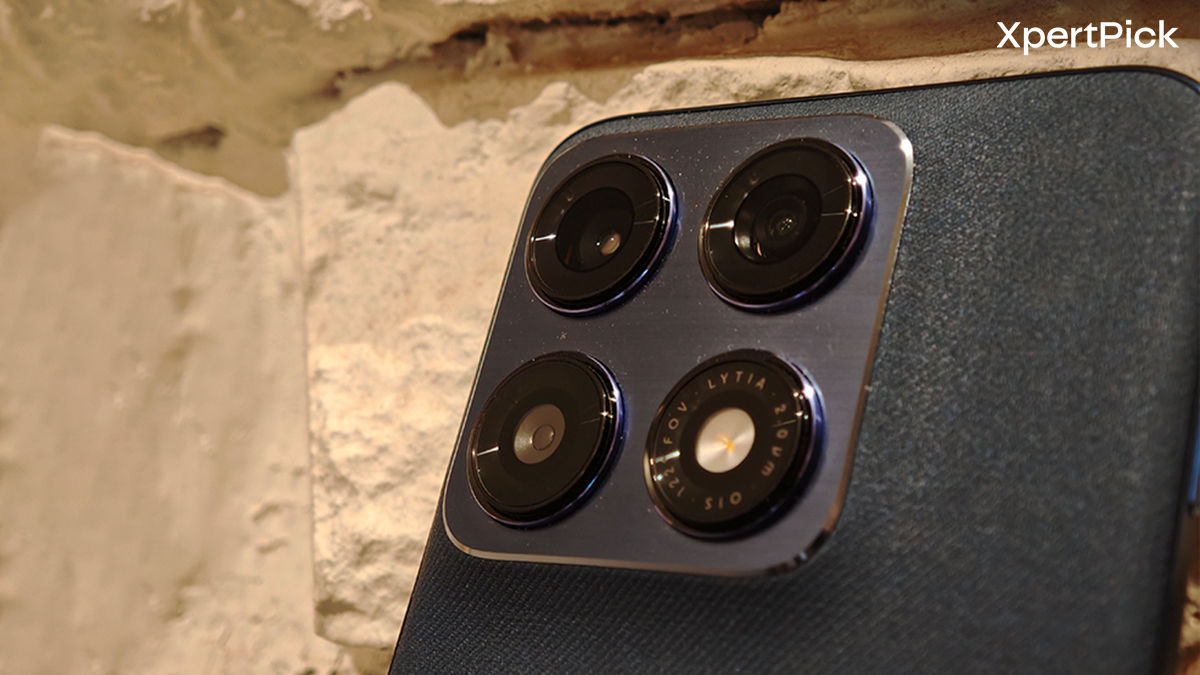
Camera hardware
- 50MP 1/1.56″ Sony LYT710 main sensor (f/1.8 aperture, OIS)
- 50MP 1/2.76” Samsung JN5 ultra wide angle lens (f/2.0, Autofocus)
- 50MP 1/2.76” Samsung JN5 selfie camera (f/1.9, Autofocus)
Motorola’s Pantone collaboration continues here, and you can tell. The overall tuning leans into more natural colours and good skin tones, which is something Motorola has become consistently good at. In daylight, the main camera takes genuinely nice-looking shots with strong detail, realistic colour, and very respectable HDR handling.
Shadows are lifted nicely, highlights are managed well, and the overall output usually feels tasteful instead of overcooked. That said, there are still moments where HDR processing pushes contrast too far and makes some shots look flatter or a little less natural than they should.
The lack of a telephoto lens hurts versatility more than outright image quality. Portraits still come out looking good, and the edge detection is usually excellent, but you do miss that compressed look and cleaner separation that a dedicated zoom lens gives you. This is where the Vivo V70 clearly pulls ahead. It not only offers the telephoto, but also gives you a more flexible and polished photography experience overall. If photography is the main reason you’re spending this much, the Vivo still has the advantage.


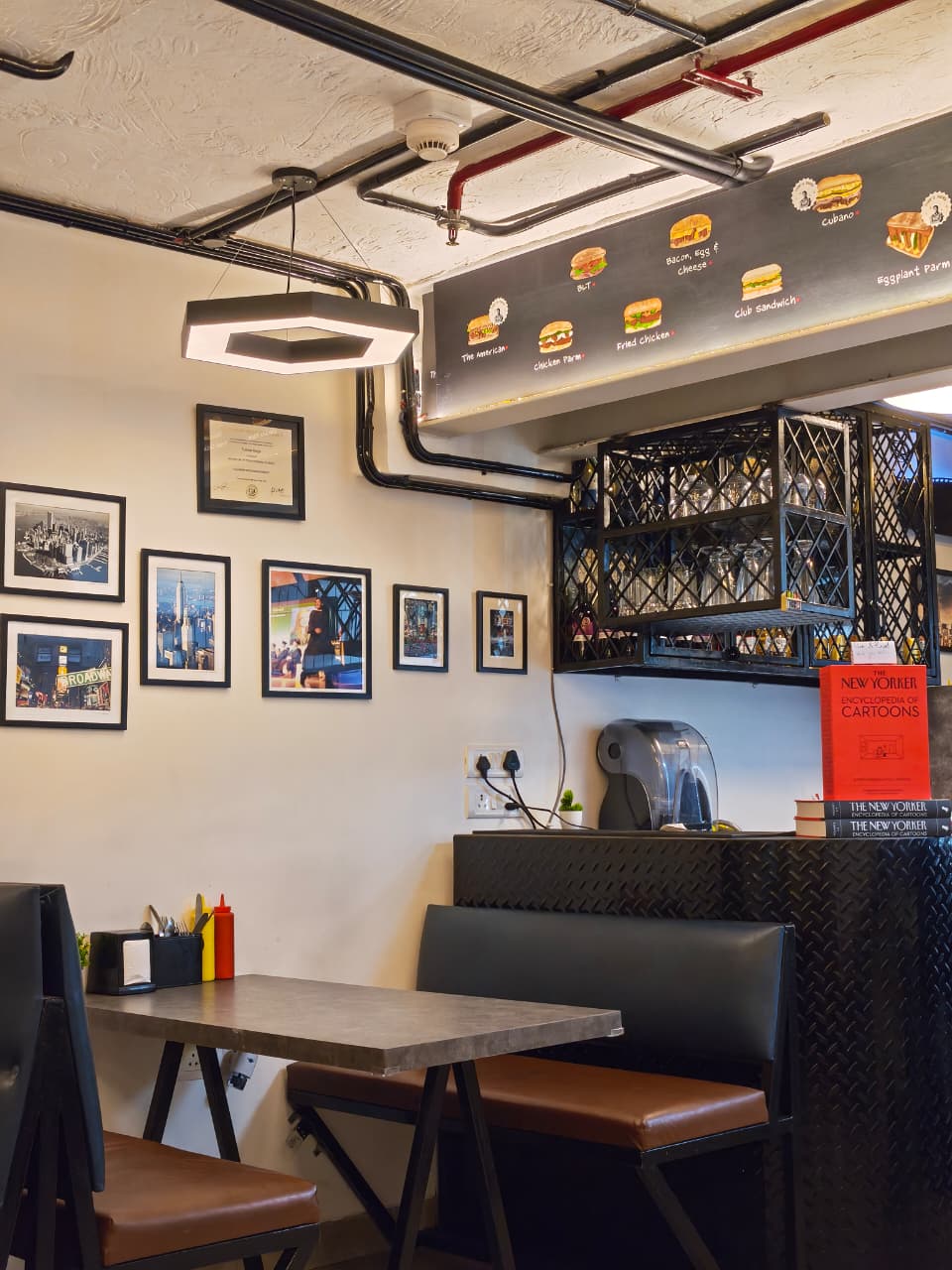
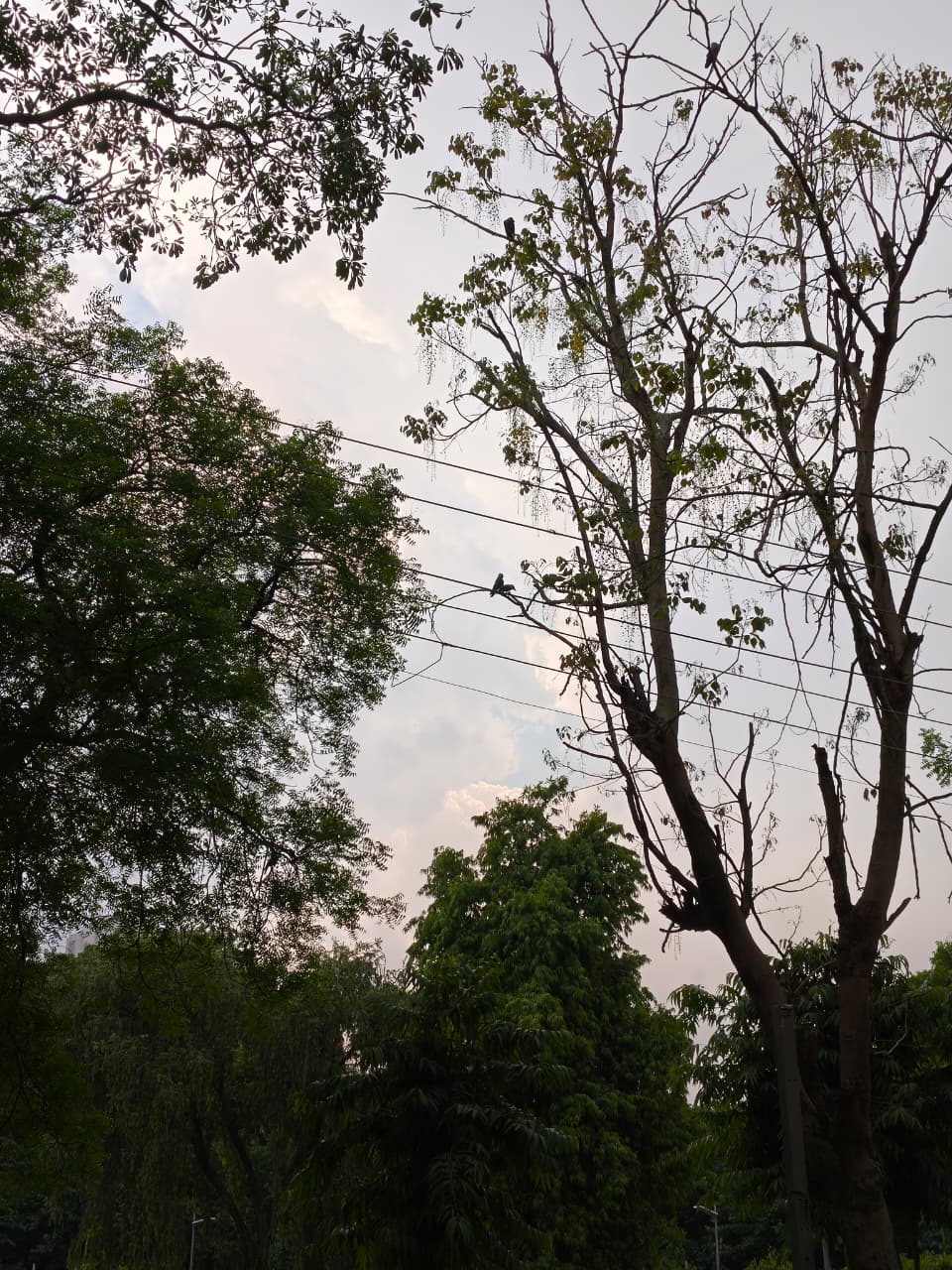




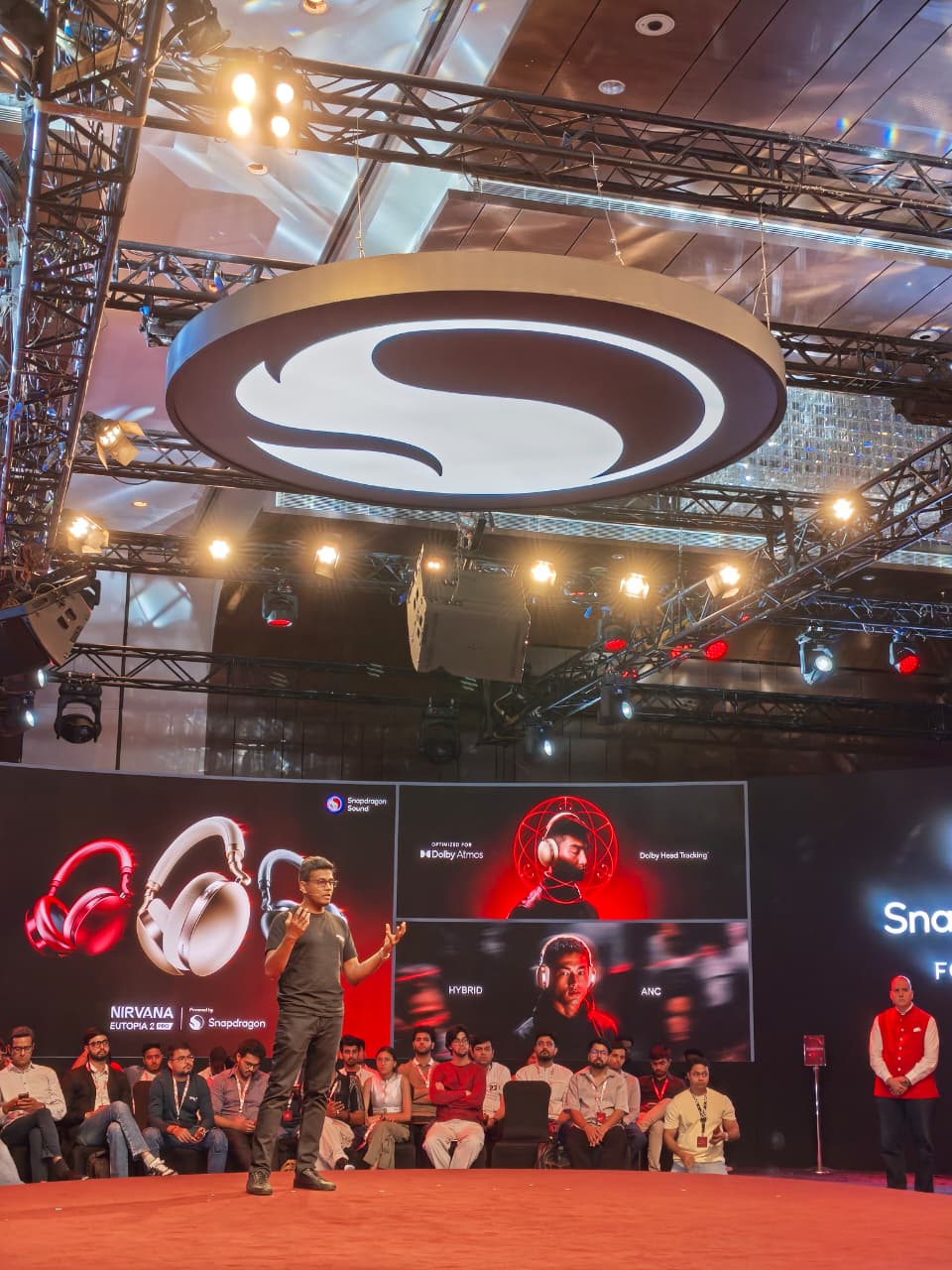

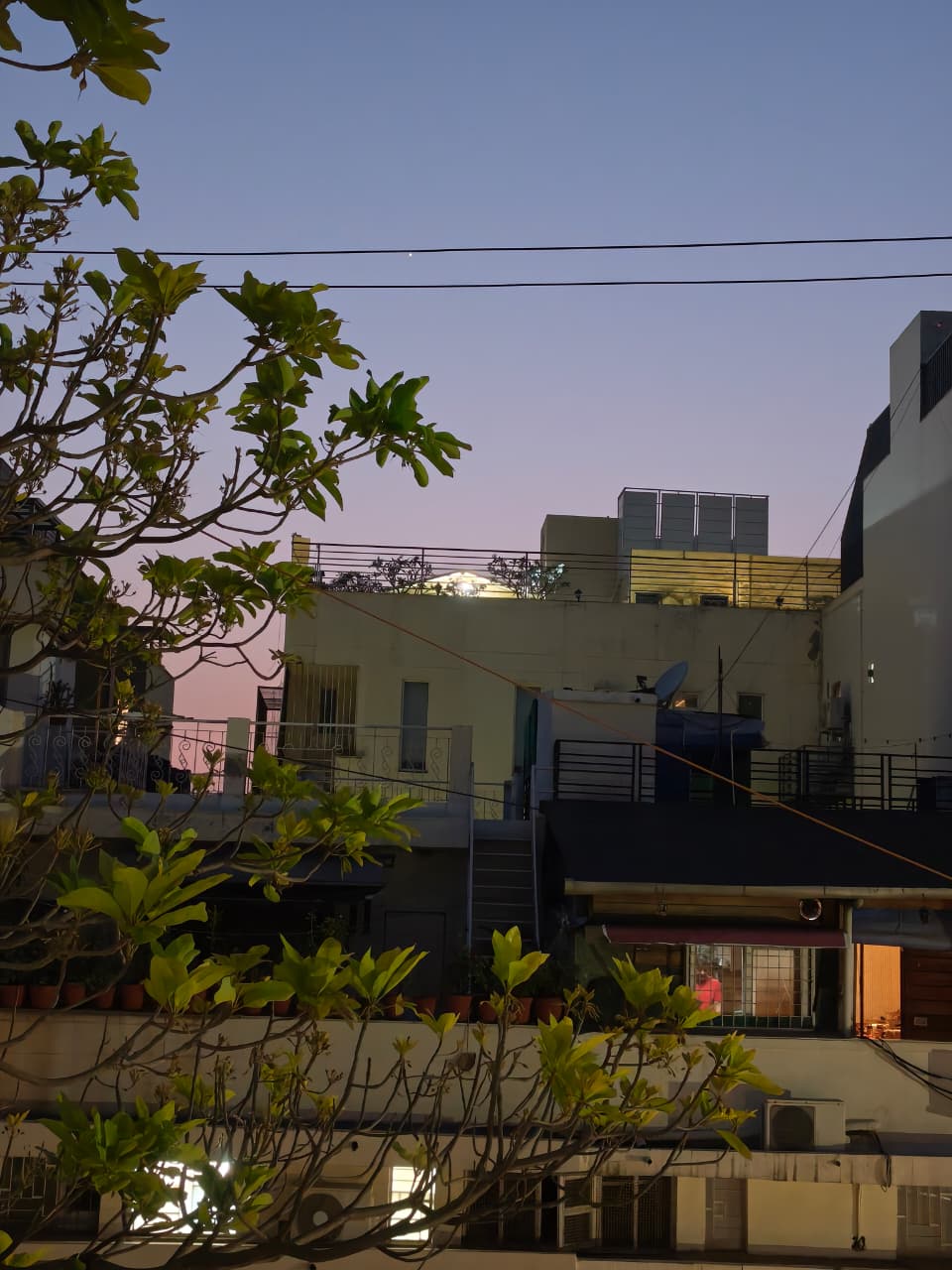

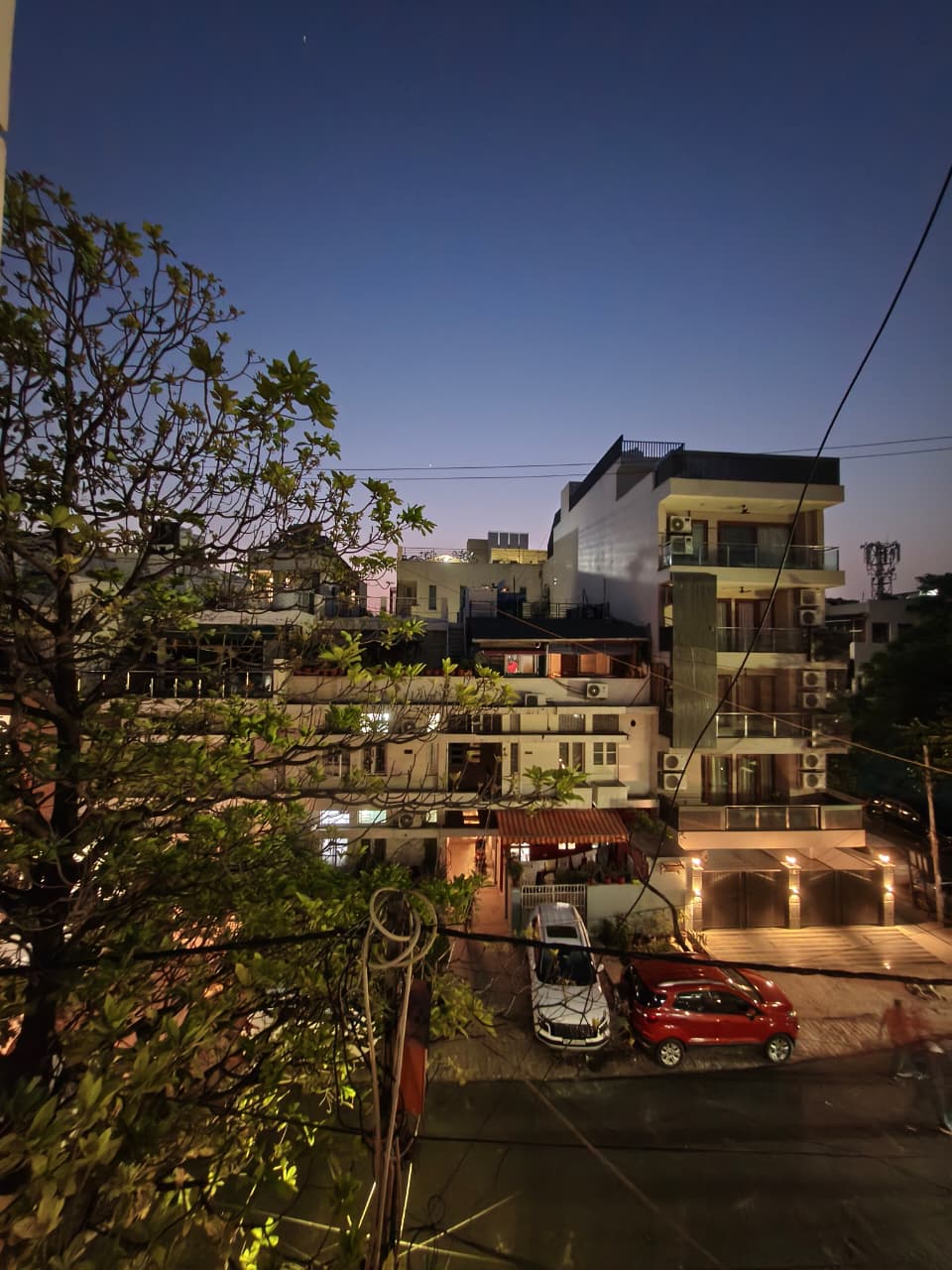
The main camera still holds up well in low light. Bright light sources don’t flare badly, colours stay intact, and images don’t turn into a washed-out mess. The ultra-wide also performs better than expected. It shares a reasonably similar colour profile with the main camera, and while it’s obviously softer and still shows the usual edge distortion, autofocus helps it stay more useful than most ultra-wide sensors around this size.
It also doubles as a macro camera, which is nice to have even if it’s not a major selling point. In lower light, it does start getting fuzzy, but the overall performance is still decent. The selfie camera is genuinely fun to shoot with. Autofocus makes a big difference; details are strong, and skin tones are handled very well. For people who care about front camera quality, the Edge 70 Pro is quietly one of the better options around here.
Video is another strong point. The phone supports 4K60fps on all three cameras, which is a nice flex in this segment. Stabilisation is solid, panning is controlled, and Motorola even adds its own Horizon Lock feature inspired by the Galaxy S26 lineup. It’s not something you’ll use every day, but it’s fun to have.
So yes, this is a very capable camera setup. But it is also one that makes a clear compromise. The Vivo V70 is still the more photography-focused phone, while the Nothing Phone (4a) Pro becomes the more attractive alternative if you specifically don’t want to give up a telephoto lens.
Software: Stock Android is Still Frustrating in a Few Ways
One of the reasons Motorola phones feel snappy is that the software remains very light. These phones are basically running close to stock Android 16, with Hello UI adding just a few extras on top.
A big part of that extra layer is Moto AI, which is tied closely to the dedicated AI Key. And yes, Motorola is still doing the same slightly frustrating thing here. The button is technically programmable, but only within a very small set of actions. You can assign it to Moto AI, Take Notes, Update Me, or just turn it off entirely. That’s true for both double-press and press-and-hold, which feels unnecessarily restrictive.
The more useful part of Motorola’s software story is Smart Connect. This is one of those features that sounds niche until you actually use it. It lets you connect your phone to other displays, PCs, and tablets, enabling screen mirroring, file transfers, and cross-device workflows pretty smoothly. As long as the other device supports wireless connectivity, you’re basically good to go. It makes the Edge 70 Pro feel much more like a productivity tool than the simple UI would initially suggest.
Using stock Android in 2026 is refreshing in one big way: it still feels distinct from iOS. But it’s also frustrating in another, because it still feels like Google isn’t giving it enough love. The lack of a proper gallery app still feels absurd, and the customisation is nowhere near as deep as what you get on OxygenOS, HyperOS, or even ColorOS. So while Motorola’s software feels clean and fast, it also still feels a little incomplete in places.
Verdict
For a starting price tag of Rs 38,999, the Motorola Edge 70 Pro ends up feeling like one of the more sensible phones in this price segment. It doesn’t chase one thing too aggressively, and that actually works in its favour. The slim and lightweight design is genuinely refreshing, the display is excellent, performance is strong enough to satisfy most users, and the battery life is much better than what Motorola’s thinner phones usually deliver. It also helps that the software stays fast and mostly unobtrusive, even if it still has some frustrating gaps.
At the same time, the trade-offs are easier to spot once you start comparing it directly. The OnePlus 15R is still the better performance-first option if gaming is your biggest priority. The Vivo V70 remains the more camera-focused and versatile pick, especially with its telephoto lens. And the Nothing Phone (4a) Pro is the better choice if design personality matters more to you than Motorola’s cleaner approach. But as a balanced all-rounder that doesn’t feel bloated, bulky, or compromised in any one big way, the Edge 70 Pro is easily recommendable.
Pros
- Thin and surprisingly light for its size
- Excellent AMOLED display
- Strong everyday and gaming performance
- Clean and fast software experience
- 4K60fps on all cameras
Cons
- No telephoto lens
- Optical fingerprint scanner feels dated
- Frame drops show up in longer gaming sessions
- AI Key is still too restrictive