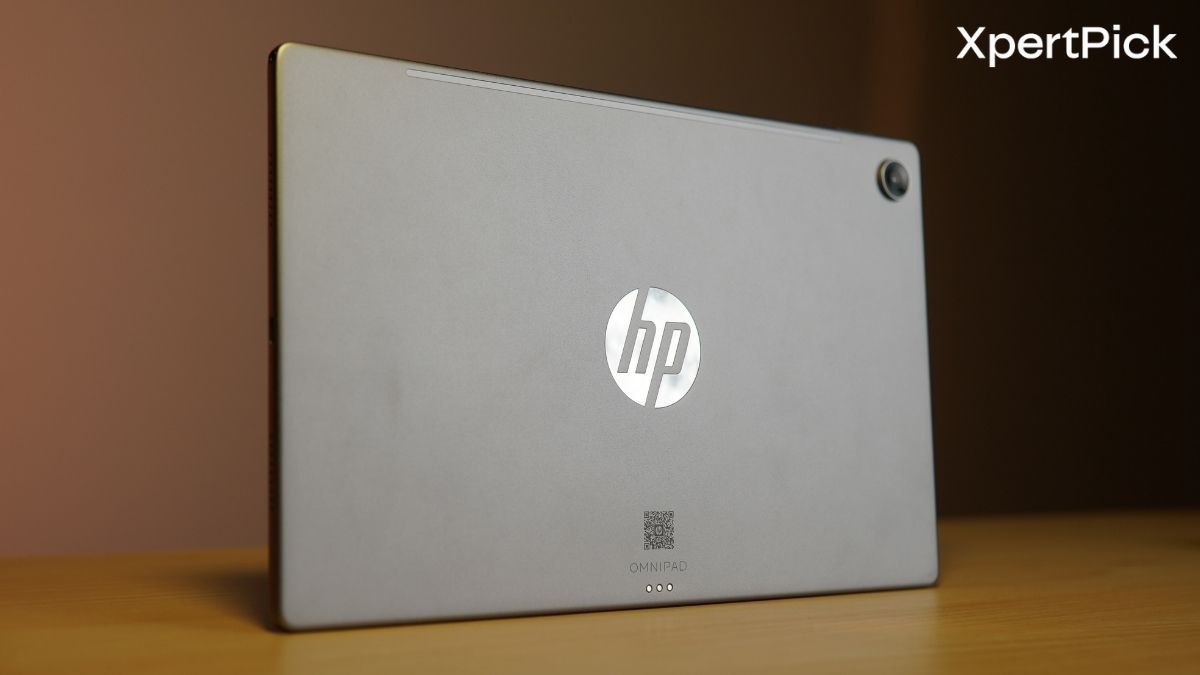
If you’re shopping for a big-screen Android tablet built specifically for study, streaming, and knocking out everyday tasks, the HP OmniPad 12 immediately demands a second look. Instead of pretending to be a heavy-duty laptop replacement, this eco-friendly slate embraces its role as a versatile, tablet-first companion designed for students, casual creators, and office workers. What immediately sets it apart from the competition is HP’s decision to bundle a full-sized detachable pogo-pin keyboard and trackpad right in the box, saving you the extra expense of hunting down essential accessories. The configuration we are testing is the upgraded 256GB storage variant (paired with 8GB of RAM), which is priced at Rs 55,490.
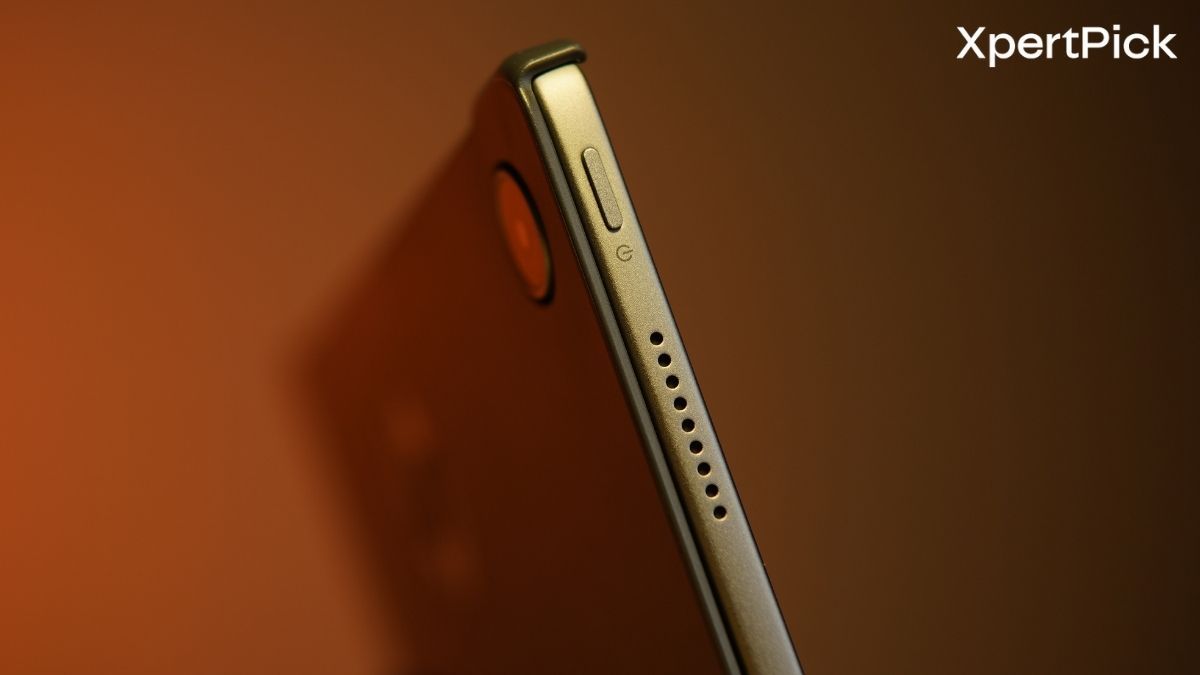
On paper, the hardware promises plenty of punch for a daily driver: a generous 12-inch 2K display running at 90Hz, Qualcomm’s mid-range Snapdragon 6 Gen 3 chipset, DTS-tuned quad speakers, and a landscape-friendly front camera tailored for video calls. But spec sheets only tell part of the story. How does that 12-inch footprint feel to carry around? How smoothly does it manage split-screen multitasking on Android 16, and how do the physical ports and battery hold up when you put it through a full day of use? Let’s dive into our full review to see whether this all-in-one package delivers on its everyday promises.
HP OmniPad 12 (256 GB, India) Specifications
- Processor: Qualcomm Snapdragon 6 Gen 3 (SM6475Q, 6 cores, up to 2.4 GHz)
- Graphics: Integrated Qualcomm Adreno GPU
- Display: 12.0-inch 2K IPS Multi-touch (2000 x 1200, 90Hz, 16:10) with 400 nits and 100% sRGB
- Memory: 8 GB LPDDR5-3200 RAM (onboard, non-upgradeable)
- Storage: 256 GB UFS with microSD expansion up to 1 TB
- Battery: 31 Wh 2-cell Li-ion polymer, rated up to 18 hours, with a 33W adapter (0–90% in ~90 minutes)
- Dimensions: 7.3 mm thickness and weighs 600 g (1.19 kg with the keyboard attached)
- Connectivity: Wi-Fi 6E (2×2) and Bluetooth 5.2 (Qualcomm WCN6755), Wi-Fi only — no cellular
- Ports: 1x USB 2.0 Type-C, 3.5mm audio jack, pogo pin keyboard connector
- Audio: Quad Speaker system tuned with DTS:X Ultra and a dual high-SNR microphone array
- Cameras: 13 MP rear camera and 8 MP front camera with HDR photo mode
- Software: Android 16
- Sensors: Accelerometer, gyroscope, Hall effect sensor, ambient light sensor
- Included Accessory: Detachable full-size soft-cover keyboard (590 g)
- Finish: Recycled aluminium chassis in Denim Blue or Meteor Silver, matte finish
- Price: ₹54,999 (256 GB); ₹48,999 for the 128 GB variant
HP OmniPad 12 Build Quality and Design: Aluminium Chassis, Detachable Keyboard and Connectivity
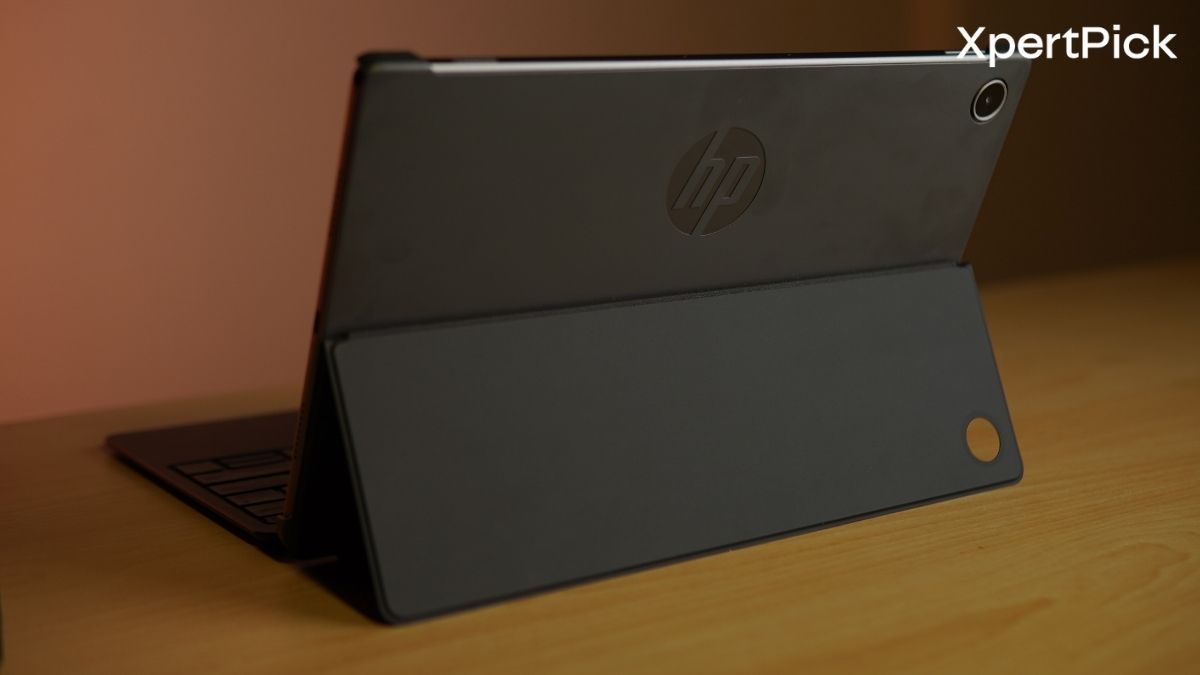
HP builds the OmniPad 12 around a recycled aluminium chassis, while its keyboard cover uses post-consumer recycled plastic. Both feature a matte finish, helping the tablet qualify for EPEAT Silver and ENERGY STAR certifications. HP offers the OmniPad 12 in Denim Blue and Meteor Silver.
Measuring 283 x 178.1 x 7.3 mm and weighing 600 g on its own, the 12-inch tablet is relatively slim and light. However, the keyboard cover adds another 590 g, taking the total weight to 1.19 kg. That makes the complete package heavier than several thin-and-light Windows notebooks, meaning the OmniPad 12’s main advantage lies in its detachable design rather than outright weight savings.
The 12-inch display has a 2000 x 1200 resolution, a 16:10 aspect ratio and a 90 Hz refresh rate. HP rates the panel at 400 nits and claims full sRGB coverage.
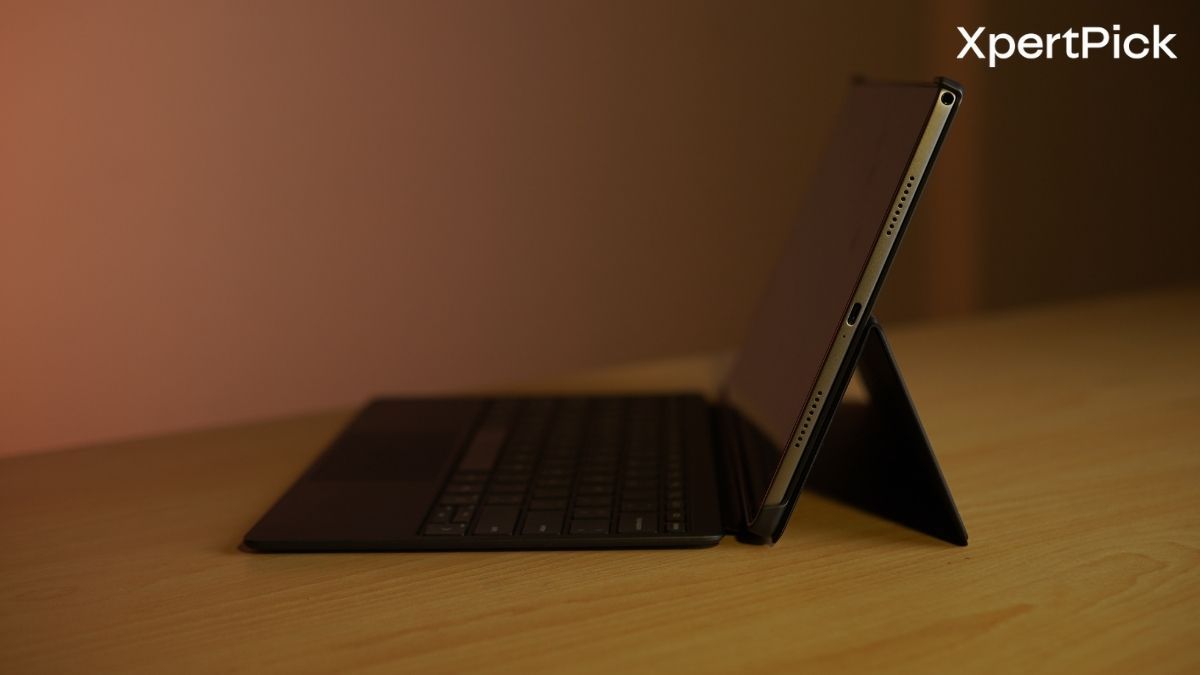
Physical connectivity is consists of a single USB Type-C port, a 3.5 mm combo headphone and microphone jack, and a microSD card reader supporting cards of up to 1 TB. The latter is particularly useful given that the base OmniPad 12 comes with just 128 GB of UFS storage, although a 256 GB variant is also available. Both configurations pair the storage with 8 GB of LPDDR5 RAM and a Qualcomm Snapdragon 6 Gen 3 processor. The tablet runs Android 16 out the box.
The USB Type-C port is another limitation. HP lists it as USB 2.0, limiting transfer speeds to 480 Mbit/s, while DisplayPort output is not confirmed. Since the same port is used for charging, connecting a wired accessory while charging the tablet requires a hub. HP claims that the 31 Wh battery can reach around 90 per cent charge in 90 minutes.
Wireless connectivity includes Wi-Fi 6E and Bluetooth 5.2. Audio is handled by four speakers tuned with DTS:X Ultra, alongside two high-SNR microphones. The front-facing camera is an 8 MP unit with HDR, while the rear camera has a 13 MP sensor.
The detachable keyboard comes included with the tablet rather than being sold separately. It connects through pogo pins, eliminating the need for Bluetooth pairing and a separate keyboard battery. HP describes the keyboard as full-size and includes an integrated Imagepad.
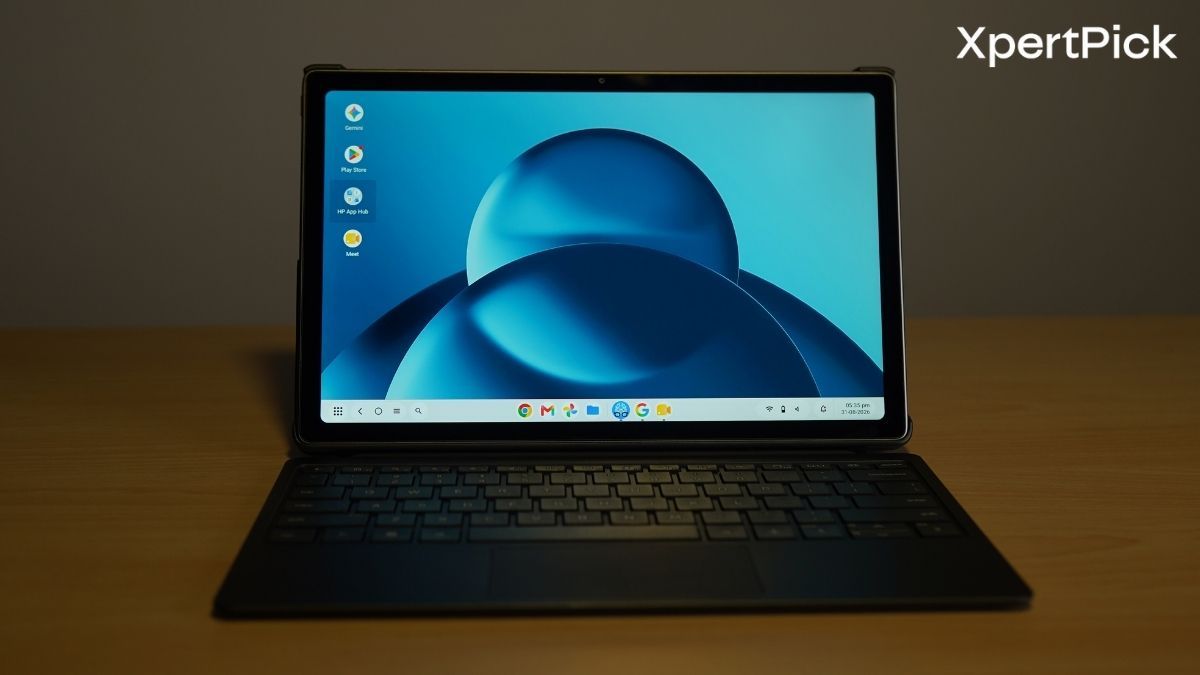
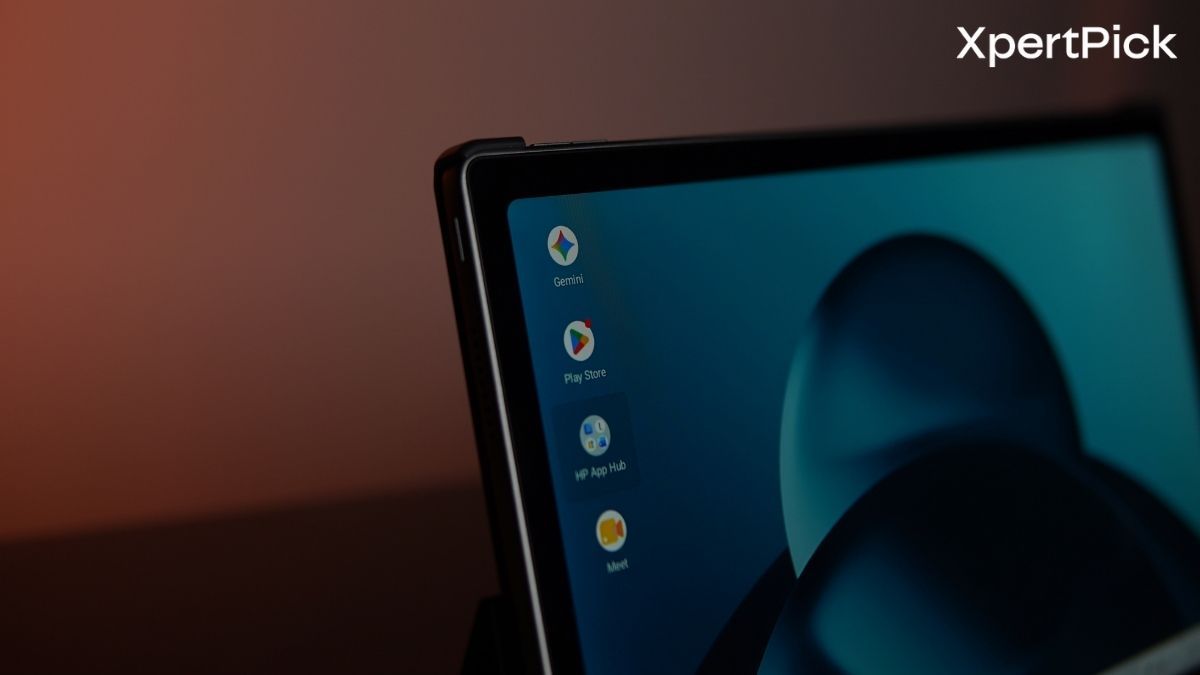
The OmniPad 12 uses a 12-inch multi-touch IPS LCD running 2000 x 1200 in 16:10 at up to 90 Hz. Also, the 16:10 suits the detachable keyboard better than a squarer ratio would. The tablet’s bezels are slightly on the thicker side which gives it an 85% screen-to-body ratio, and the bezels are still deep enough to hold the tablet without touching the display.
The panel has a peak brightness of around 400 nits with 100% sRGB coverage, and both hold up. In our testing, the maximum brightness measures 395 to 405 nits, with APL output identical to full-screen white, as expected from an LCD. Coverage is essentially all of sRGB but only around 72% of DCI-P3. That is fine for web, documents and video, and short of wide-gamut work but not professional colour grading.
The 90 Hz refresh rate keeps scrolling smooth in light workloads, but the Snapdragon 6 Gen 3 cannot always sustain it. Heavy multitasking in Android 16 drops frames and stutters below 60 Hz.
Outdoor visibility is the weak point. Reflective glass and a 400-nit ceiling make the display hard to read in direct sunlight. Viewing angles hold up, though minor backlight bleed shows along the bottom edge in a dark room.
Audio comes from four speakers with DTS:X Ultra processing and a dual high-SNR microphone array. Four drivers is unusual in this segment and suits video playback, calls and online classes.
They get loud, peaking at 66 dB at one metre. Past roughly 85% volume the 7.3 mm chassis resonates and the lower mid-range distorts.
Placement works with the keyboard attached, where the side-firing drivers stay clear. Handheld in landscape, palms cover the bottom two grilles and muffle the output.
DTS:X Ultra widens the stereo image noticeably in films but pulls emphasis out of the mid-range. Vocals are clearer with it off, which is the better setting for calls and lectures.
The microphones pick up well from directly in front of the display, but they do not reject background conversation or keyboard noise in a busy room.
The OmniPad 12 pairs a 13 MP rear camera with an 8 MP front camera with HDR. The front unit does most of the work on a tablet built for video calls and online classes, and 8 MP is enough for it.
The rear camera records at up to 1080p30 or 720p60. Its real job is document capture, and the 13 MP sensor handles that well under office lighting, resolving 10-point text on a printed page without much noise.
Front camera placement is right. It sits on the long edge, putting it at top centre when the tablet is docked to the keyboard, so calls get a properly centred landscape frame instead of the off-axis view portrait-mounted cameras produce.
HP OmniPad 12 Performance and Battery Review — Snapdragon 6 Gen 3 and Sustained Workloads
HP positions the OmniPad 12 as a productivity-focused 2-in-1 laptop alternative, powered by Qualcomm’s octa-core Snapdragon 6 Gen 3 processor, 8 GB of LPDDR5 RAM and UFS storage. The hardware is well suited to everyday productivity, light multitasking and media playback, although benchmark results show the limits of the mid-range platform.
In AnTuTu v10, the tablet scores 792,724 points, while Geekbench 6 records 890 points in the single-core test and 2,694 points in the multi-core test. Its PCMark Work 3.0 score of 11,730 also suggests that routine workloads such as split-screen document editing, web browsing and video conferencing should pose little trouble. More demanding workloads and heavier multitasking, however, are likely to expose the limits of the Snapdragon 6 Gen 3.
| Performance benchmarks | Score |
|---|---|
| AnTuTu v10 | 792,724 |
| Geekbench 6 Single-Core | 890 |
| Geekbench 6 Multi-Core | 2,694 |
| PCMark Work 3.0 | 11,730 |
The UFS storage is a particular strength. Sequential read and write speeds reach 2,053.5 MB/s and 1,118.8 MB/s, respectively, while random read and write speeds measure 763.4 MB/s and 687.9 MB/s. These results are reflected in AnTuTu’s Storage score of 107,010 and a PCMark Android Storage score of 85,424, with fast storage helping to keep app installations and local file transfers responsive.
| Storage benchmarks | Result |
|---|---|
| AnTuTu Storage | 107,010 |
| PCMark Android Storage | 85,424 |
| Sequential Read | 2,053.5 MB/s |
| Sequential Write | 1,118.8 MB/s |
| Random Read | 763.4 MB/s |
| Random Write | 687.9 MB/s |
Graphics performance is more modest. The Adreno GPU scores 886 points in 3DMark Wild Life Extreme and 848 points in Geekbench GPU, making the OmniPad 12 better suited to casual gaming than demanding 3D titles. Sustained performance is considerably more impressive, however. The tablet achieves a 99.3% stability score in the 3DMark Wild Life Extreme Stress Test, indicating virtually no thermal throttling under prolonged load. The large 12-inch aluminium chassis appears to give the hardware plenty of room to dissipate heat.
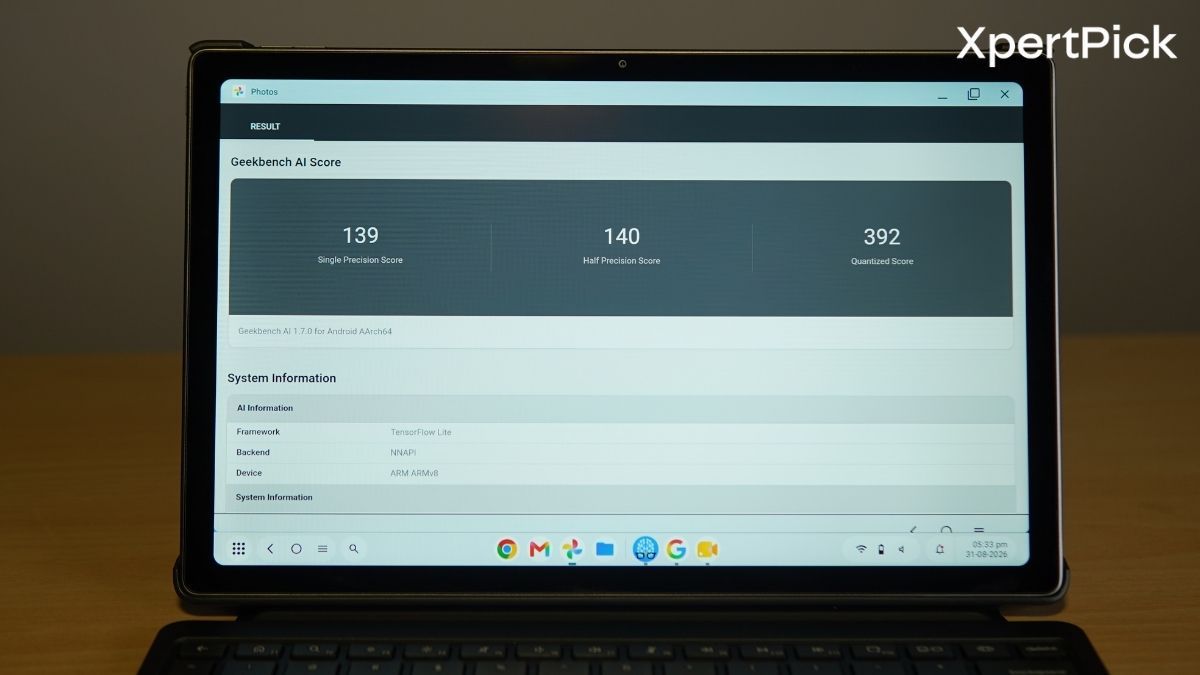
In Geekbench AI, the GPU scores 502 points in Single Precision, 851 points in Half Precision and 672 points in Quantized workloads. The NPU records 139, 140 and 390 points in the respective tests.
Battery life is also respectable. In the PCMark Battery test, the OmniPad 12 lasts 11 hours and 33 minutes under a continuous mixed workload, which should be sufficient for a full workday or study session on a single charge.
HP OmniPad 12 Verdict: The Ultimate Android Tablet for Everyday Productivity
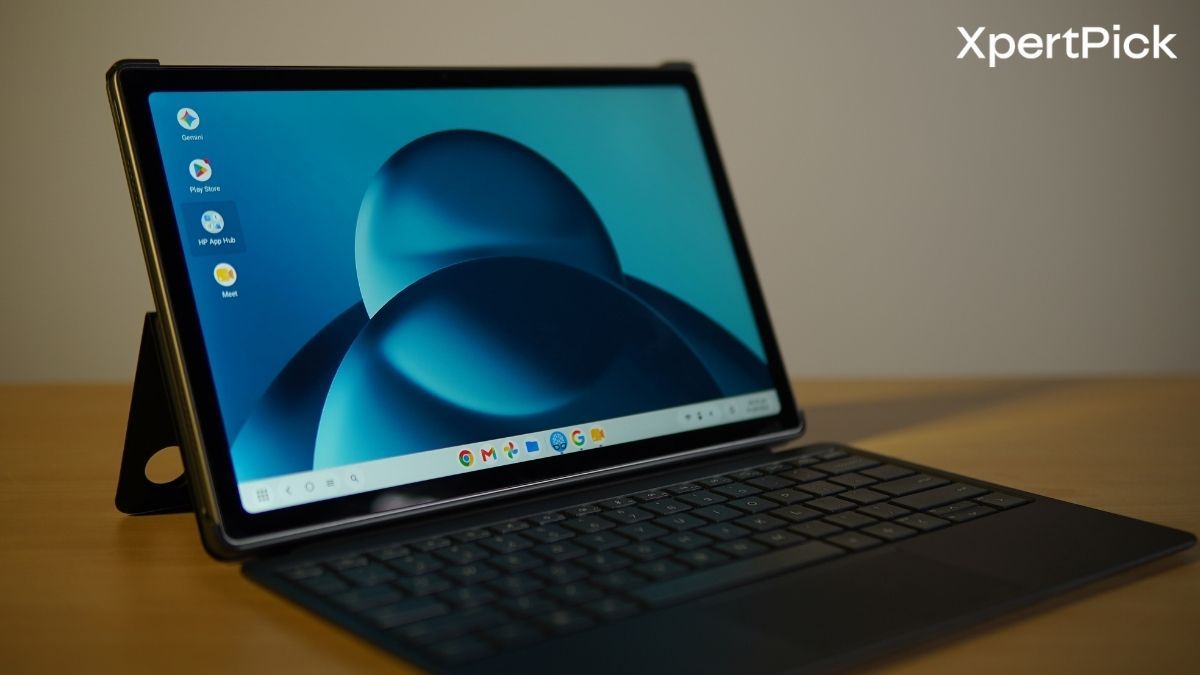
The HP OmniPad 12 is a solid Android tablet designed to handle everyday productivity, web browsing and video calls. By bundling the pogo-pin detachable keyboard and trackpad in the box, HP offers an attractive, ready-to-work package straight away. It’s a 12-inch 16:10 display and loud quad speakers are well suited to media consumption, alongside a smartly positioned landscape 8MP front camera ideal for online classes and meetings. Furthermore, its efficient Snapdragon 6 Gen 3 processor, paired with responsive UFS storage, delivers excellent endurance, lasting over 11.5 hours on a single charge with virtually no thermal throttling.
However, the OmniPad 12 falls short against the competition. In terms of performance, the mid-range chip struggles to maintain smooth performance during heavy multitasking. The most glaring compromise is the USB Type-C port limited to outdated USB 2.0 speeds, which restricts data transfers to just 480 Mbit/s and requires a hub if you want to charge the device while using wired accessories. Additionally, the reflective glass and 400-nit peak brightness can make the screen difficult to read in direct sunlight. Moreover, the thick bezels also make the tablet look outdated, especially in 2026.
Ultimately, the OmniPad 12 is a practical choice for students and light office users whose daily workflows revolve around document editing, media consumption and video conferencing. However, for power users, gamers or anyone who wants more performance and features at this price point need to look elsewere.