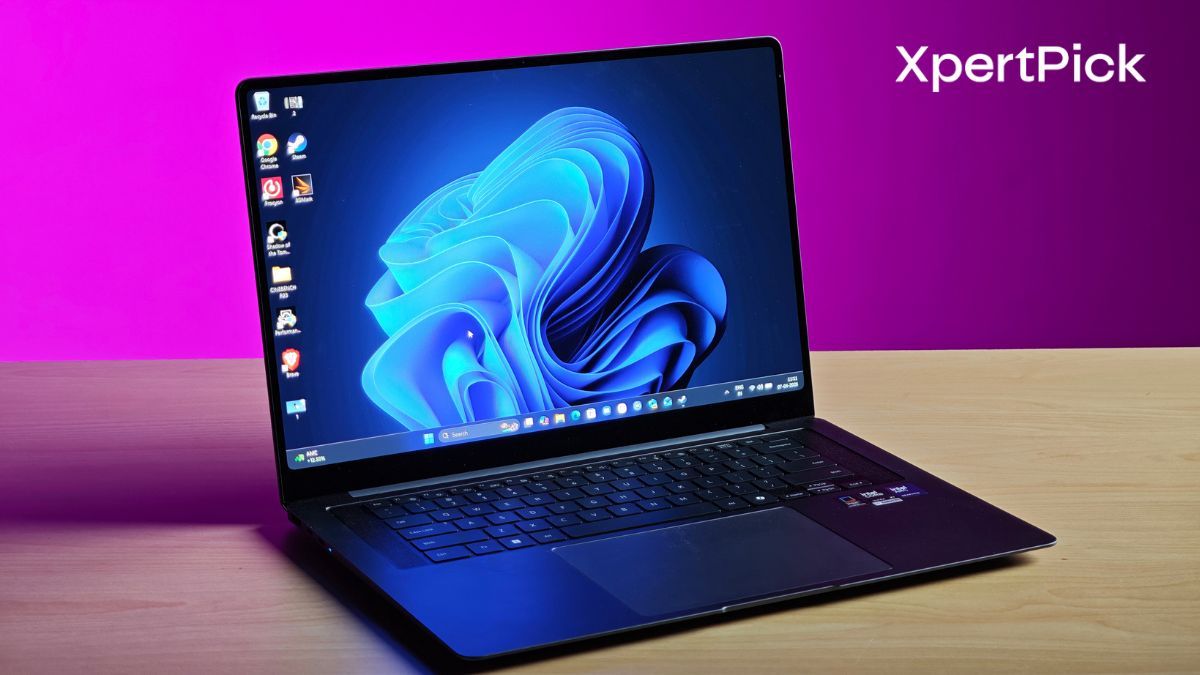
Whenever a new generation of laptops hits the market, we automatically zoom in on the silicon. Between Intel’s latest Panther Lake chips and AMD’s newest Ryzen AI lineup, the obsession with core counts, NPU TOPS, and GPU frame rates is practically a given. But after spending extensive time testing the new 16-inch Samsung Galaxy Book6 Pro, I realized the biggest leap in my daily workflow didn’t come from the shiny new Intel Core Ultra X7 358H processor.
It came from the haptic touchpad.
Yes, the Panther Lake chip is phenomenal, but how we physically interact with our machines matters just as much as the raw computing power under the hood. By finally including a flawless haptic touchpad, Samsung has brought a game-changing level of productivity to the Book6 Pro, proving that Windows OEMs need to look beyond the silicon to truly elevate the user experience.
The Haptic Touchpad: A MacBook Staple Windows Needs to Copy
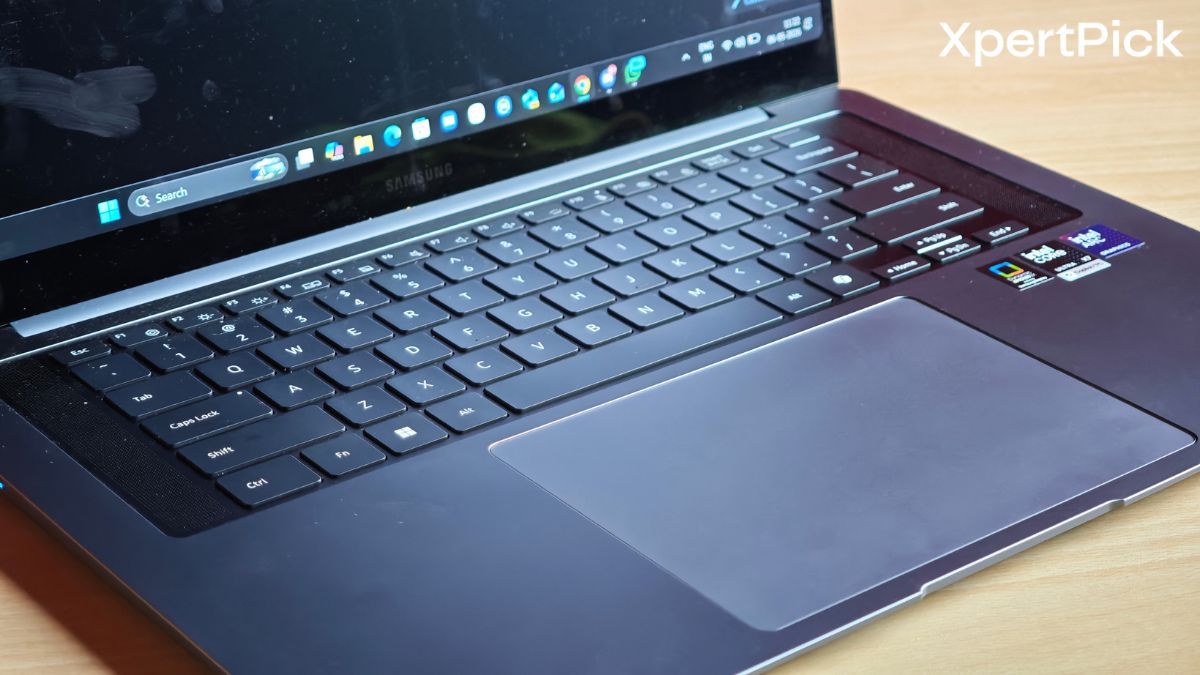
If you’ve ever used an Apple MacBook, even an entry-level MacBook Pro, you already know the magic of a haptic Force Touch trackpad. Instead of relying on a physical “diving board” mechanism that gets impossibly stiff at the top, a haptic touchpad uses precisely tuned vibration motors beneath a static piece of glass to simulate a physical click. This means you can click anywhere on the surface and get consistent, immediate tactile feedback.
For years, this has been a massive advantage for Apple. In the Windows world, haptic touchpads have been frustratingly rare, usually reserved for ultra-niche or experimental flagship models. But Samsung has finally made it standard across the Galaxy Book6 Pro range, and it is incredibly overdue.
Working on the Book6 Pro is an absolute joy. Whether I’m dragging and dropping files, navigating complex timelines, or managing heavy spreadsheets, the trackpad registers input perfectly without forcing me to contort my hand to reach the bottom corners. My only minor piece of feedback is that Windows defaults the touchpad’s click intensity to “2,” which feels a bit heavy, while “1” is slightly too shallow. A middle setting would be perfect, but even as it stands, it completely transforms the laptop.
Contrast this with the newly refreshed Asus Zenbook S 14 (2026). I recently reviewed it, and despite Asus charging a premium ₹2,49,990 for a beautifully crafted 1.2 kg chassis and a stunning 1,100-nit OLED display, it still relies on a traditional mechanical glass trackpad. It feels like a massive oversight. When you are dropping that kind of cash on a premium ultrabook, you expect zero compromises in the input devices. Windows OEMs need to wake up. Cramming a new Intel or AMD chip into a chassis isn’t enough anymore. They need to copy the haptic trackpad.
Panther Lake Performance: Why the Whole Package Matters
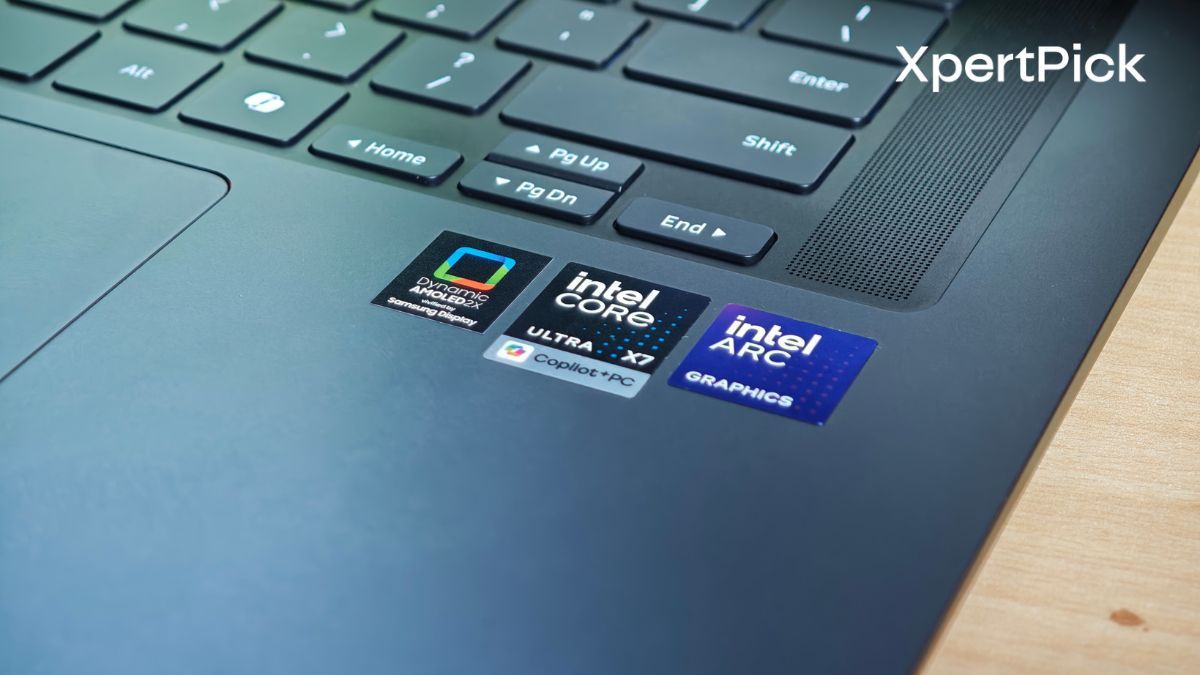
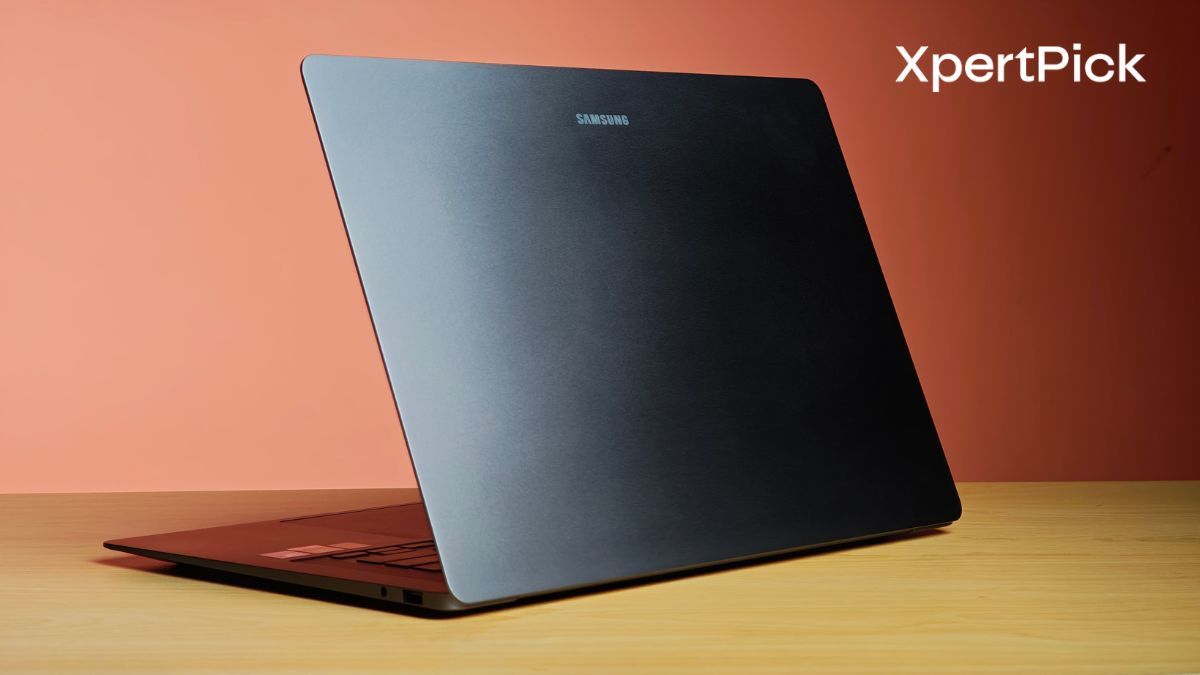
While the haptic touchpad stole the show for me, I can’t ignore what Samsung has achieved with the rest of the Galaxy Book6 Pro’s hardware. At just 1.59 kg, this 16-inch laptop is remarkably light without feeling flimsy, drastically besting the 16-inch MacBook Pro’s 2.14 kg bulk.
It’s powered by the new Intel Core Ultra X7 358H, a 16-core Panther Lake chip that delivers serious muscle. It absolutely crushed my benchmarks, scoring 2,890 in single-core and 17,108 in multi-core on Geekbench 6. But where this “X” variant of the chip really shines is the integrated Intel Arc B390 GPU. In the 3DMark Wild Life Extreme test, the Book6 Pro hit 11,536 points, more than double the 4,086 points scored by the Asus Zenbook S 14, which uses the non-X Intel Core Ultra 9 386H.
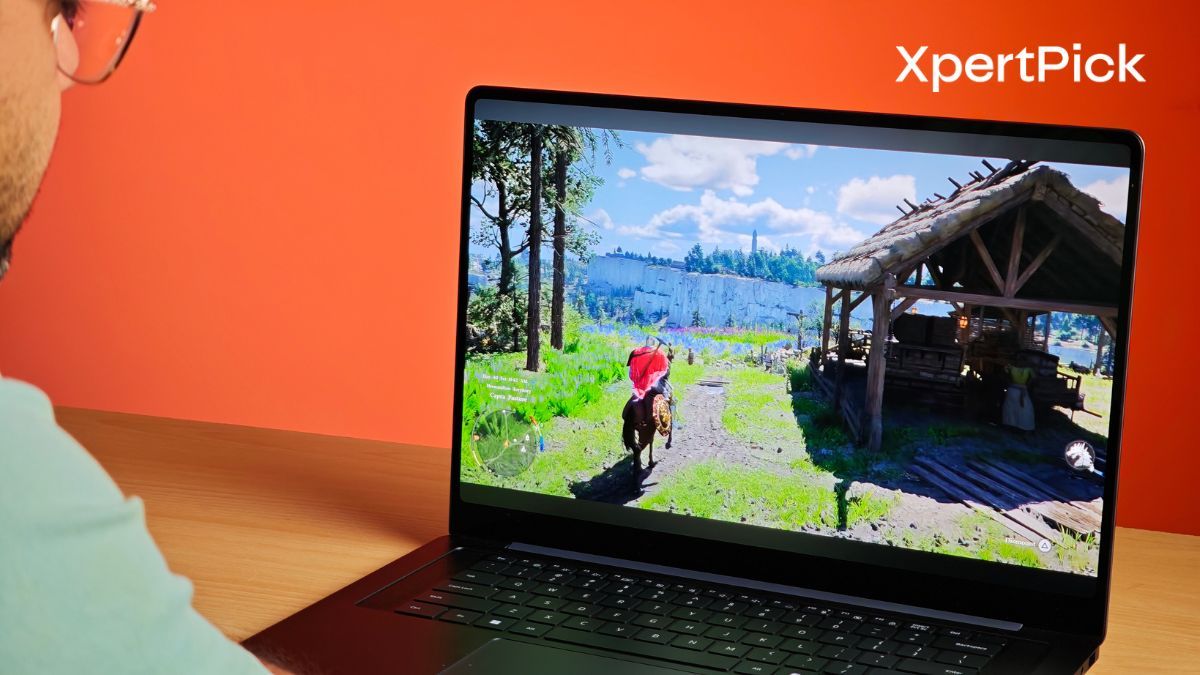
To be fair, the Zenbook S 14 does have a clear edge in battery life. Thanks to the Core Ultra 9 386H’s hyper-efficiency, it managed an impressive 667 minutes in our battery benchmarks compared to the Book6 Pro’s 469 minutes. But when you factor in the Galaxy Book6 Pro’s vastly superior GPU performance, significantly better quad-speaker audio setup, and, most importantly, that glorious haptic trackpad, the Book6 Pro emerges as the more capable, well-rounded machine for power users.
Samsung’s holistic approach here is what makes the Galaxy Book6 Pro such a standout. They didn’t just slap a Panther Lake chip onto an old motherboard and call it a day. They completely centered the keyboard (ditching the numpad) for better ergonomics, drastically improved the audio to avoid the “muffled” thin-and-light curse, kept highly practical ports like HDMI 2.1 and full-size USB-A, and gave us the haptic trackpad we’ve been begging for.
Ultimately, productivity isn’t just about how fast a processor can render a video or crunch code; it’s about how effortlessly and comfortably you can interact with the machine for eight hours a day. The Samsung Galaxy Book6 Pro nails this balance. It’s time for the rest of the Windows world to stop hyper-fixating solely on the silicon and follow suit.