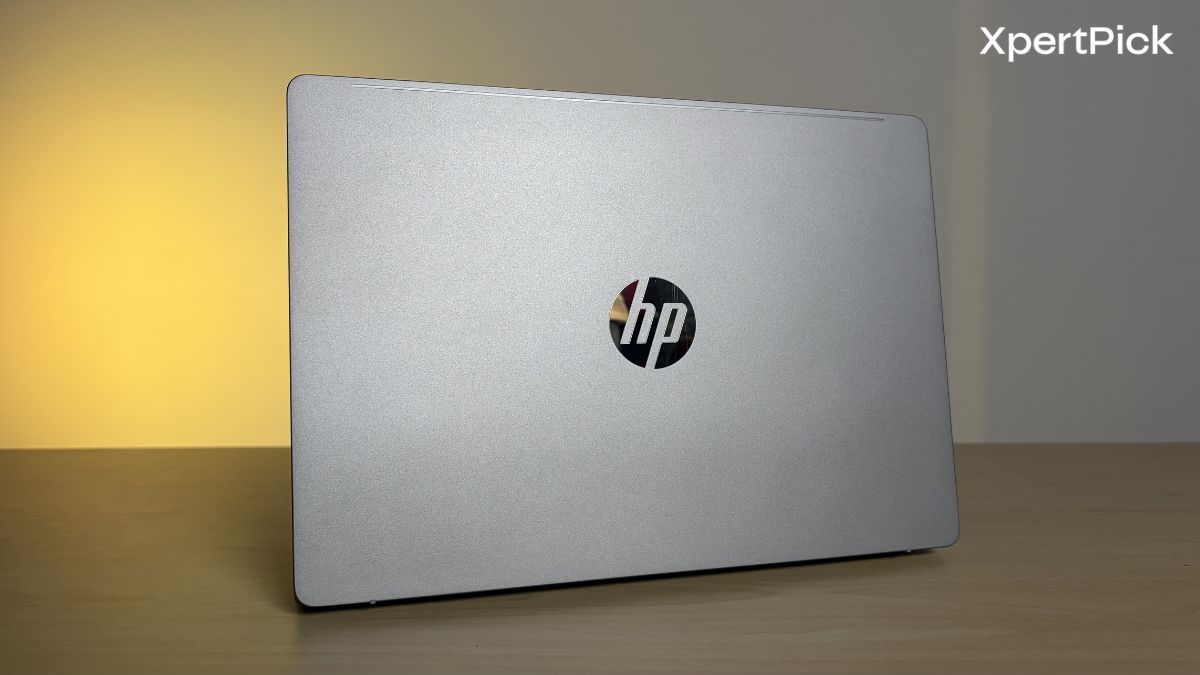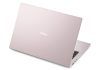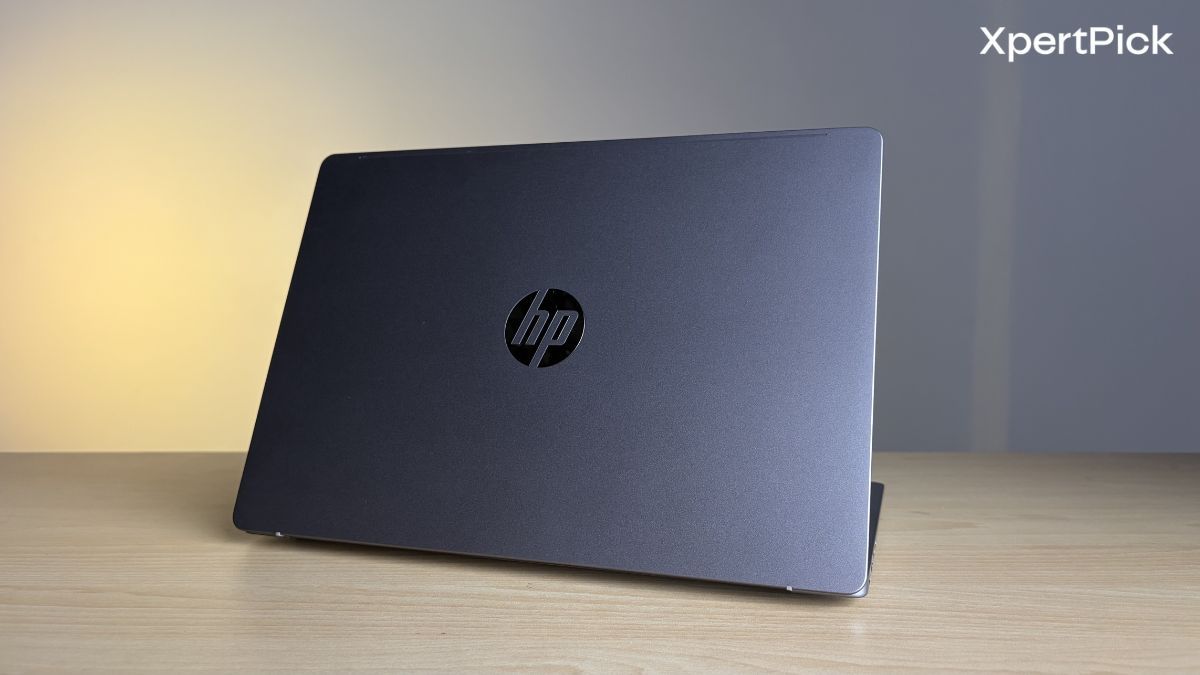
Only a few weeks ago, HP unveiled its new OmniBook 5 series laptops, positioned as its affordable premium range aimed at a broad spectrum of users. The latest addition to the lineup includes three new models powered by Intel’s latest processors. The unit I tested specifically is the HP OmniBook 5 Laptop Next Gen AI 14-hh0030TU, which is powered by the Intel Core Ultra 7 355 processor from Intel’s latest Panther Lake family.
The laptop also introduces a brand-new thin-and-light design, a redesigned port layout, new colour options, an OLED touchscreen display, and several other upgrades. So, is this the do-it-all laptop worth spending Rs 1,45,999 on? Here’s my answer.
HP OmniBook 5 Laptop Next Gen AI 14-hh0030TU Specifications
- Processor: Intel Core Ultra 7 355 (8 cores, up to 4.7GHz) with a 49 TOPS NPU
- Graphics: Integrated Intel Graphics
- Display: 14-inch 2K OLED touchscreen (1920 x 1200), 300 nits peak brightness, 100% DCI-P3 coverage
- Memory: 16GB LPDDR5x RAM (6800MT/s)
- Storage: 1TB PCIe Gen4 NVMe SSD
- Battery: 59Wh battery with 65W USB Type-C GaN fast charging
- Dimensions and Weight: 13.6mm thick, weighs 1.33kg (2.93lbs)
- Connectivity: Wi-Fi 7 and Bluetooth 6.0
- Ports: 2x Thunderbolt 4, 2x USB Type-A, 1x HDMI 2.1, 1x 3.5mm audio jack
- Audio: Dual-speaker setup with DTS:X Ultra and HP Audio Boost
- Camera: 1080p Full HD IR webcam with HDR support and dual-array microphones
HP OmniBook 5 Design, Build Quality, Keyboard, and I/O: Lightweight, Comfortable, and Surprisingly Well Connected
HP has slimmed down the chassis for the new laptop. With a thickness of 13.6mm and a weight of 1.3kg, the OmniBook 5 is built around what HP describes as its Thin Functionality philosophy. In terms of build quality upgrades, the top lid and bottom panel, or the A and D covers, are constructed from anodised aluminium. In my opinion, this reduces flex, particularly in the lid. However, the deck area still exhibits some flex.
Another addition is the tapered rear edge, which makes it easier to grip and pull the laptop out of a backpack. During daily use, this design improved handling when taking the laptop in and out of a bag.
Moreover, the lid is anchored by a new double-hinge mechanism which easily allows you to place the laptop lid firmly in any position and reduces unnecessary hinge movements.
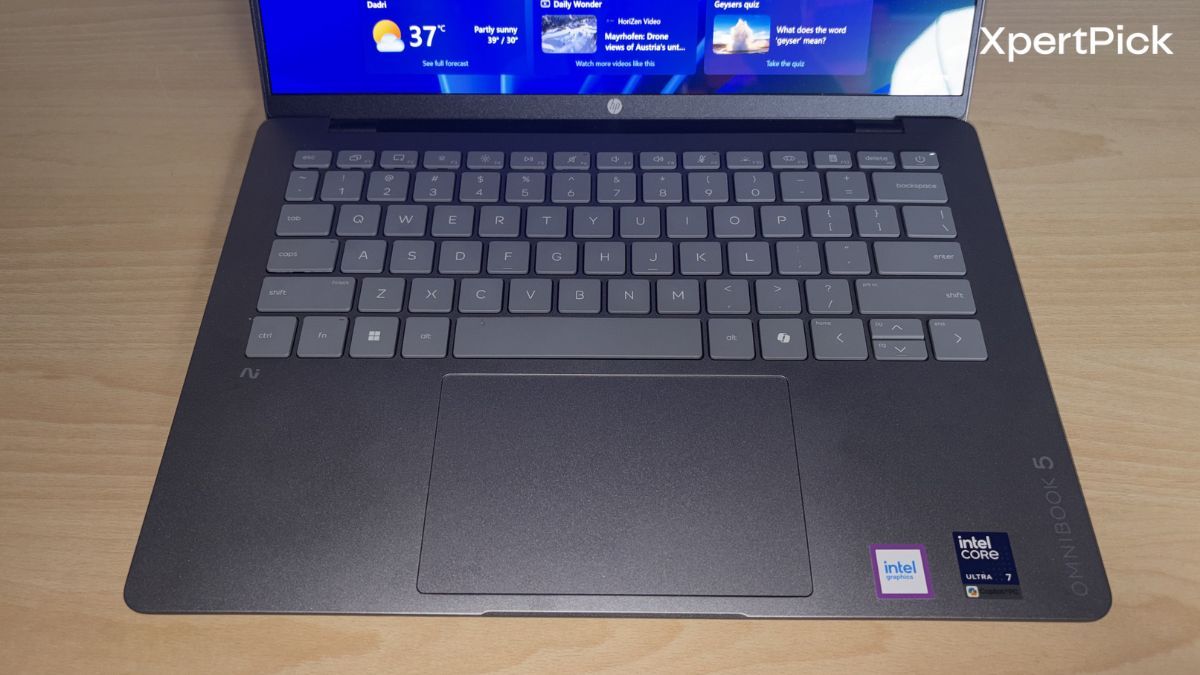
 The laptop deck also includes several practical changes. For instance, HP has integrated a physical front insert into the base, making it easier to lift the lid with a single finger. The laptop also features a raised lattice keyboard with 1.3mm of key travel. During my typing tests, the keyboard provided good feedback and remained comfortable to use for long periods.
The new trackpad is 16% larger to minimise hand repositioning, and HP has added native multi-finger smart gestures. You can now adjust the system volume and screen brightness by sliding directly on the trackpad, bypassing the function row entirely. The key layout also excludes a numpad, which makes typing more comfortable and keeps the keyboard centred.
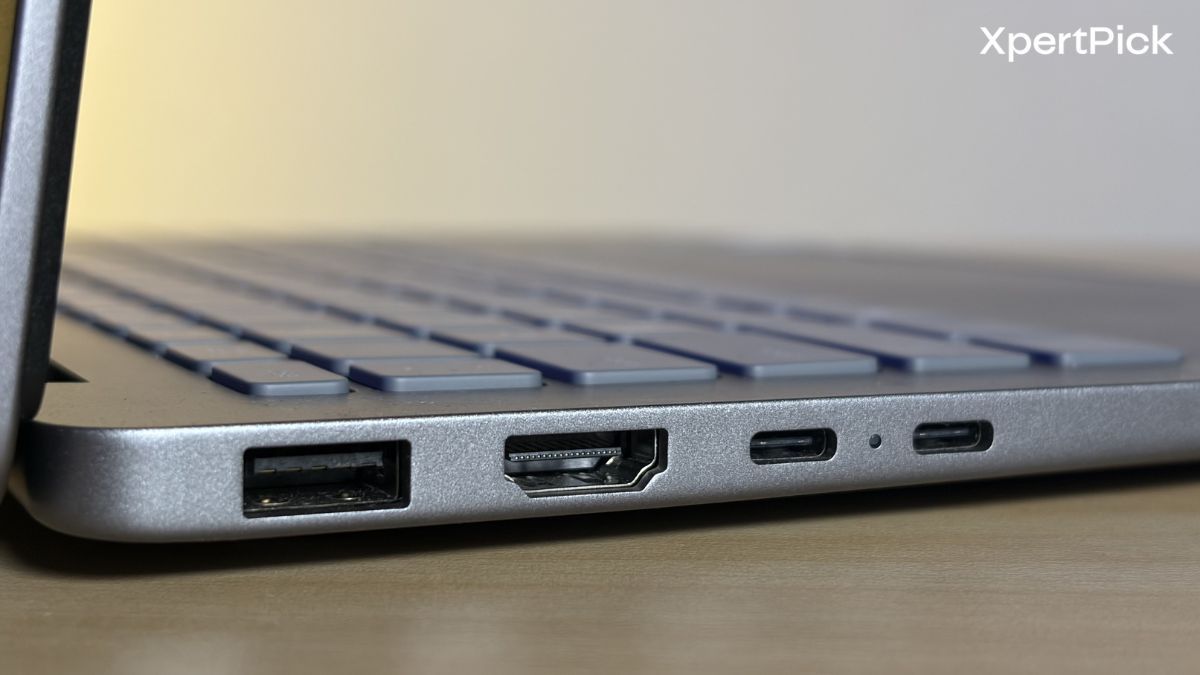
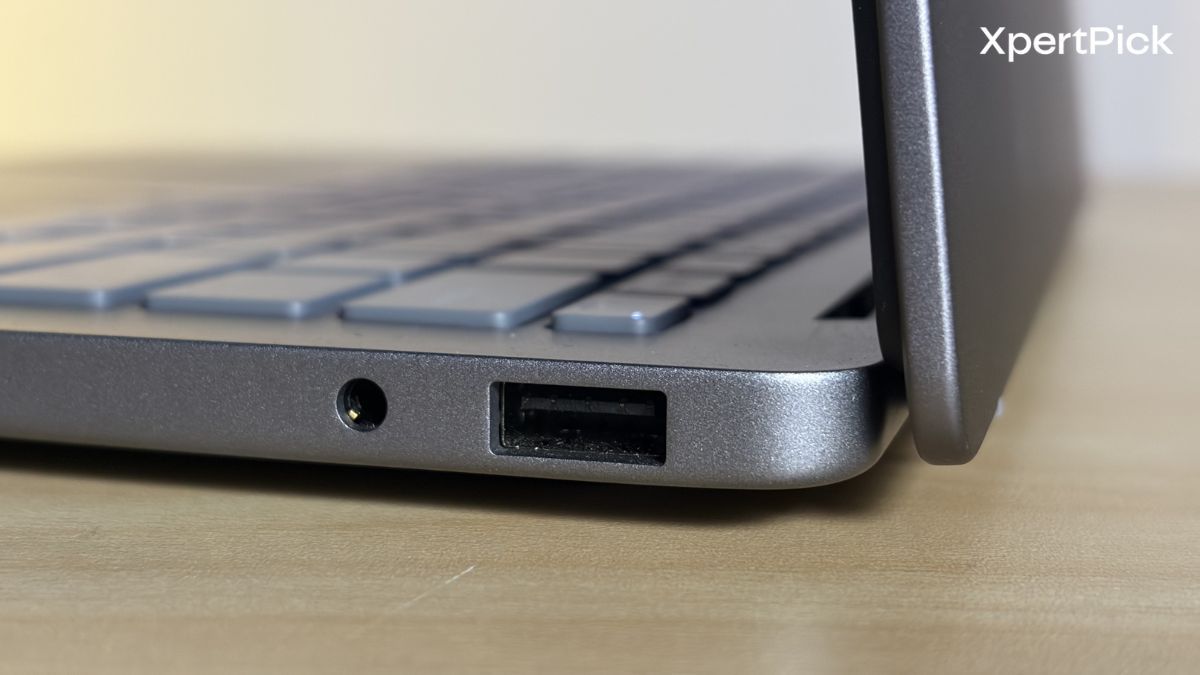
In terms of connectivity, the HP OmniBook 5 offers a practical port selection for a thin-and-light laptop. Despite its slim 13.6mm chassis, HP has retained two Thunderbolt 4 ports, a full-sized HDMI 2.1 port, two USB Type-A ports, and a 3.5mm audio jack. As a result, accessories such as flash drives, wireless mouse receivers, and external displays can be connected without the need for adapters.
HP OmniBook 5 Display and Speakers: Stunning OLED Visuals Paired With Average Audio
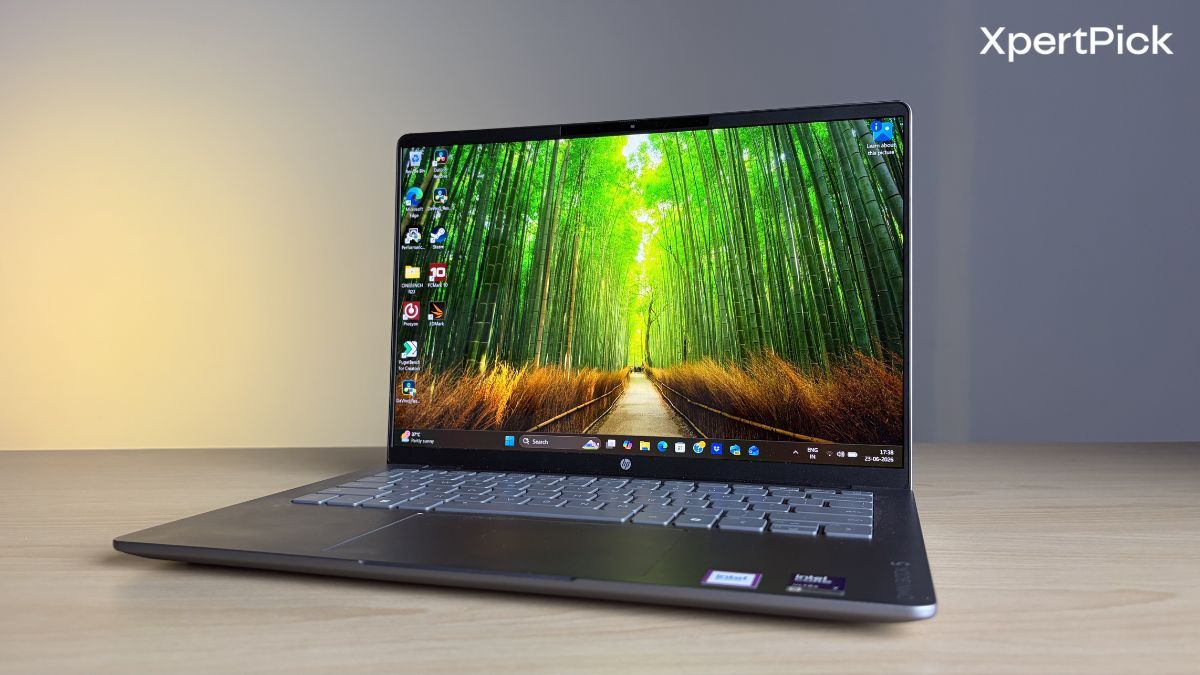
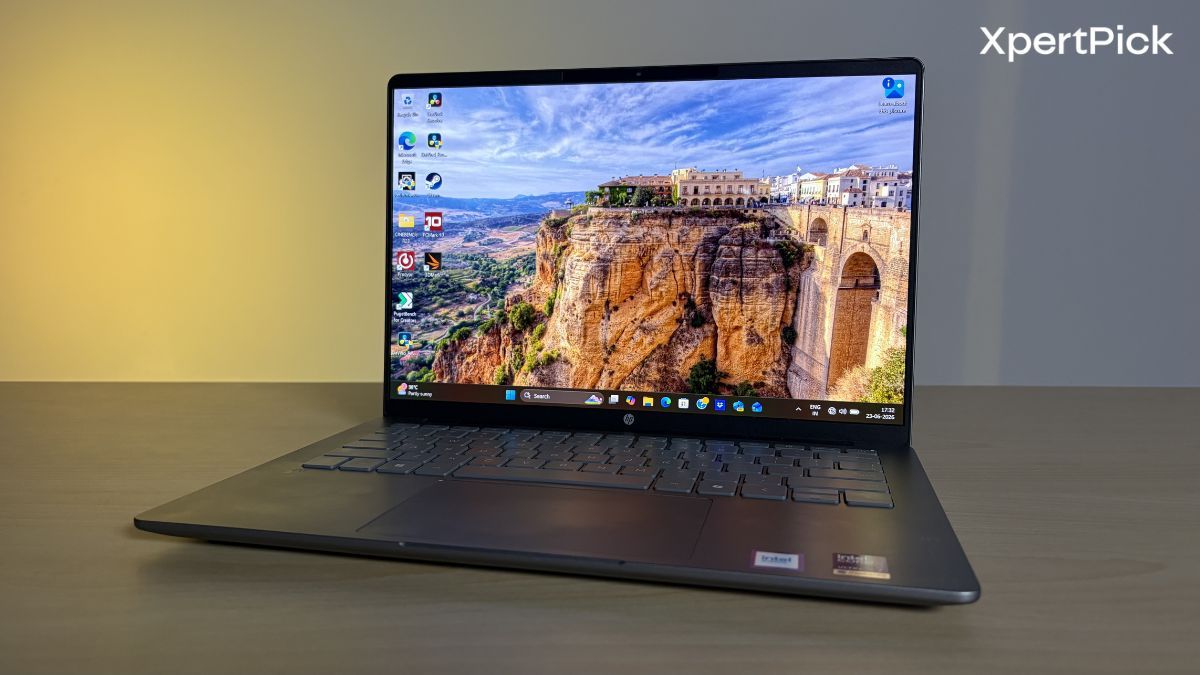
The HP OmniBook 5 delivers one of the standout displays in its class. The unit I tested features a stunning 14-inch OLED panel with a 1920 x 1200 resolution, housed within a remarkably compact chassis that achieves an impressive 91% screen-to-body ratio.
Thanks to its OLED technology, I was treated to deep, inky blacks and excellent contrast, further reinforced by the panel’s VESA True Black 1000 certification. The display also covers 100% of the DCI-P3 colour gamut, making it particularly well-suited to colour-sensitive tasks such as photo and video editing, while also enhancing everyday media consumption. In regular use, I found the 300-nit brightness to be perfectly adequate for indoor use, while HDR content looked especially impressive thanks to the panel’s ability to peak at up to 1,100 nits. It is worth noting that the Intel Core Ultra 7 variant I reviewed features a non-touch display, although HP does offer touch-enabled options in other configurations within the OmniBook 5 range.
The HP OmniBook 5’s speakers are serviceable for everyday use, delivering clear dialogue for video calls and media consumption. While Spatial Audio Tuning adds some width to the soundstage, the speakers lack bass and can sound thin at higher volumes. They’re adequate for casual listening, but headphones are still the better option for a more immersive experience.
HP OmniBook 5 Performance: Strong Single-Core Performance Meets Aggressive Power Management
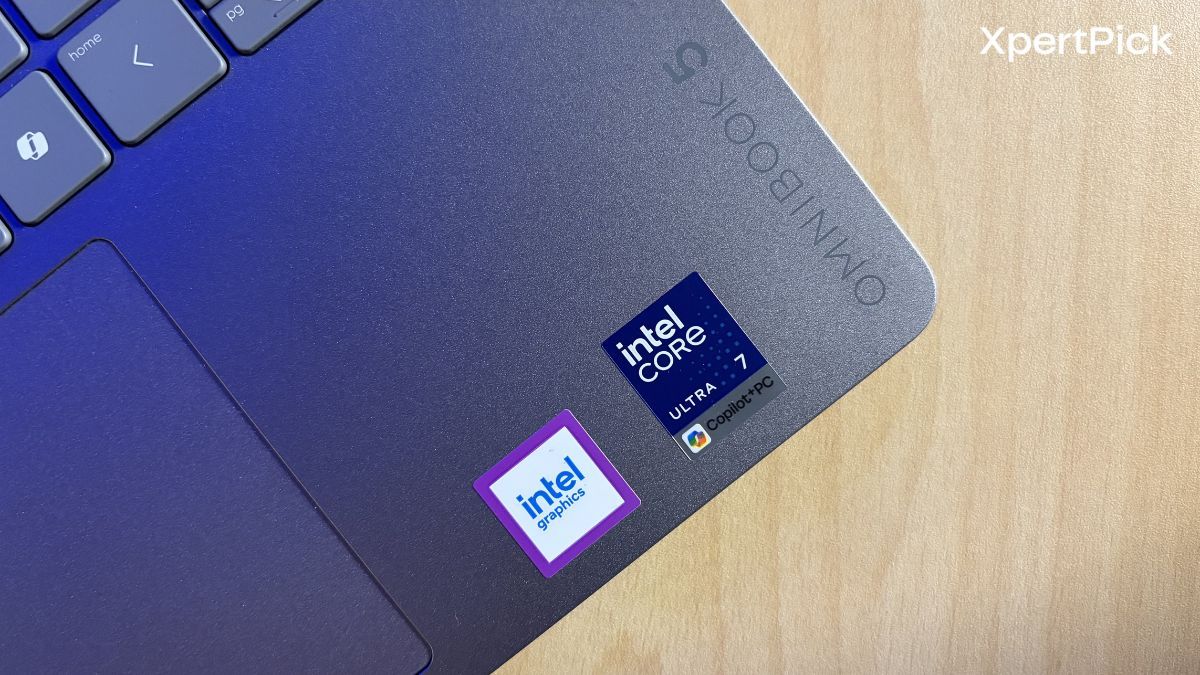
In terms of performance, the HP OmniBook 5 arguably makes its strongest impression. It is powered by the Intel Core Ultra 7 355, a new mobile processor based on Intel’s Panther Lake architecture. For context, chips carrying both the “X” and “H” designations, such as the Intel Core Ultra X7 358H, sit at the top of the Panther Lake stack.
These processors feature the latest high-performance and efficiency cores, alongside the more powerful Arc B390 GPU. Below them are the “H”-series processors, which are primarily geared towards CPU performance.
Further down the lineup are the standard Core Ultra 7 and Core Ultra 5 models without any additional branding, which still belong to the Panther Lake family but target more mainstream thin-and-light laptops.
| Workload Phase | CPU Power Consumption | Average CPU Temperature |
|---|---|---|
| Short Burst Load | 38W | 84°C |
| Sustained Load | 28W | 75°C |
| Long-Term Sustained Load | 15W | 60°C |
Now, in terms of performance, the laptop tries hard to maintain silent operation. The fans rarely become audible, even during stress tests, and the system employs a few tricks to keep noise levels in check. The most notable of these is aggressive power management. During short burst workloads, power consumption peaks at 38W, with CPU temperatures averaging 84°C. The power budget then drops to 28W, bringing temperatures down to around 75°C. Eventually, the laptop settles at a sustained 15W, at which point temperatures stabilise at a comfortable 60°C.
Needless to say, if silent operations are your prority then OmniBook 5 is already winning that particular round.
| Benchmark | HP OmniBook 5 (Intel Core Ultra 7 355) | Asus ZenBook S16 (AMD Ryzen AI 9 465) |
|---|---|---|
| Geekbench 6 Single-Core | 2,763 | 2,795 |
| Geekbench 6 Multi-Core | 11,346 | 11,895 |