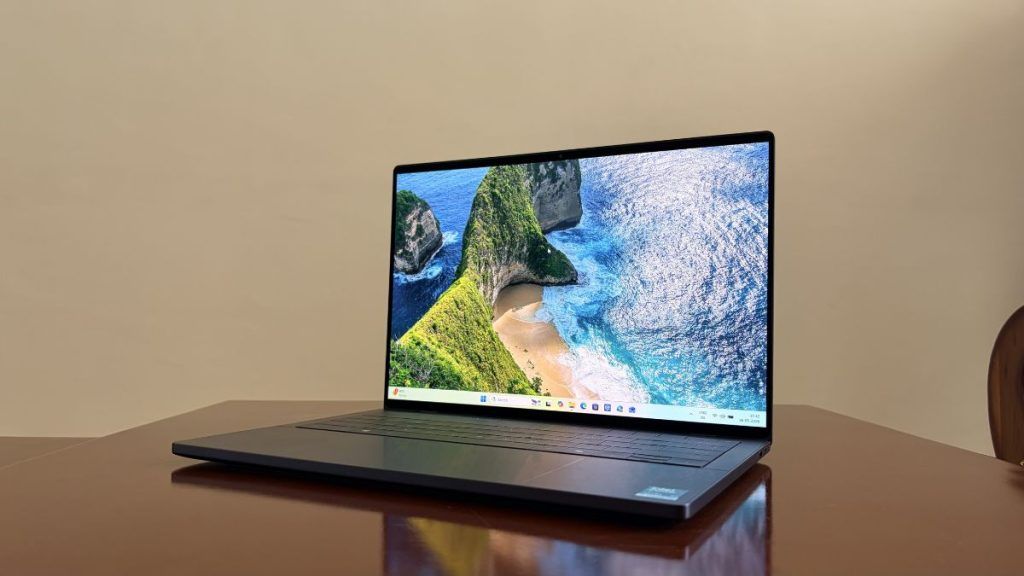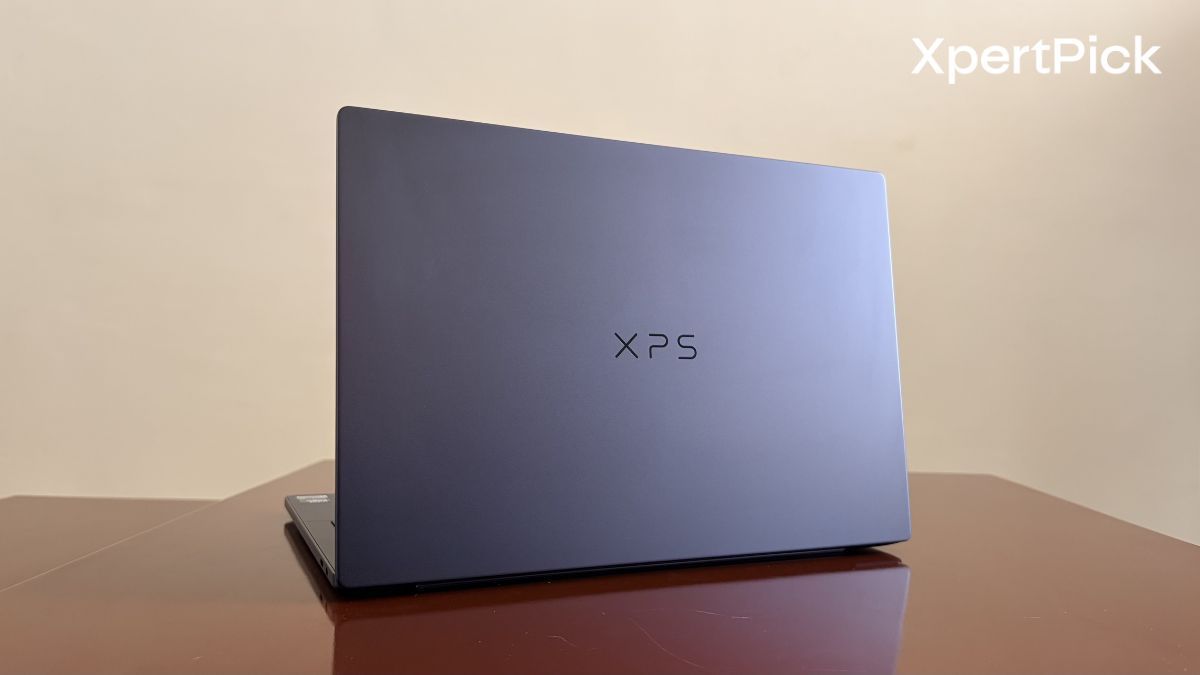
For years, the 14-inch laptop segment has been a battleground of compromises, forcing users to choose between ultra-portability and raw computing power. With the 2026 iteration of the Dell XPS 14, the brand is looking to fix those exact issues. Dell has taken the striking, futuristic design language of its modern XPS lineup and packed it with serious silicon. We are looking at the configuration equipped with the new Intel Core Ultra x7 processor, a generous 32 GB of RAM, and a 1TB SSD, a premium package that commands an equally premium price tag of ₹2,57,890.
However, that high-end pricing puts it in direct competition with formidable rivals. Having recently tested the Samsung Galaxy Book6 Pro 16-inch, which packs the exact same Core Ultra x7 CPU, 32 GB RAM, and 1TB SSD configuration for a noticeably lower ₹2,24,990, the XPS 14 has a lot of heavy lifting to do to justify its premium.
In a market crowded with iterative updates, the 2026 XPS 14 aims to be the definitive premium Windows ultrabook. But does its aggressive minimalist design and elite price tag match the formidable power lurking under the hood?
Dell XPS 14 (2026) Specifications
-
Processor: Intel Core Ultra X7 358H (16 cores, up to 4.8 GHz) with 50 TOPS NPU
-
Graphics: Integrated Intel Arc B390 Graphics
-
Display: 14-inch 2.8K (3200 x 2000) Tandem OLED with a 120Hz refresh rate
-
Memory: 32 GB RAM
-
Storage: 1 TB NVMe SSD
-
Battery: 69 Wh capacity
-
Dimensions: 14.7 mm thickness and weighs approx 1.36 kg (3.0 lbs)
-
Connectivity: Wi-Fi 7 and Bluetooth support
-
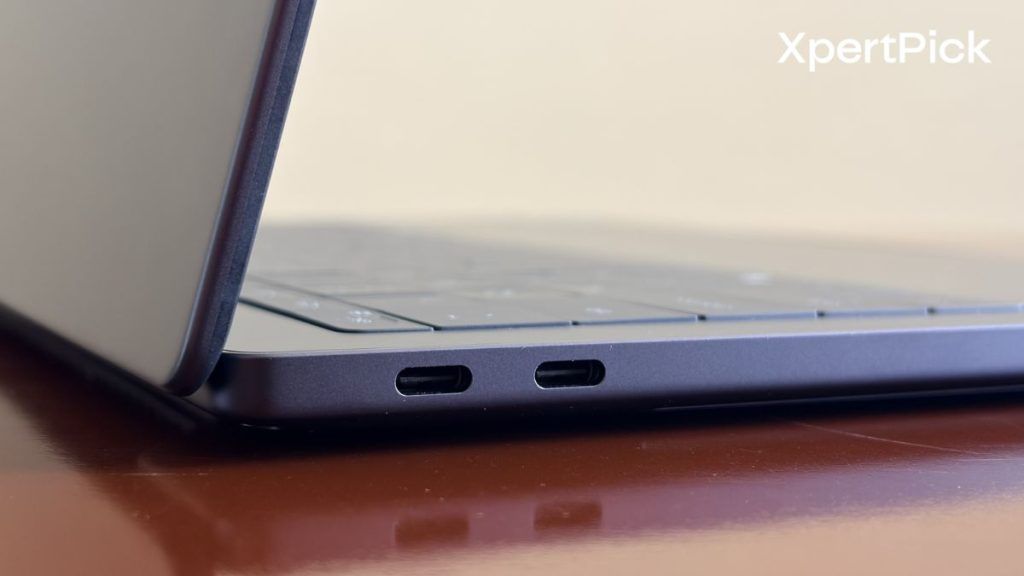
Ports: 3x USB Type-C (Thunderbolt) ports, 1x microSD card reader, 3.5mm audio jack
-
Audio: Quad-speaker array
-
Camera: 1080p FHD webcam with dual-array microphones
Design, Build Quality, I/O, and Keyboard: Unapologetically Futuristic
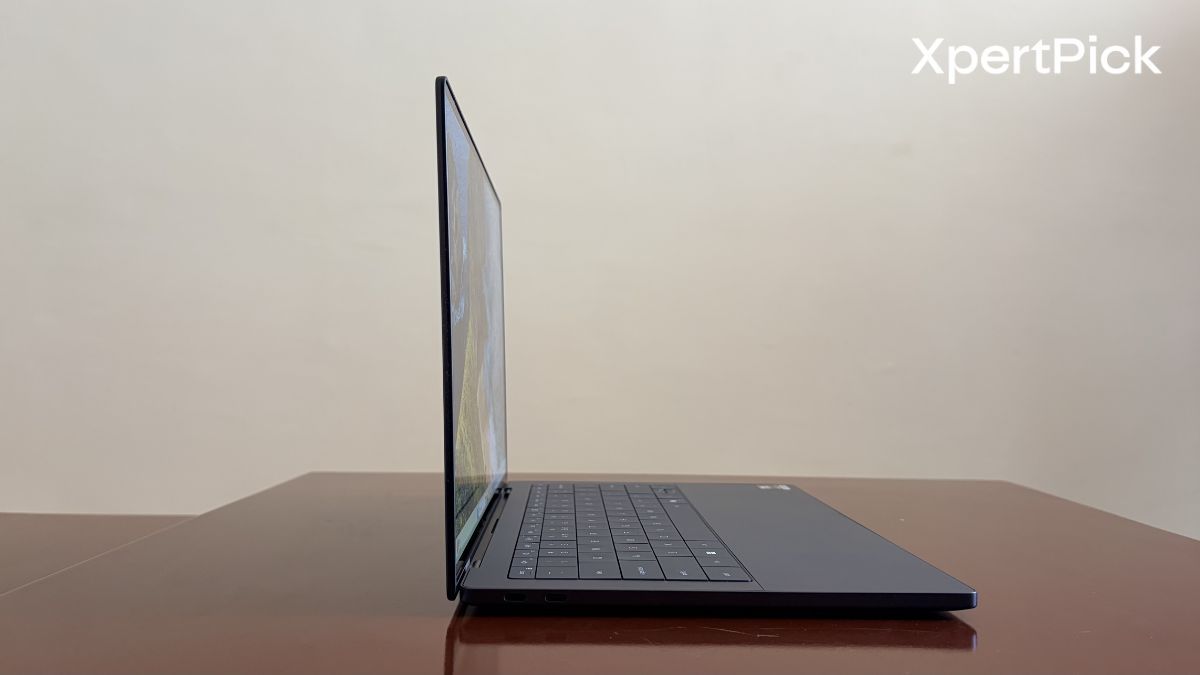
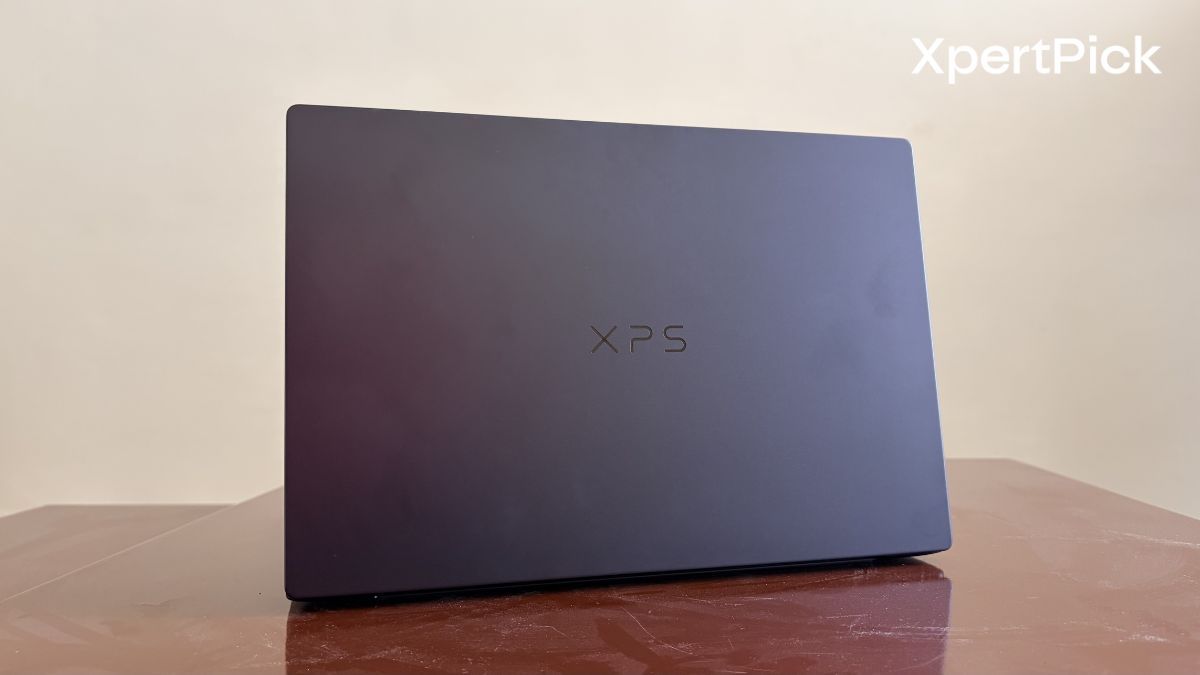
Dell continues to double down on its ultra-modern design ethos, and the results remain polarising but undeniably premium. The chassis is crafted from CNC-machined aluminium, giving it a rigid, dense feel that exhibits absolutely zero flex, whether you are holding it by the corner or pressing firmly on the centre of the lid. It feels less like an assembled piece of electronics and more like a single, sculpted slab of metal.
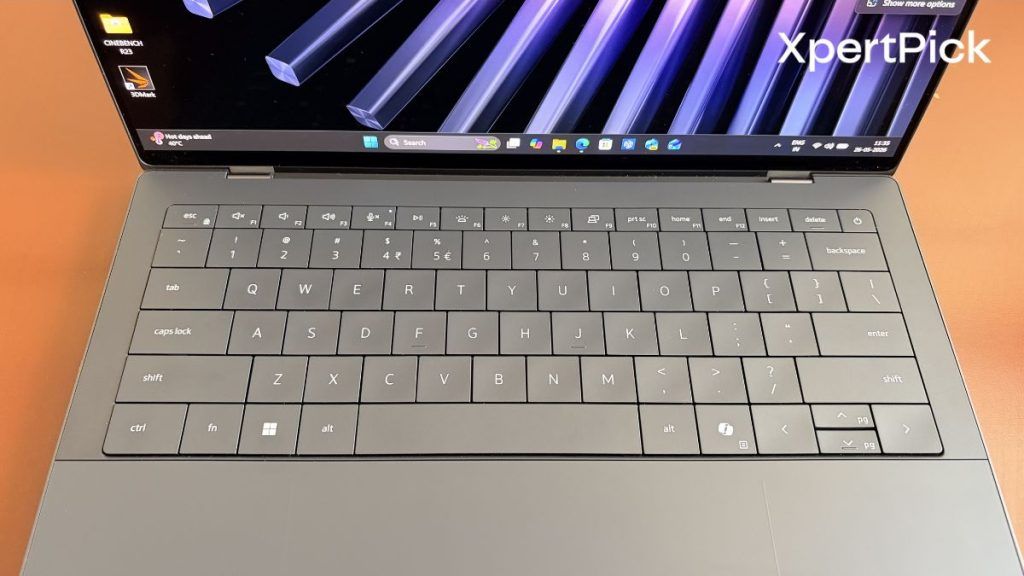
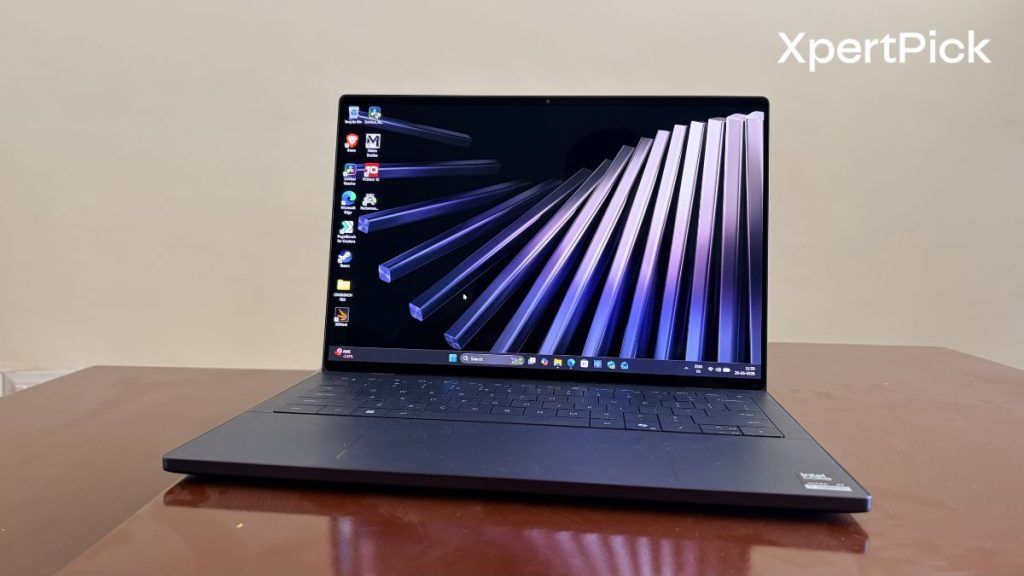
Opening the lid reveals the XPS 14’s signature party trick: the seamless glass palm rest and the invisible haptic touchpad. The haptics are brilliantly calibrated, offering precise, satisfying feedback that easily rivals the best in the industry. However, sometimes I do find it difficult to find the right click spot. So although the invisible haptic touchpad looks very minimalist, I’d still prefer a defined shape or dedicated area for it.
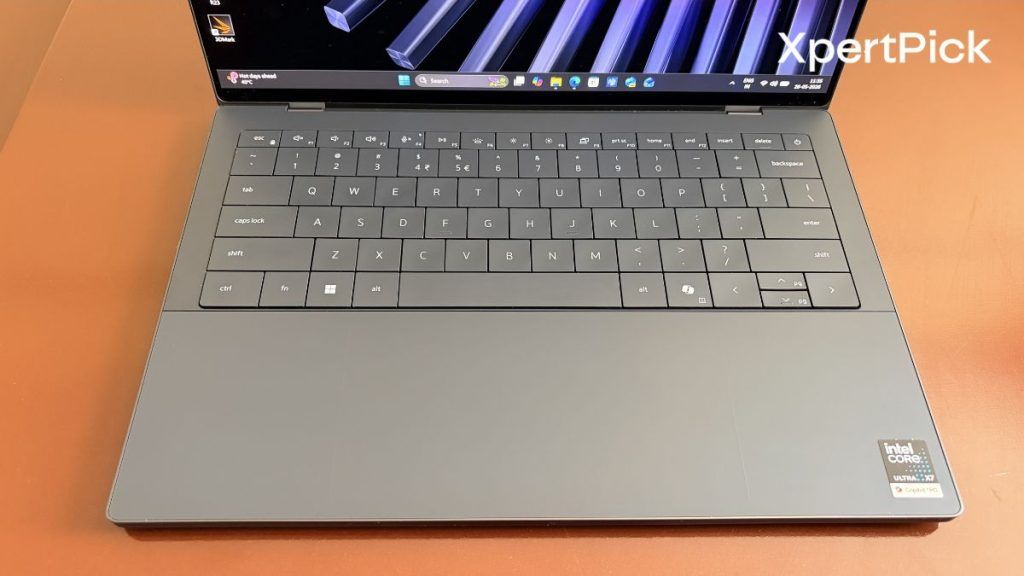
Above it sits the zero-lattice keyboard. The keycaps are massive, with practically zero spacing between them. This is also something I had to get used to a bit, because I occasionally pressed two keys at the same time while typing due to their large size. Moreover, the key travel over here is just 0.8mm, which is again not good for long typing sessions.
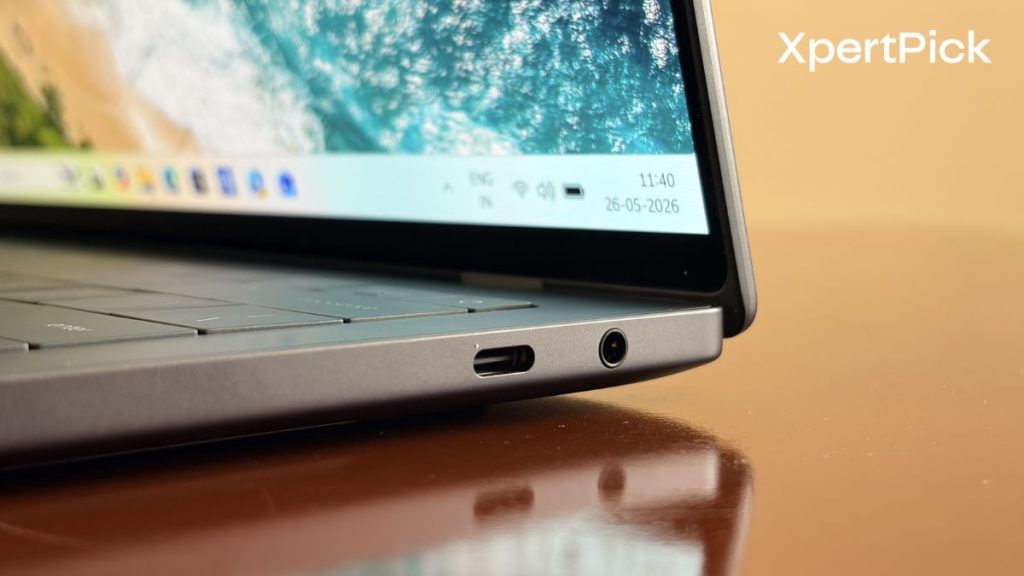
Where the minimalist approach hurts, unsurprisingly, is the I/O. Dell has fully committed to a dongle-dependent future. The laptop comes with three USB Type-C ports and a 3.5mm audio jack. While the ports are blistering fast, people relying on legacy USB-A peripherals or full-sized HDMI outputs will need to keep a hub permanently tethered to their everyday carry.
Display and Audio: An Immersive Powerhouse
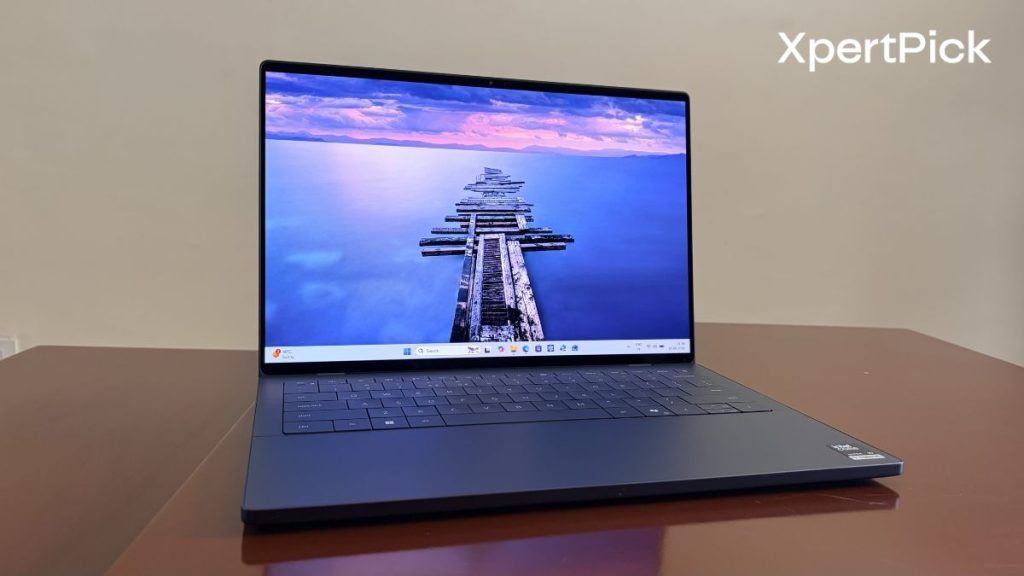
If there is one area where the XPS 14 universally commands respect, it is the audiovisual experience. The bezels are remarkably thin on the left and the right side but the chin and the top are relatively thicker.
My unit features the 2.8K (3200 x 2000) OLED panel upgrade with a smooth 120Hz refresh rate, and it is spectacular. The screen deliver a staggering 1,000,000:1 contrast ratio, pitch-black darks, and a colour gamut that covers 100% of the DCI-P3 space.
Whether I am analysing detailed photographs or just streaming HDR content, the colour accuracy and vibrancy are reference-level. Text rendering is razor-sharp, and the 440 nits of typical brightness that I measured, which can peak at 500 nits for HDR content, handles harsh overhead lighting well. Though, I found the glossy finish to be a bit reflective in direct sunlight.
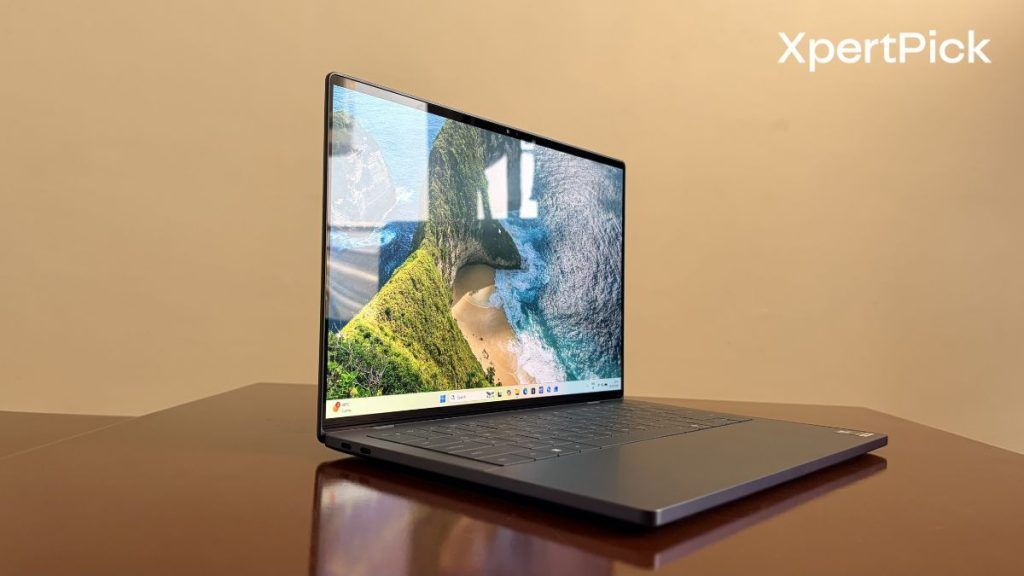
The speakers, however, are flawless. Firing from beneath the laser-cut grilles, the audio profile is exceptionally balanced. It delivers distinct highs, clear vocals, and a surprisingly punchy low-end response that rarely distorts, even at maximum volume. It easily stands as one of the best-sounding Windows laptops in the 14-inch category, eliminating the need for external speakers or headphones for casual listening.
Performance and Thermals: Sustained Performance Takes a Hit
Performance is the part that honestly left me a bit confused about this year’s Dell XPS 14. Although the laptop is powered by the same Intel Core Ultra X7 358H chip that we have seen in the Samsung Galaxy Book6 Pro 16, Dell simply is not using the chip to its full potential.
For instance, when looking at peak power consumption, the Dell XPS 14 with the X7 358H consumes just 25W. Meanwhile, the Samsung Galaxy Book6 Pro 16 consumes 45W, even though both laptops use the same chip.
Now, it’s not that the chip aggressively caps itself at 25W the moment you run any application. It is more dependent on the CPU temperature. For instance, in benchmarks that do not take long to run, like Geekbench 6, the performance difference between the Samsung Galaxy Book6 Pro 16-inch and the Dell XPS 14 is not very large.
| Benchmark (Geekbench 6) | Samsung Galaxy Book6 Pro | Dell XPS 14 | Percentage Difference |
| Single-Core Score | 2,890 | 2,704 | ~6.9% |
| Multi-Core Score | 17,108 | 16,895 | ~1.3% |
And when we take a look at some tests which run for a longer duration and stress the CPU a bit more, the game between the GPU performance of both these laptops widen. For instance, in the PassMark CPU Mark test, the Book6 Pro leads by a difference of 16.8%.
| Benchmark (PassMark) | Samsung Galaxy Book6 Pro | Dell XPS 14 | Percentage Difference |
| PassMark Overall | 10,024 | 9,450.1 | ~6.1% |
| PassMark CPU Mark | 36,600 | 31,339.3 | ~16.8% |
| Benchmark (Cinebench R23) | Samsung Galaxy Book6 Pro | Dell XPS 14 | Percentage Difference |
| Single-Core Score | 2,016 | 2,076 | ~3.0% |
| Multi-Core Score | 15,517 | 12,772 | ~21.5% |
Lastly, in benchmarks that ultimately push the CPU to its maximum computational limits, like Cinebench R23, we can see the performance difference widen even further.
And it is not just the CPU that is constrained due to the lack of power, but also the GPU. In the 3DMark Wildlife stress test, the Dell XPS 14 scores around 18.7% lower and, in return, delivers even lower frame rate stability at 17.4%.
| Benchmark (3DMark) | Samsung Galaxy Book6 Pro | Dell XPS 14 | Percentage Difference |
| 3DMark Highest Loop | 11,536 | 11,302 | ~2.1% |
| 3DMark Lowest Loop | 10,431 | 8,787 | ~18.7% |
| Frame Rate Stability | 90.4 | 77 | ~17.4% |
As a result, if you’re planning to handle creative workloads like video editing, then the Samsung Galaxy Book6 Pro once again proves to be the better option, as it scored around 25% higher in the DaVinci Resolve PugetBench test.
| Benchmark | Samsung Galaxy Book6 Pro | Dell XPS 14 | Percentage Difference |
| Puget Bench (DaVinci/Adobe) | 39,374 | 31,282 | ~25.9% (Samsung lead) |
Battery Life and Endurance: Better than the competition
The Dell XPS 14 comes in a number of variants. The one I have features a 14-inch 3K tandem OLED display and an Intel Core Ultra X7 358H CPU. What’s really interesting is that it comes with the same 70Wh battery as the Dell XPS 16.
So, in our test involving mixed office workloads, browsing, and streaming with the laptop in Performance mode and adaptive brightness turned off, the Dell XPS 14 delivered a runtime of 12 hours and 29 minutes.
It is definitely more than what the Samsung Galaxy Book6 Pro scored in our regular usage test, which was 10 hours and 45 minutes. All of this comes down to a number of factors. The first is obviously the smaller display, and the second is the severe power restriction on the Intel Core Ultra X7 CPU, which essentially cuts power consumption by around half.
Verdict: A Premium Laptop With Strangled Performance